|
VOOZH | about |
|
VOOZH | about |
Integrating ESLint and Prettier is important to maintaining consistent code quality and style across a Vite project. Prettier ensures uniform code formatting, while ESLint assists in locating and resolving possible coding errors. Along with various methods and folder structures, this article will walk you through setting up ESLint and Prettier in a Vite project.
To manually set up ESLint and Prettier in a Vite project, follow these steps:
npm create vite@latest my-vite-app --template react
cd my-vite-app
npm install
npm install eslint prettier eslint-config-prettier eslint-plugin-prettier --save-devCreate an .eslintrc.json file in the root directory:
Create a .prettierrc file:
{
 "singleQuote": true,
 "semi": false
}
"scripts": {
 "lint": "eslint . --ext .js,.jsx,.ts,.tsx",
 "format": "prettier --write ."
}
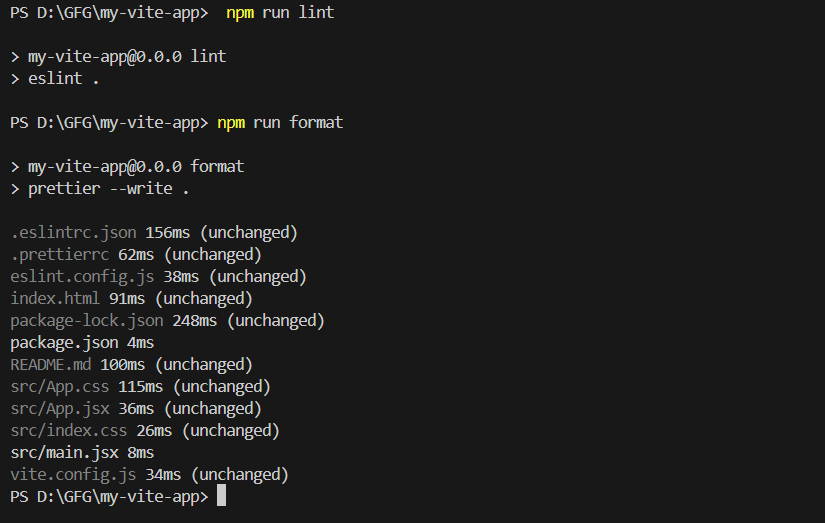
When you run:
npm run lint
npm run format
Output: ESLint will display any linting issues, while Prettier will automatically format the code according to the specified rules.