|
VOOZH | about |
|
VOOZH | about |
To switch between multiple CSS stylesheets using JavaScript, the href attribute of the <link> element can be changed dynamically in the HTML document that links to the stylesheets.
<link id="theme" rel="stylesheet" type="text/css" href="light.css" />
The "href" attribute specifies the file location of the CSS file. By altering this tag, we can add new CSS to the website. The implementation can be done using any of the following methods.
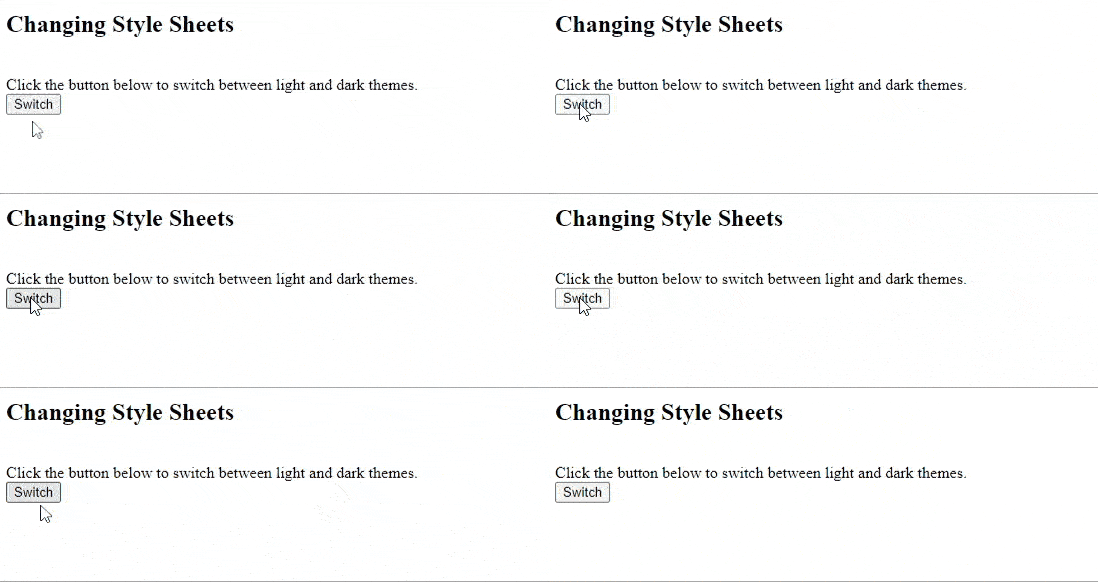
Example 1: When you want to make a switch or toggle button, to toggle the CSS. It switches between the values depending upon the currently active value.
Output:
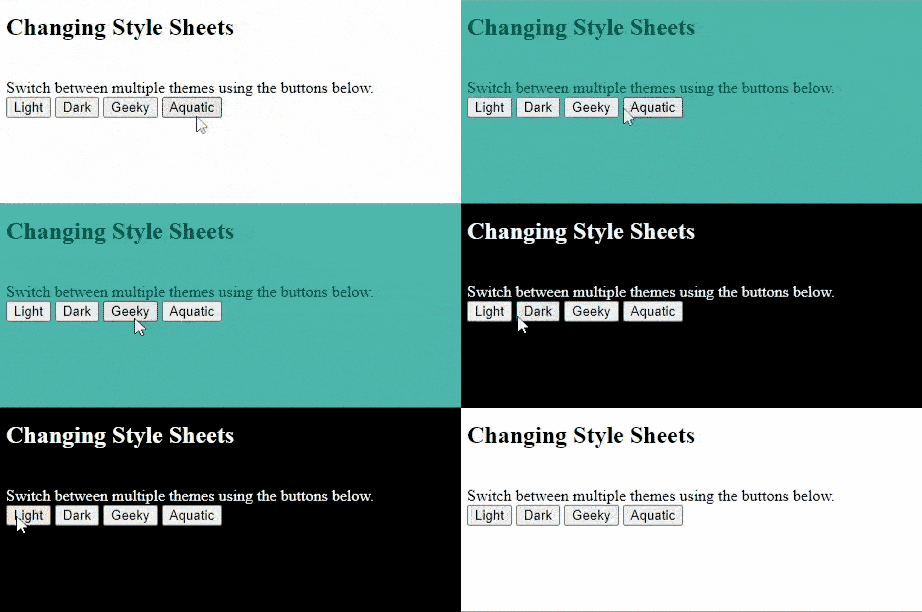
Example 2: When you want to select from multiple style sheets. The value for the "href" attribute is passed to the function call itself.
Prerequisite: Prepare all the style sheets in a folder.
Output:
Note: The corresponding CSS files with required names should be available and the path to them should be passed using the function. The files specified here are placed in the same folder of the HTML file so that the path resembles 'light.css'.