|
VOOZH | about |
|
VOOZH | about |
Using javascript:void(0) in combination with the onClick attribute is a technique used in HTML to create links or clickable elements that perform actions without navigating away from the page. This is common when you want to attach a JavaScript function or event handler to a clickable element but prevent the default behavior of links (such as following an href).
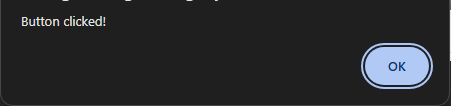
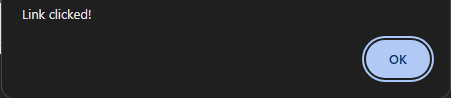
javascript:void(0) is an expression that evaluates to undefined and effectively does nothing. It is used to prevent the default action of the link (<a> element) when clicked.onClick is an HTML attribute that allows you to attach a JavaScript event handler to an element, so a function or block of code is executed when the element is clicked.javascript:void(0) with onClickOutput:
<a href="javascript:void(0)">:href="javascript:void(0)" ensures that clicking the link does not trigger navigation or reload the page.onclick="alert('Link clicked!')" runs a JavaScript function or code when the link is clicked.onclick Attribute on Button:onclick attribute, as demonstrated with the <button> element.javascript:void(0):<a> tags from following a URL when clicked, allowing you to handle the click event with JavaScript instead.Instead of using javascript:void(0), you can use # as the href attribute to create a "dummy" link. However, this may cause the page to scroll to the top, so you need to prevent the default behavior explicitly:
Output:
event.preventDefault() prevents the default action (in this case, navigating to the top of the page).javascript:void(0) is used to prevent navigation or reloads for clickable elements like links.onclick attaches a JavaScript function or code that runs when the element is clicked.