VOOZH about

URL: https://www.geeksforgeeks.org/javascript/how-to-use-matrices-for-transformations-in-webgl/

⇱ How to Use Matrices for Transformations in WebGL? - GeeksforGeeks


  • Courses
  • Tutorials
  • Interview Prep

How to Use Matrices for Transformations in WebGL?

Last Updated : 21 Aug, 2024

Matrices in WebGL are essential for performing geometric transformations, such as translation, rotation, and scaling, on objects. They enable you to manipulate the position, orientation, and size of objects within a scene by applying linear transformations through matrix multiplication. Understanding how to use and combine these matrices is important for creating dynamic and interactive graphics.

These are the following approaches:

Manually Computing Transformation Matrices

  • Select the canvas element and get the WebGL context (gl). Check if WebGL is supported; log an error if not.
  • Vertex Shader: Determines vertex positions using a transformation matrix (u_matrix).
  • Fragment Shader: Sets the color of each pixel (u_color). Compile vertex and fragment shaders.
  • Create a WebGL program by attaching and linking these shaders. Define vertices for a square and store them in a Float32Array.
  • Create and bind a buffer, then upload the vertex data. Retrieve locations for a_position, u_matrix, and u_color in the shader program.
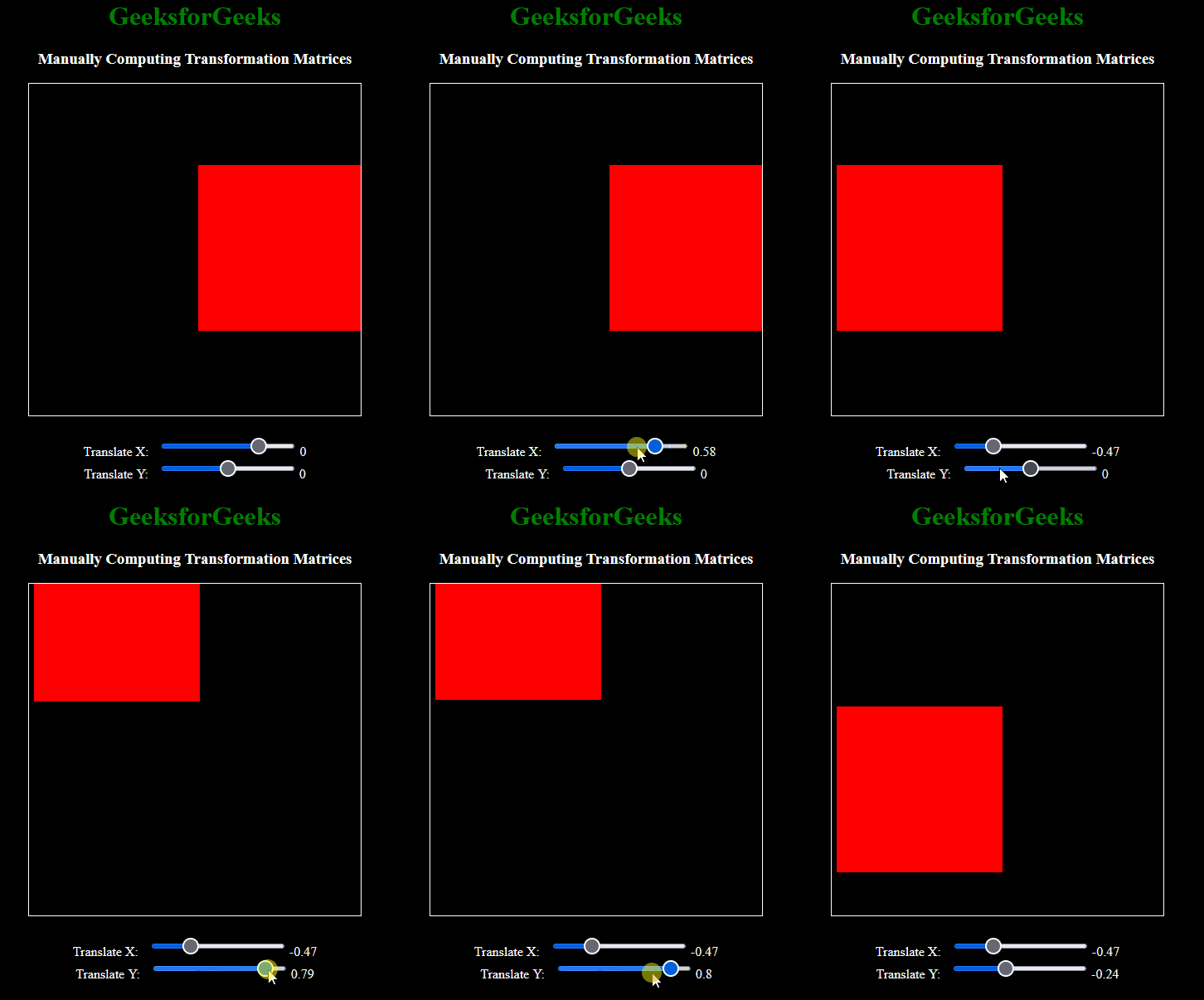
  • Set the color (u_color) and configure vertex attributes. Create a transformation matrix using translateX and translateY values.
  • Send the matrix to the shader and redraw the square. Call updateMatrix to draw the square initially.
  • Add event listeners to update the matrix and redraw the square when translateX or translateY values change.

Example: The below example performs Manually Computing Transformation Matrices.

Output:

👁 1
Output

Using gl-matrix for Complex Transformations

  • Get the canvas and WebGL context (gl). Check if WebGL is supported. Vertex shader determines vertex positions using a transformation matrix (u_matrix).
  • Fragment shader sets pixel color using a uniform value (u_color). Compile vertex and fragment shaders.
  • Create and link a WebGL program. Define square vertices using two triangles. Create a buffer for vertex data and upload it.
  • Retrieve locations for attributes (a_position) and uniforms (u_matrix, u_color).
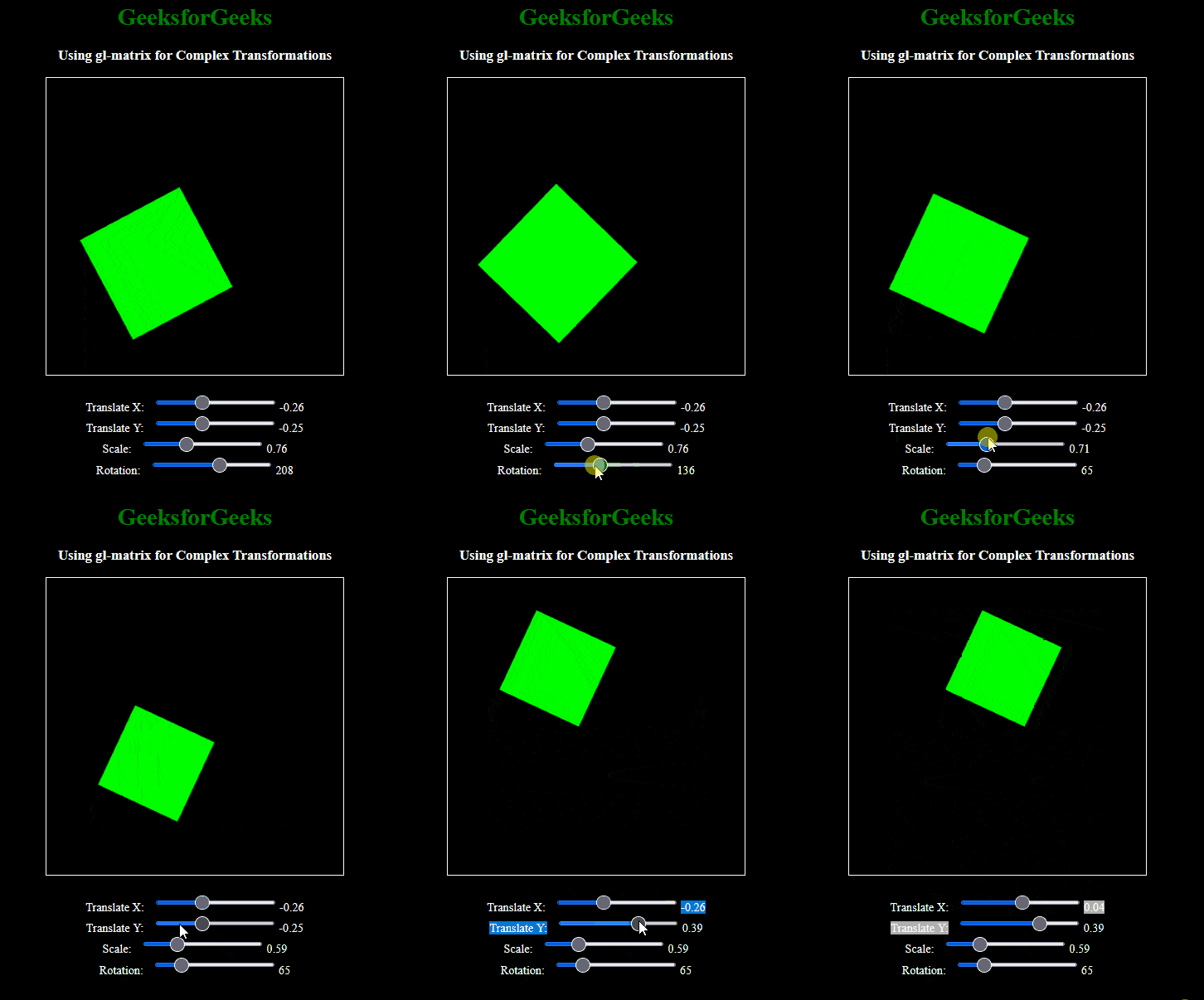
  • Set the color uniform to green. Get translation, scale, and rotation values from user inputs.
  • Create and apply transformations to the matrix. Update the matrix uniform in the shader and redraw the square.
  • Call updateMatrix to draw the square initially. Add event listeners to update the matrix and redraw the scene when user inputs change.

Example: The below example uses gl-matrix for Complex Transformations.

Output:

👁 2
Output
Comment
Article Tags: