|
VOOZH | about |
|
VOOZH | about |
This guide will provide details on how to create a Docker container with a new React project integrated with Vite. When combined, with Vite’s short build times and Docker’s ability to create a consistent and reproducible environment, you can quickly achieve developmental parity with the production environment. This also makes it easy to deploy your project to different environments with fewer complications.
First of all, let us make a simple React application with the help of Vite. This step should however be done before running the Docker software.
Step 1: Open your terminal, navigate to the directory where you want your project, and run the following command to create a new Vite React project
npm create vite@latest my-react-app -- --template reactNote: Here replace ‘my-react-app’ with the name of your project. You can replace it with the name that you will be comfortable with.
Step 2: Navigate into your project directory
cd my-react-appStep 3: Install the required dependencies by running the following command
npm installStep 4: Now, test if the Vite app runs properly by executing the following command
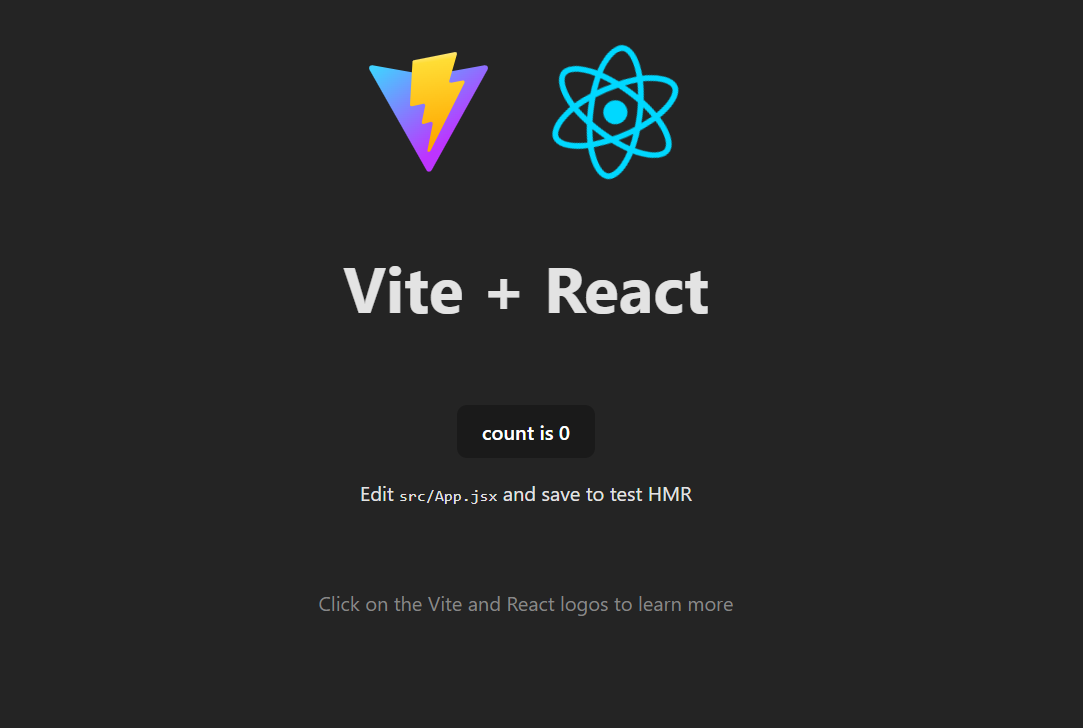
npm run devStep 5: Open your browser and go to http://localhost:5173. You should see Vite's default React welcome page.
Step 6: Creating a Simple Website
Step 7: Now, run the development server again
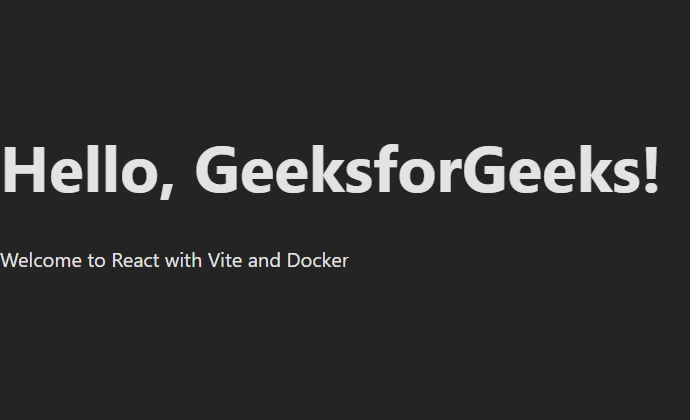
npm run devStep 8: Open your browser and go to http://localhost:5173. You should see the text: "Hello, GeeksforGeeks! Welcome to React with Vite and Docker."
Step 9: Dockerfile Configuration
# Use the official Node.js image
FROM node:16-alpine

# Set the working directory inside the container
WORKDIR /app

# Copy package.json and package-lock.json
COPY package*.json ./

# Install dependencies
RUN npm install

# Copy the rest of the application files
COPY . .

# Expose the application port
EXPOSE 5173

# Start the application using Vite's development server
CMD ["npm", "run", "dev"]
Step 10: Docker Compose Configuration
version: '3'
services:
 react-app:
 build: .
 ports:
 - "5173:5173"
 volumes:
 - .:/app
 - /app/node_modules
 stdin_open: true
 tty: true
Step 11: Vite Configuration
{
 "scripts": {
 "dev": "vite",
 "build": "vite build",
 "preview": "vite preview"
 },
 "dependencies": {
 "react": "^17.0.2",
 "react-dom": "^17.0.2"
 },
 "devDependencies": {
 "vite": "^2.5.0"
 }
}
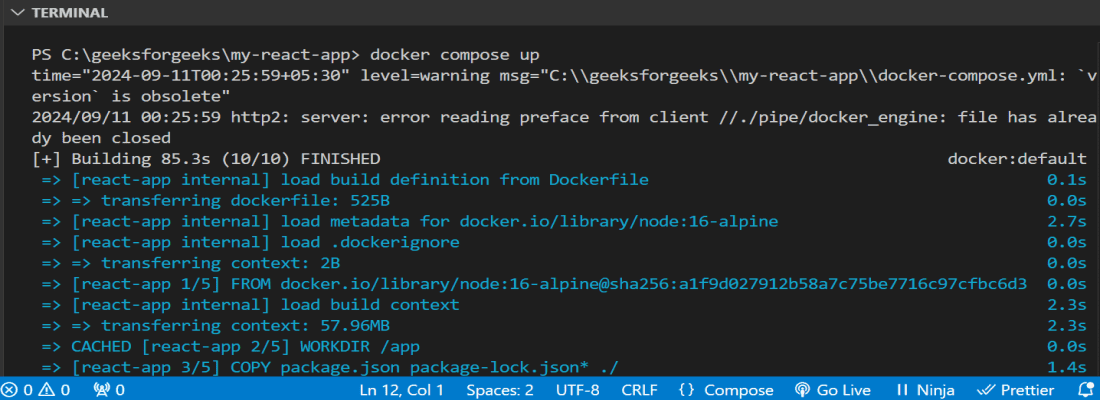
Step 12: Running the Application
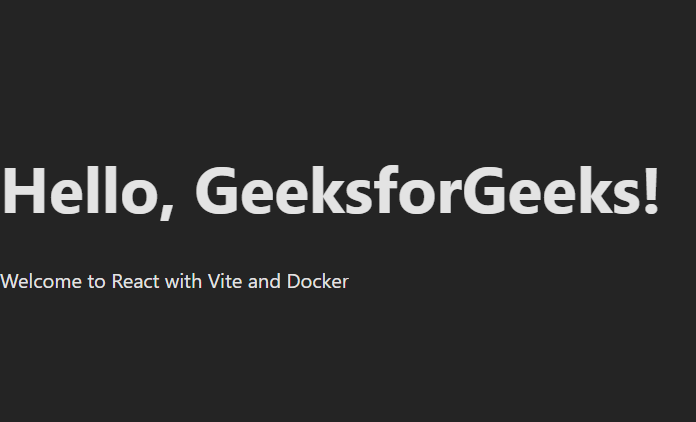
docker-compose upHello, GeeksforGeeks! Welcome to React with Vite and DockerOutput:
When using Vite together with Docker, one gets a fast and effective environment for development, which is easily replicable. The containerized setup also help in having similar machines throughout ensuring that deployments are ideal and no problems are encountered due to differences between dev and production.