|
VOOZH | about |
|
VOOZH | about |
Shaders in WebGL are small programs that run on the GPU to control the rendering pipeline. They allow you to manipulate the appearance and position of shapes on the screen. In this example, we use vertex and fragment shaders to apply a uniform color to a shape, making it possible to change the shape's color interactively. The color is set using a uniform variable in the fragment shader, which can be updated in real-time based on user input.
These are the following ways to Use Shaders to Apply Color in WebGL:
Table of Content
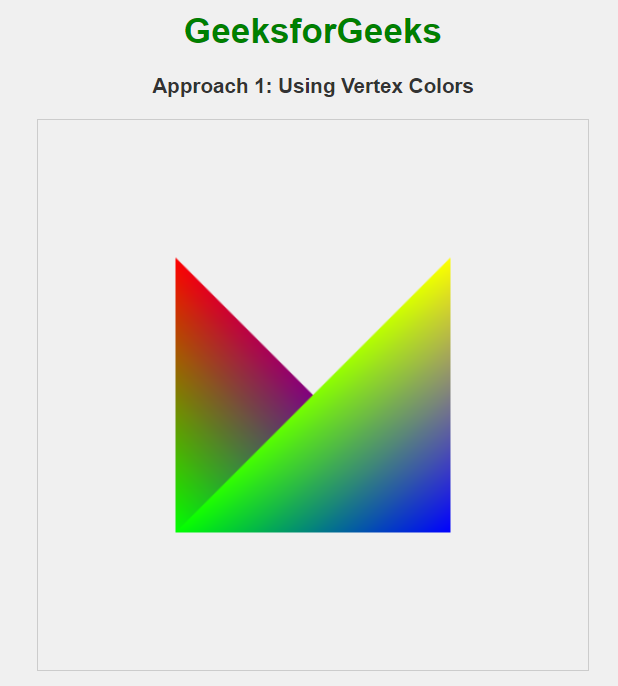
In this approach, we are using vertex colors to color the vertices of a shape in WebGL. The vertex shader passes the color information to the fragment shader, which then uses it to color each pixel of the shape. This method allows for per-vertex color customization and is useful for creating gradient effects and multi-colored shapes.
Example: The below example uses Vertex Colors to Use Shaders to Apply Color in WebGL.
Output:
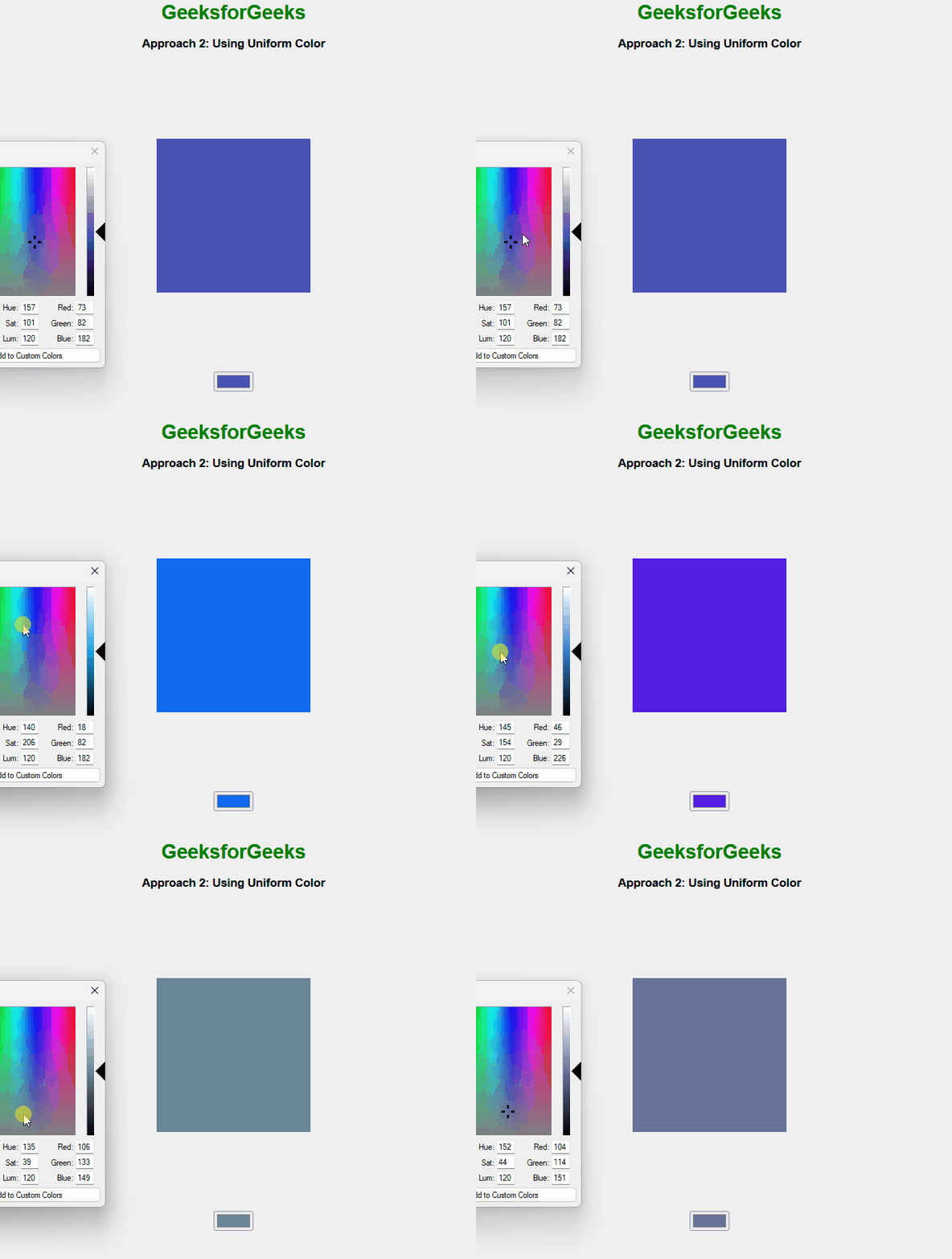
In this approach, we use WebGL shaders to apply a uniform color to the entire shape. The vertex shader positions the vertices, and the fragment shader sets a single color for all fragments using a uniform variable. An HTML color input allows users to interactively change the color in real-time, with the updated color being passed to the fragment shader as a uniform variable.
Example: The below example uses Uniform Color to Use Shaders to Apply Color in WebGL
Output:
In this approach, WebGL is used to draw a square with colors applied to each vertex using shaders. The colors are defined dynamically by the user through color input controls, and the scene is updated in real-time as the user interacts with the inputs, showing how shaders handle color interpolation across the vertices.
Example: The below example drawing using the color in WebGL.
Output: