|
VOOZH | about |
|
VOOZH | about |
MEAN Stack is one of the most popular Technology Stack. It is used to develop a Full Stack Web Application. Although it is a Stack of different technologies, all of these are based on JavaScript language.
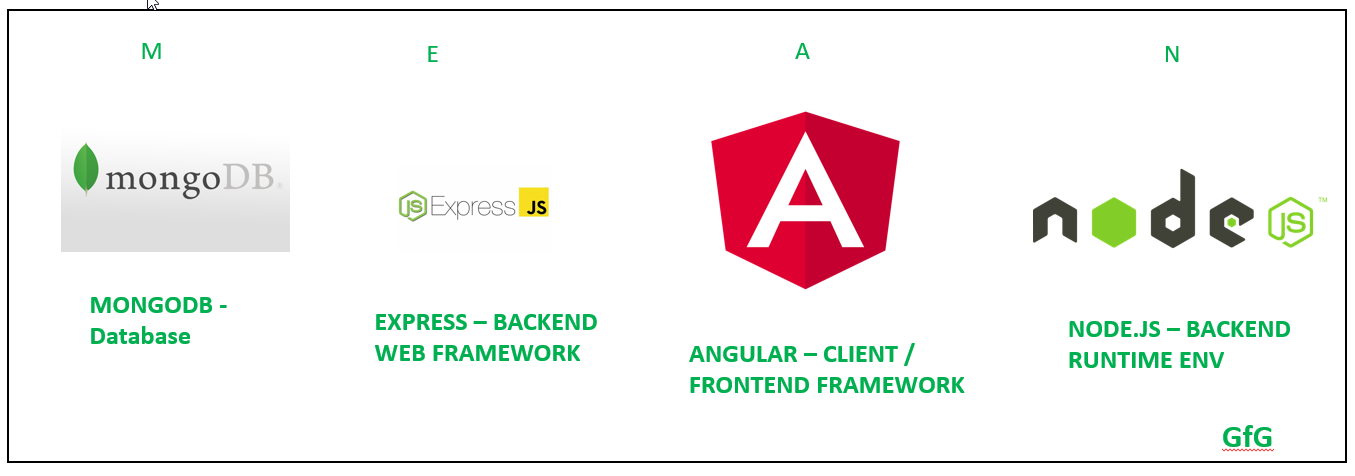
MEAN Stands for:
This stack leads to faster development as well as the deployment of the Web Application. Angular is Frontend Development Framework whereas Node.js, Express, and MongoDB are used for Backend development as shown in the below figure.
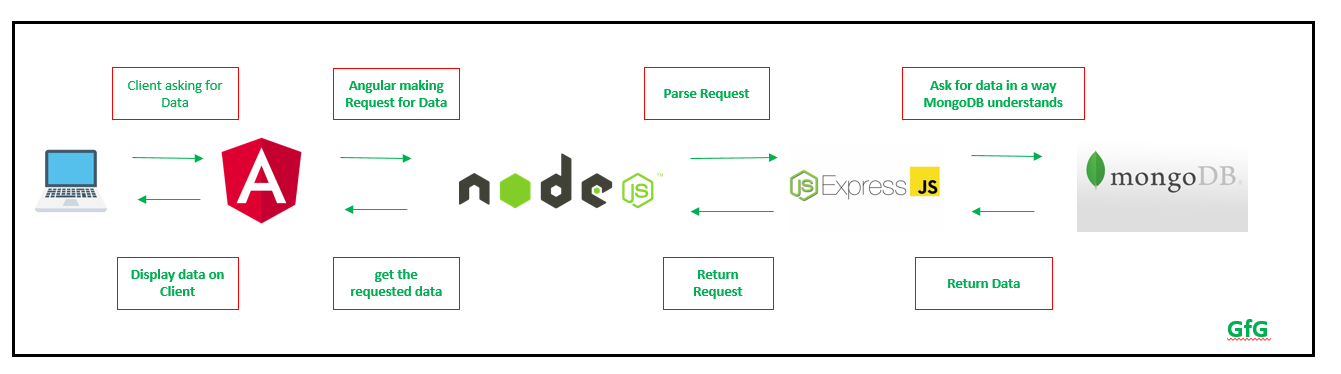
👁 What is MEAN StackFlow of Data in MEAN Stack Application:
Here, each module communicates with the others in order to have a flow of the data from Server/Backend to Client/Frontend.
👁 Flow in MEAN Stack ApplicationGetting Started with each Technology with examples:
The description of each Technology in this Stack as well as the links to learn them are given below:
1. Node.js:
Node.js is used to write the Server Side Code in Javascript. One of the most important points is that it runs the JavaScript code outside the Browser. It is cross-platform and Open Source.
node -v If no version is obtained then it is not installed correctly.npm -vnode index.jsServer running at http://127.0.0.1:3100/2. AngularJS:
Angular is a Front-end Open Source Framework developed by Google Team. This framework is revised in such a way that backward compatibility is maintained (If there is any breaking change then Angular informs it very early). Angular projects are simple to create using Angular CLI (Command Line Interface) tool developed by the Angular team.
npm install -g @angular/cling --version It should show something like: 👁 Angular Installed ng new project_namecd project_nameng serve3. MongoDB:
MongoDB is a NoSQL Database. It has JSON like documents. It is document oriented database.
use database_name;db.createCollection("first_collection");db.first_collection.insertOne(
{name:"Geeks For Geeks"}
);
db.first_collection.find()👁 Results for MongoDB Operations above4. ExpressJS:
Express is a web Framework build on Node.js and used to make API and to build Web Applications.
npm initnpm install express --save👁 Express install Successfulnode index.js