|
VOOZH | about |
|
VOOZH | about |
The confirm() method in JavaScript displays a dialog box with a message and two buttons: OK and Cancel. It is often used to get user confirmation before an action, returning true if OK is clicked, and false if Cancel is clicked.
confirm(message);In this example the window.confirm() method displays a dialog box with "OK" and "Cancel" options. It returns true if "OK" is clicked and false for "Cancel," allowing conditional actions based on user response.
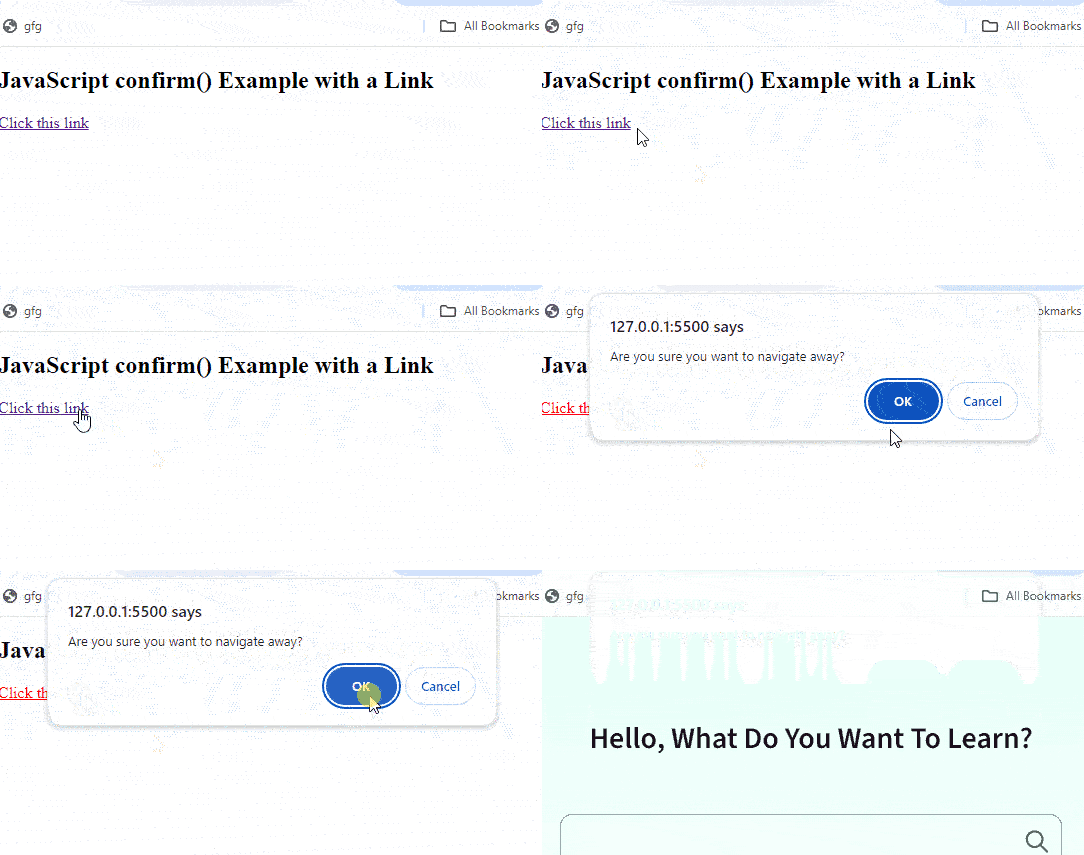
Output:
In this example The window.confirm() method displays a confirmation dialog when a user clicks the link. Returning true allows navigation; false cancels it, preventing the link from opening based on the user's choice.