|
VOOZH | about |
|
VOOZH | about |
Less.js is a simple CSS pre-processor that facilitates the creation of manageable, customizable, and reusable style sheets for websites. Since CSS is a dynamic style sheet language, it is preferred. LESS is adaptable, so it works with a wide range of browsers. Only CSS that has been created and processed using the CSS pre-processor, a computer language, can be used by web browsers. In addition to providing capabilities like variables, functions, mixins, and operations to help create dynamic CSS while maintaining backward compatibility, it is a CSS language extension.
In this article, we are going to discuss the Misc get-unit() function, its utility is to find the unit of a number that is passed into the function. This function returns the unit if the number has a unit and nothing if the number doesn't contain a unit.
Syntax:
get-unit(number)
Parameters:
Please refer to the Compile LESS code into CSS code. article for a detailed description of the installation procedure.
Example 1: The code below demonstrates the usage and implementation of the Misc get-unit() function and uses it with the ispixel() function with the if() and boolean logical functions.
styles.less:
Now, to compile the above LESS code to CSS code, run the following command:
lessc styles.less styles.css
styles.css: The compiled CSS file comes to be:
Output:
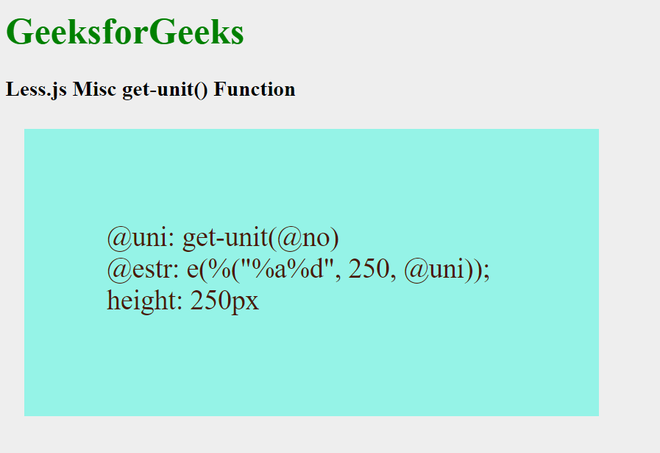
Example 2: The code below demonstrates the usage and implementation of the Misc get-unit() function and uses it with the isstring() function and the string % format() function.
styles.less:
Now, to compile the above LESS code to CSS code, run the following command:
lessc styles.less styles.css
styles.css: The compiled CSS file comes to be: