|
VOOZH | about |
|
VOOZH | about |
LocalStorage and SessionStorage are Web Storage API features that let web applications store data in the browser as key–value pairs for client-side state management.
SessionStorage stores data on the client side for the duration of a single browser tab or session.
Note: When a closed tab is restored (Ctrl + Shift + T), SessionStorage may persist in Chrome and Firefox but not in Safari. This behavior is browser-dependent.
LocalStorage is used to store data on the client side with no expiration time, allowing data to persist until it is manually removed.
Below are the details about SessionStorage and LocalStorage:
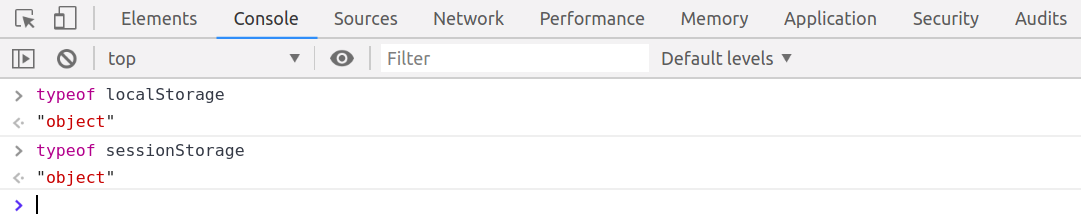
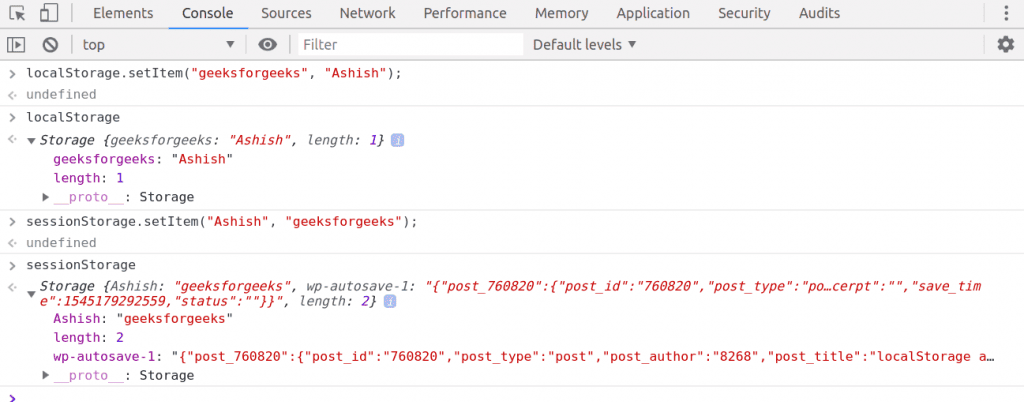
Both SessionStorage and LocalStorage are object-based storage mechanisms that store data as key–value pairs in the browser.
Data must be stored in key-value pair in the SessionStorage and LocalStorage and key-value must be either number or string
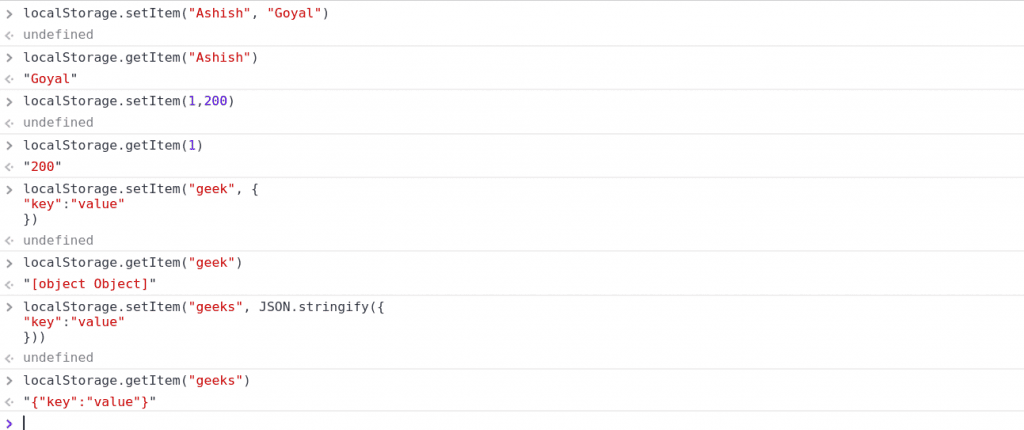
LocalStorage.setItem("geek", {
"key":"value"
})
undefined
LocalStorage.getItem("geek")
"[object Object]"
To store objects or non-string data in LocalStorage, they must first be converted into a string.
LocalStorage.setItem("geeks", JSON.stringify({
"key":"value"
}))
undefined
LocalStorage.getItem("geeks")
"{"key":"value"}"
In this attempt we use JSON.stringify() method to convert an object into string.
Listed below are the commonly used methods of LocalStorage and SessionStorage.
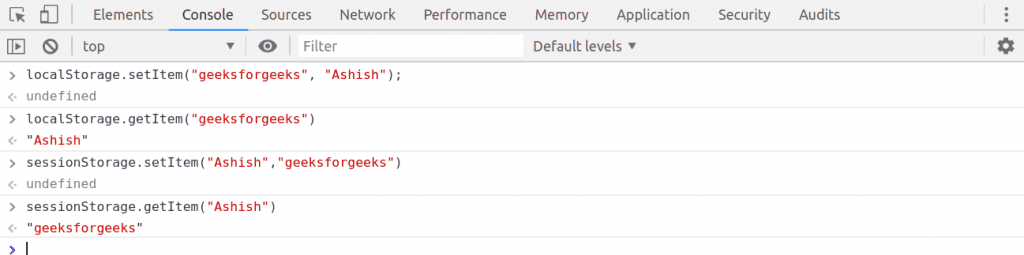
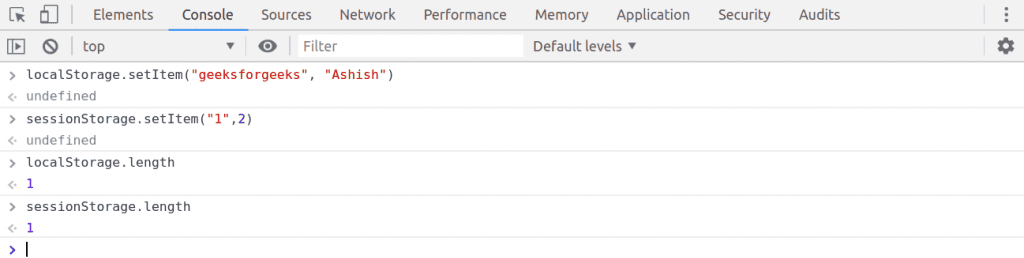
Use setItem() to store key–value pairs (values are stored as strings).
LocalStorage.setItem("key", "value"); //key and value both should be string or number;
SessionStorage.setItem("key", "value"); //key and value both should be string or number;Use getItem(key) to retrieve the value associated with the given key from storage.
LocalStorage.getItem("key");
SessionStorage.getItem("key");

Here we will pass the key and it will return value.Use the length property to get the total number of stored key–value pairs.
LocalStorage.length;
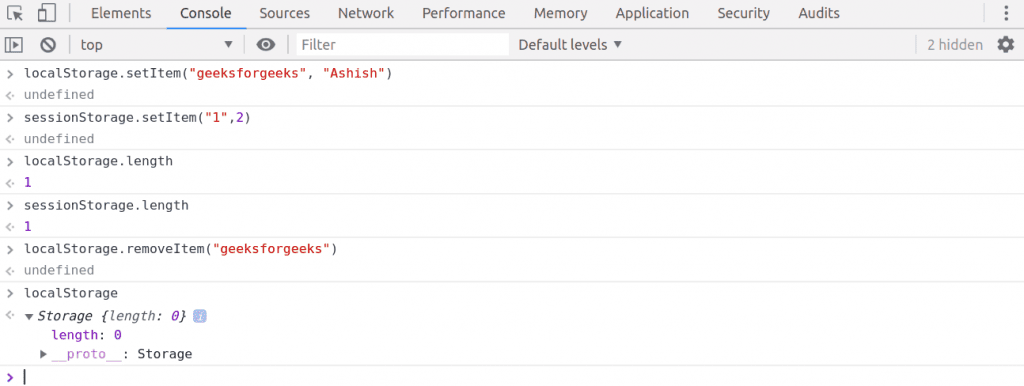
SessionStorage.length;Use removeItem(key) to delete the stored data associated with the specified key from Web Storage.
LocalStorage.removeItem("key");
SessionStorage.removeItem("key");
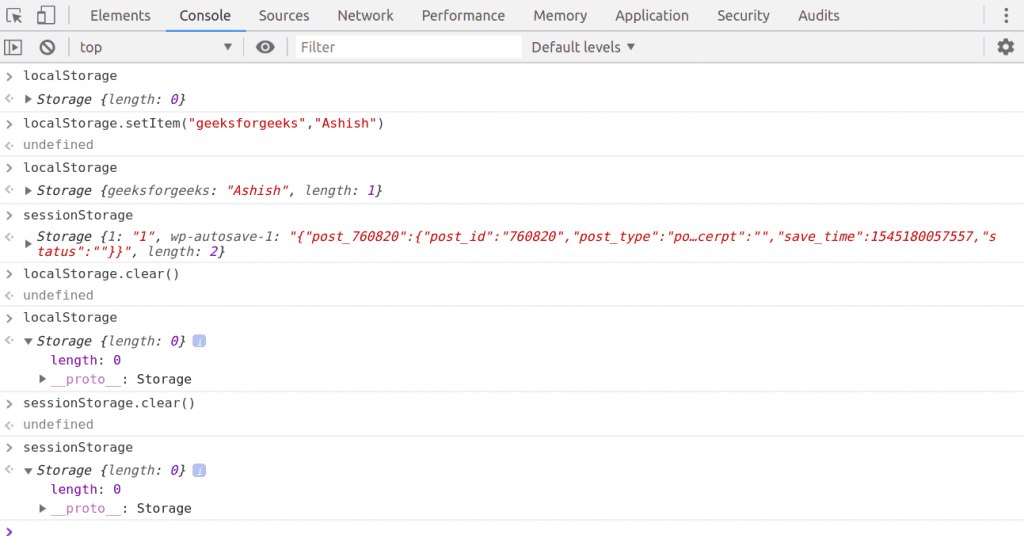
Use the clear() method to remove all key–value pairs from LocalStorage or SessionStorage.
LocalStorage.clear();
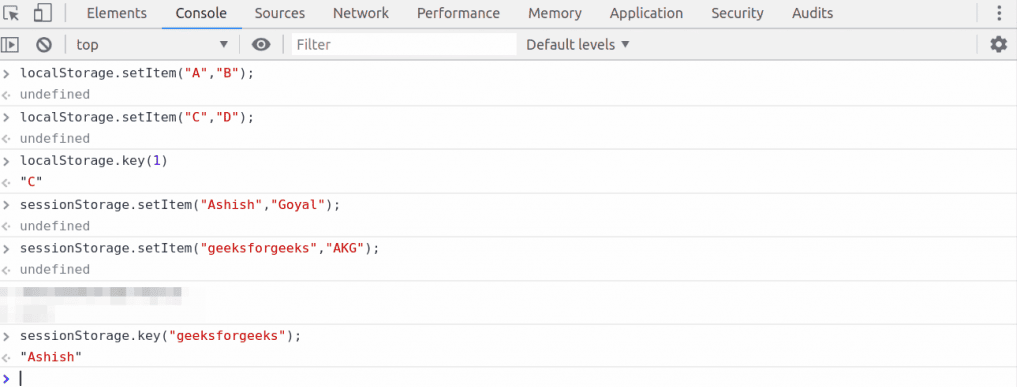
SessionStorage.clear();Use the key(n) method to retrieve the name of the key at index n from storage.
LocalStorage.key(n);
SessionStorage.key(n);Note:
- Web Storage stores data in plain text, so sensitive information like passwords or payment details should never be stored there.
- Web Storage is accessible only on the client side; for server-side data storage, cookies are a better option.
Web Storage supports only string values, so objects and arrays must be converted to strings before storing.
let gfgObj = { name: "GeeksForGeeks", score: "100" };
localStorage.setItem(key, JSON.stringify(gfgObj));

let item = JSON.parse(localStorage.getItem(key));
Note: The same approach works for sessionStorage as well.