|
VOOZH | about |
|
VOOZH | about |
Lodash _.differenceWith() method is similar to the _.difference() method that returns the array containing the values that are in the first array not in the second array but in _.differenceWith() all the elements of the first array are compared with the second array by applying comparison provided in third. It may be a little complex to understand by reading this but it will become simple when you see the example.
_.differenceWith(array, [values], [comparator]);Example 1: In this example, we are finding the difference of the arrays by using the lodash _.differenceWith() method.
Output:
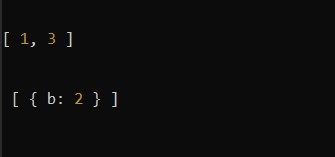
[1, 3]Example 2: In this example, we are finding the difference of the arrays by using the lodash _.differenceWith() method.
Output:
[{b: 2}]Example 3: In this example, we are finding the difference of the arrays by using the lodash _.differenceWith() method.
Output:
👁 ImageNote: This will not work in normal JavaScript because it requires the library lodash to be installed.