VOOZH about

URL: https://www.geeksforgeeks.org/javascript/make-a-web-based-weather-report-of-your-location-using-openweathermap-api/

⇱ Make a Web-based Weather Report of your Location using OpenWeatherMap API - GeeksforGeeks


  • Courses
  • Tutorials
  • Interview Prep

Make a Web-based Weather Report of your Location using OpenWeatherMap API

Last Updated : 23 Jul, 2025

Follow these simple steps in order to make a Web-based Weather Application Using OpenWeatherMap API.

Step 1: Make your account in OpenWeatherMap for accessing their API for our project. Create an Account. It's totally FREE. After making an account you will get a default key just note/copy that key because we will use it for our feature steps.

Step 2: Write down the following HTML code in the MainPage.html file. You can choose any name for the file.

Filename: MainPage.html

Explanation:

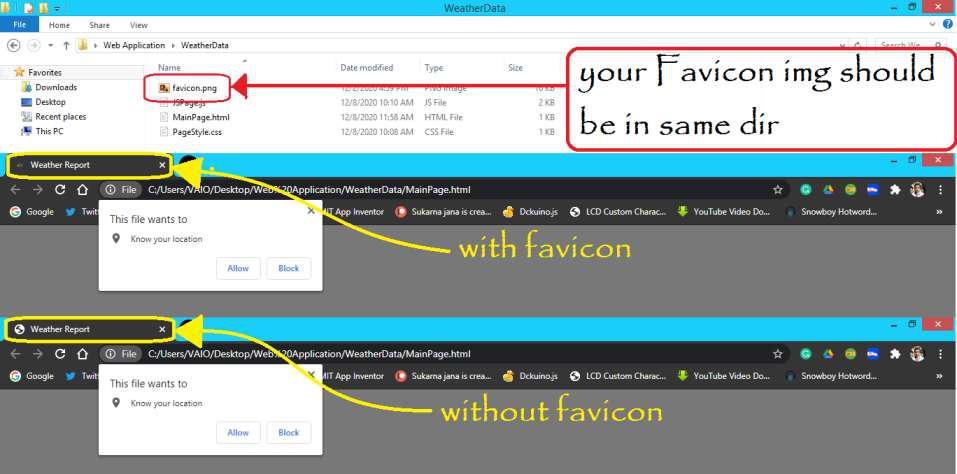
  • The 5th line is used to put the favicon icon on your HTML page.
  • The 6th line is used to link our CSS file to the HTML file.
  • The 7th line is used for using a font that is taken from the web.
  • The 10th line is used for printing the data which we get from JS.
  • The 12th line is used to link our JS file to the HTML file.

Step 3: Write down the following CSS for making the looks of the web-page more attractive.

👁 Screenshot1260


Filename: PageStyle.css

Explanation:

  • We have used p.styleIt where p represents the HTML tag of the paragraph and the .styleIt is used to target the particular paragraph which was called by class="styleIt" on the above code (Step3).
  • To give a shadow looks to the paragraph we have used box-shadow: 6px 5px 2px rgb(182, 182, 182), 0 0 25px rgb(0, 0, 0), 0 0 5px rgb(182, 182, 182);
  • To make a carved border we have used border-radius: 8px;
  • To align the whole body at the center of the web-page:- the body{.....} is used.
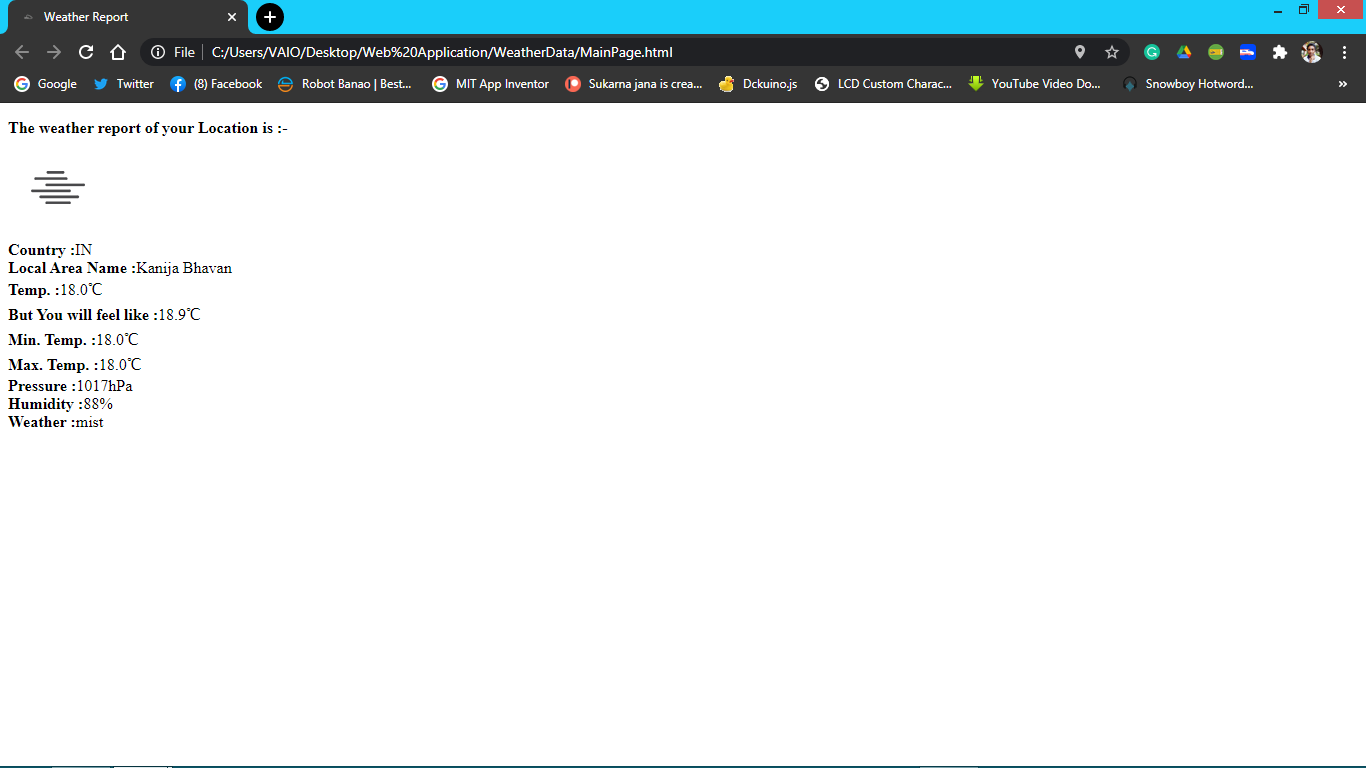
👁 With Out CSS
Application Without CSS
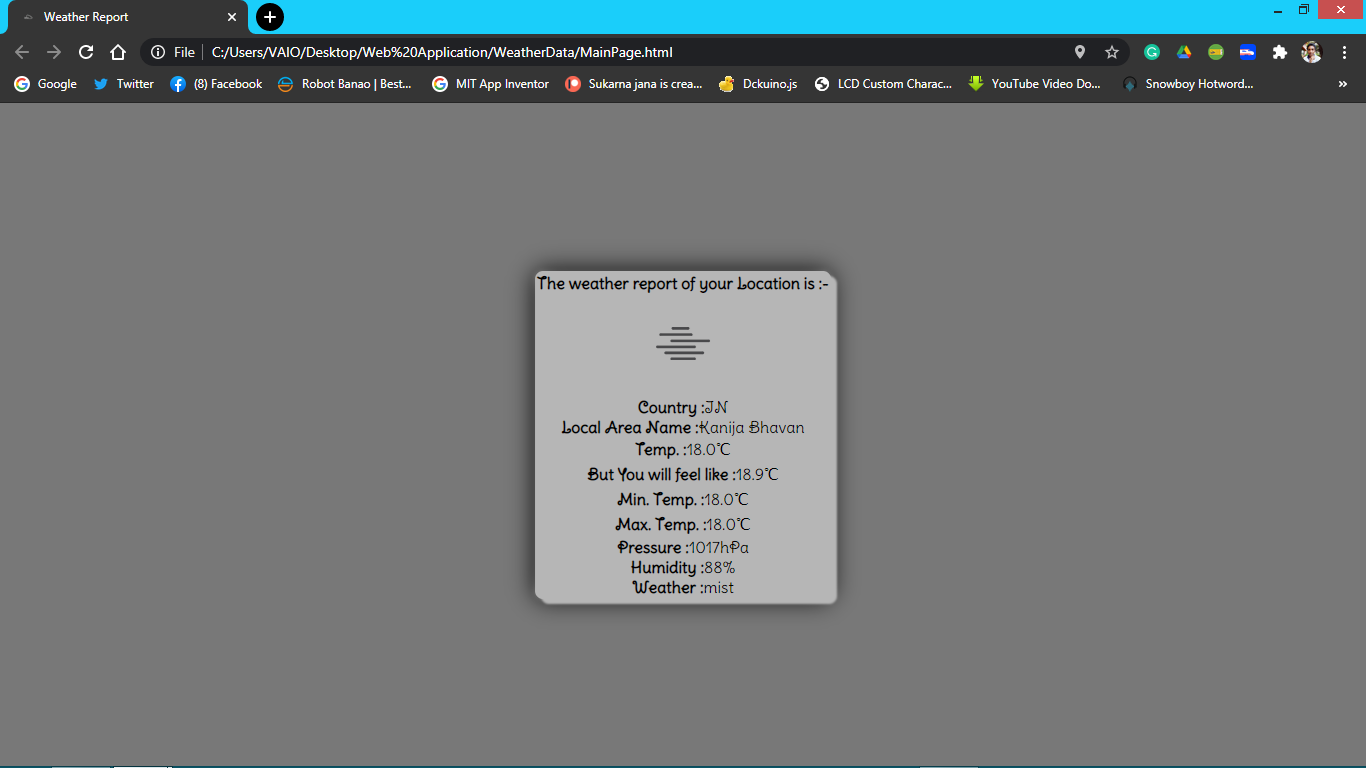
👁 with CSS
Application With CSS

Step 4: This is the main file of our whole project which will bring the Location of our present location and using API get the data of our location and print in the web-page.

Filename: JSPage.js

Explanation:

  • Using the inbuilt function, we take the Latitude and Longitude data (Refer to this)
  • Then we call an API by putting our latitude and longitude data as query parameters.
  • To know more about this API go to the https://openweathermap.org/api for official documentation.
  • After calling this API we get a JSON file we just need to fetch the data and print it.

Step 5: Now just open MainPage.html file in any browser and you will see the following output.

Reference: https://github.com/Sukarnascience/Web_Application/tree/main/Weather%20Report%20Application

Comment