The
curvePoint() function in p5.js is used to evaluate the coordinates of a curve at the given point. It takes in the coordinates of the curve for a particular axis and finds the coordinate of the curve at point "t", which can be specified as a parameter.
The complete position of a point in the curve can be found out by finding using the function once on the x-coordinates and once on the y-coordinates of the curve and then using them together.
Syntax:
curvePoint( a, b, c, d, t )
Parameters: This function accepts five parameters as mentioned above and described below:
- a: It is a number that specifies the first point of the curve.
- b: It is a number that specifies the first control point of the curve.
- c: It is a number that specifies the second control point of the curve.
- d: It is a number that specifies the second point of the curve.
- t: It is a number between 0 and 1, which is used as the position between the beginning and ending of the curve coordinates.
Return Value: It returns a number which specifies the curve value at the given position.
The examples below illustrates the
curvePoint() function in p5.js:
Example 1:
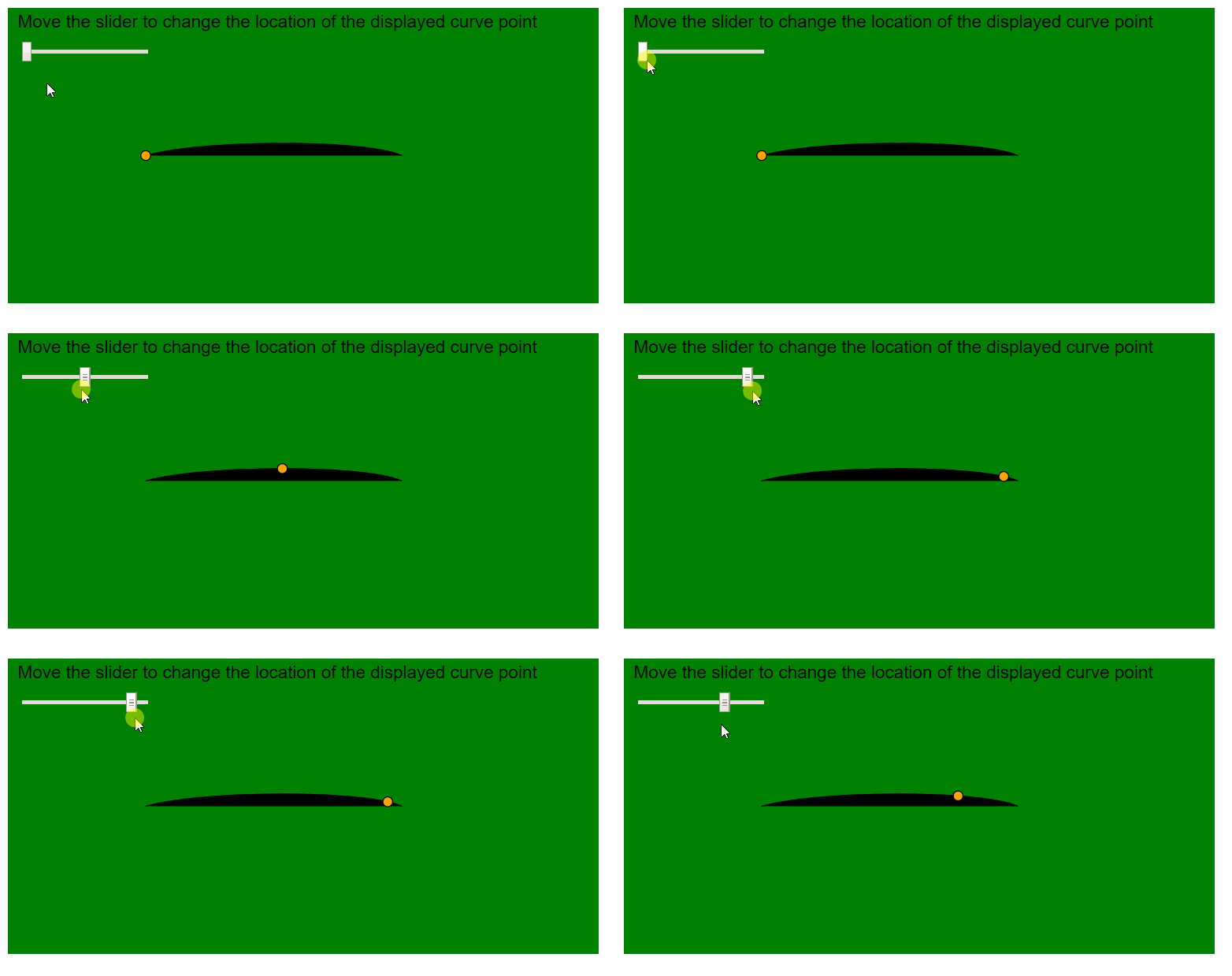
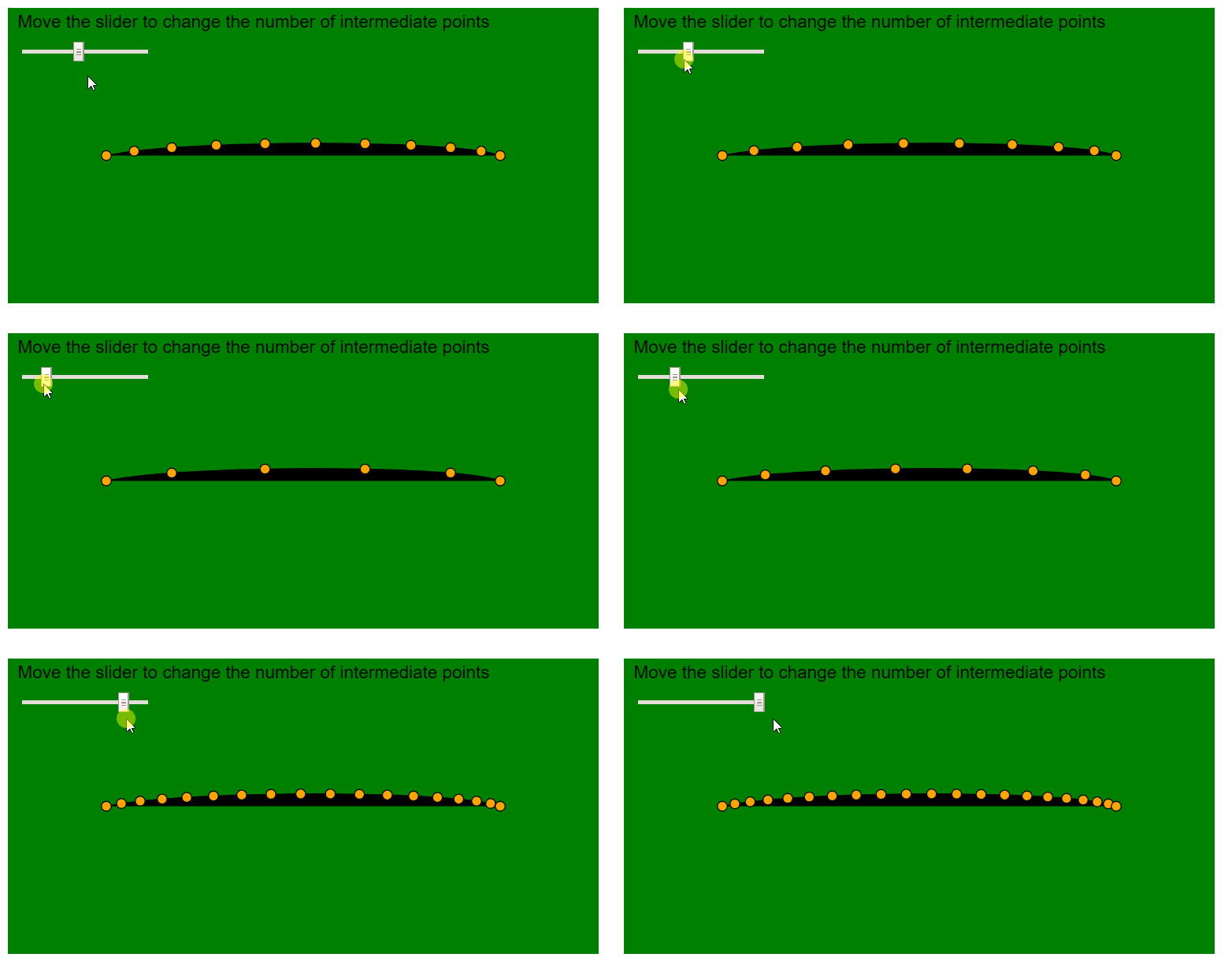
Output:
👁 curvePoint-currentPoint
Example 2: