VOOZH about

URL: https://www.geeksforgeeks.org/javascript/p5-js-fill-function/

⇱ p5.js fill() Function - GeeksforGeeks


  • Courses
  • Tutorials
  • Interview Prep

p5.js fill() Function

Last Updated : 3 Apr, 2023

p5.js fill() function is used to fill the color of the shapes. This function supports all types of color objects. For example RGB, RGBA, Hex CSS color, and all named color strings. The color object can also be set as a string in terms of RGB, RGBA, Hex CSS color, or a named color string.

Syntax:

fill( v1, v2, v3, alpha )
or
fill( value )
or
fill( gray, alpha )
or
fill( values )
or
fill( color )

Parameters:

  • v1: It is used to set the red or hue value relative to the current color range.
  • v2: It is used to set the green or saturation value relative to current color range.
  • v3: It is used to set the blue or brightness value relative to current color range.
  • alpha: It is used to set the transparency of the drawing.
  • value: It is used to set the value of a color string.
  • gray: It is used to set the gray value.
  • values: It is an array containing the red, green, blue, and alpha values.
  • color: It is used to set the stroke color.

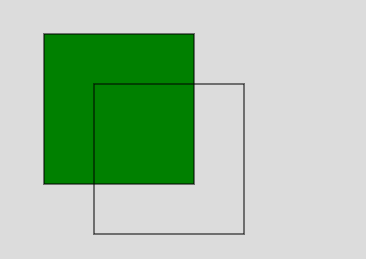
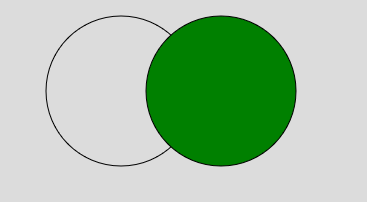
Below examples illustrate the fill() function in p5.js:

Example 1:

Output:

👁 Image

Example 2:

Comment