|
VOOZH | about |
|
VOOZH | about |
Nearly 90% of websites include a search bar to enhance user experience by allowing visitors to quickly find relevant content. In this tutorial, we'll learn how to create a simple yet effective search bar using only HTML, CSS, and JavaScript. Rather than going into complex algorithms or databases, we'll focus on a straightforward technique—searching for specific words or phrases within the visible text on a webpage.
To start a project, create a folder and add files to it.
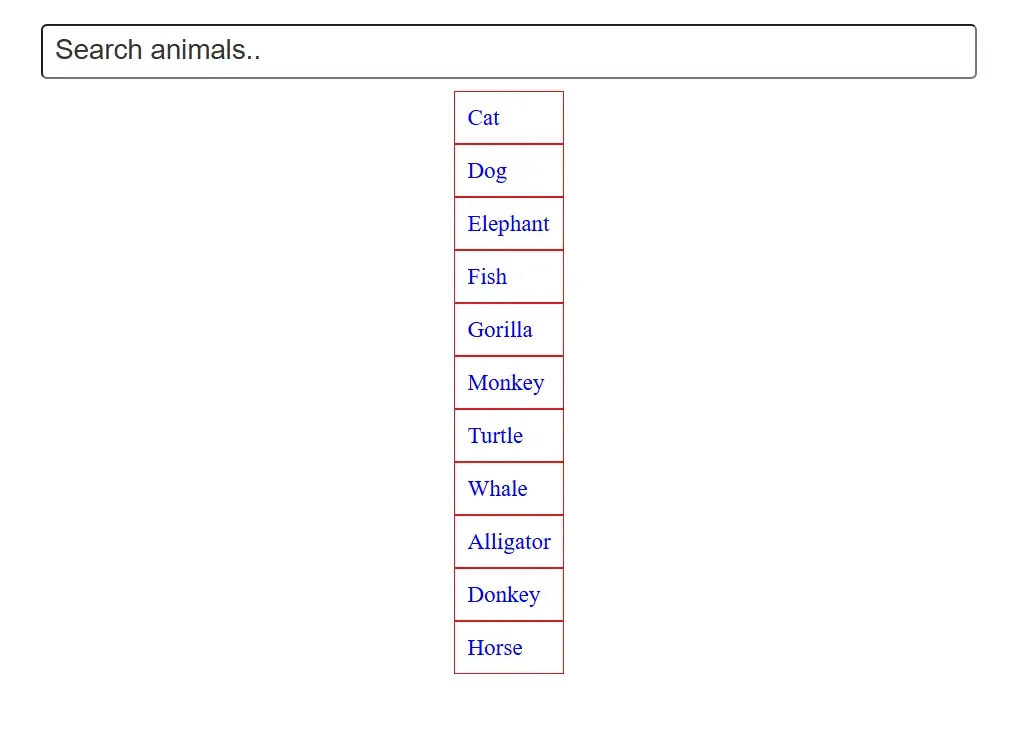
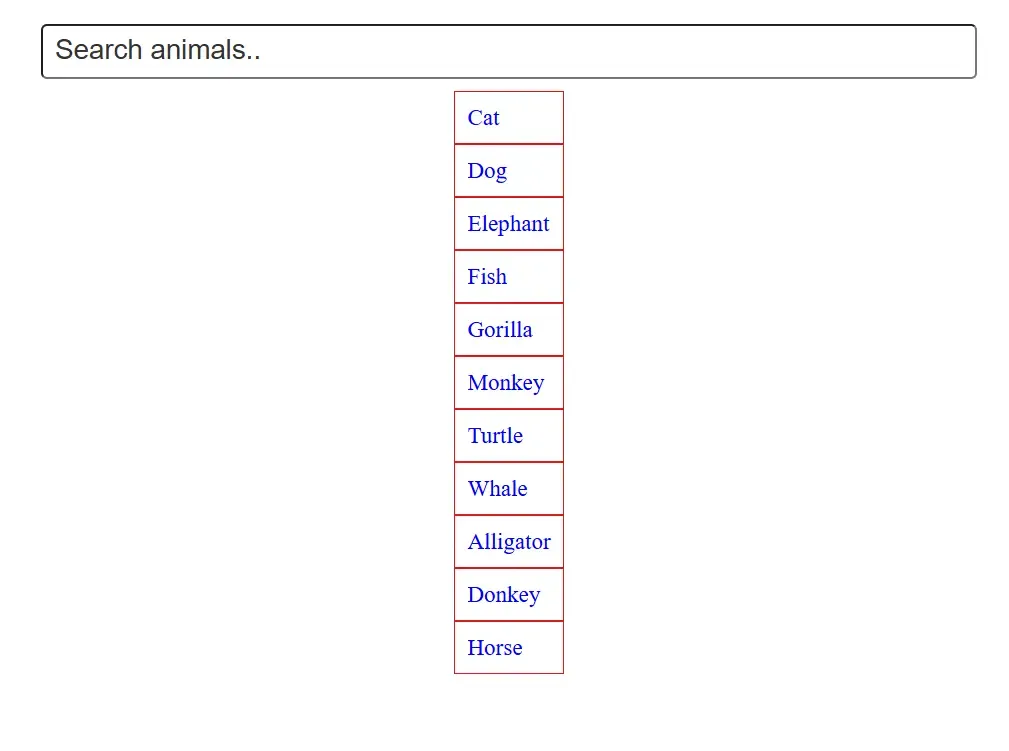
search_animal()) to handle input, loop through items, and toggle display based on content match.Example: In this example, we will see the implementation of the search bar .
Output:
Note : If you want to create more Exiciting Project Based on HTML, CSS and Javascript then check out this article- 30+ Web Development Projects with Source Code [2025]