|
VOOZH | about |
|
VOOZH | about |
The v-html directive is a Vue.js directive used to update a element’s inner HTML with our data. This is what separates it from v-text which means while v-text accepts string and treats it as a string it will accept string and render it into HTML. First, we will create a div element with id as app and let's apply the v-html directive to this element with data as a message. Now we will create this message by initializing a Vue instance with the data attribute containing our message.
Scoped styles won't apply to v-html, because Vue doesn't compile that HTML. In order to apply styles to it try using global styles or some other CSS Modules.
Syntax:
v-html="data"
Parameters: This directive accepts a single parameter which is the data in the form of a string.
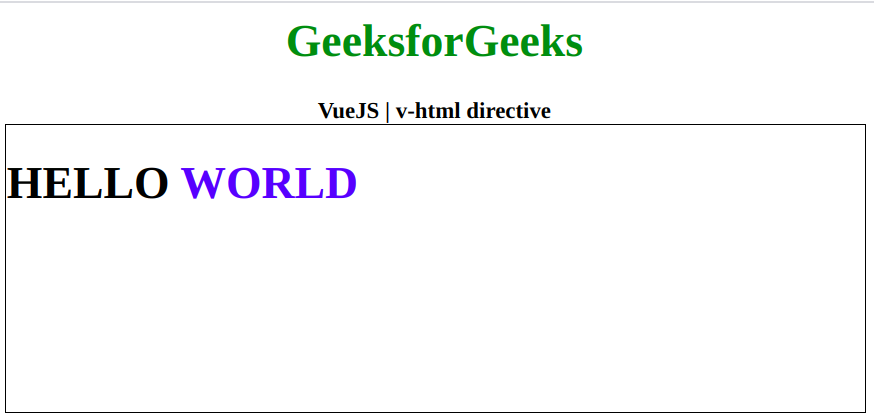
Example: This example uses VueJS to update the html of a element with v-html.
Output: