|
VOOZH | about |
|
VOOZH | about |
In this article, we are going to learn how we can call Hook into a "dialog" close event in jQuery UI.
To call a hook into the dialog "close" event in jQuery UI, we will use the close event provided by the dialog widget. This event is fired when the dialog is closed. Let's understand what a hook is, a hook is a function that is executed at a specific point in the lifecycle of an element or widget. Hooks allow developers to add custom behavior to elements and widgets by attaching functions to be executed at specific points in the element or widget's lifecycle.
To attach a function to the close event, we can use the "on" method provided by the "dialog" widget. This method allows you to specify the event you want to attach the function to, as well as the function itself.
Syntax:
$(element).widget({
 hookName: function(event, ui) {
 // Code to be executed when the hook is called
 }
});
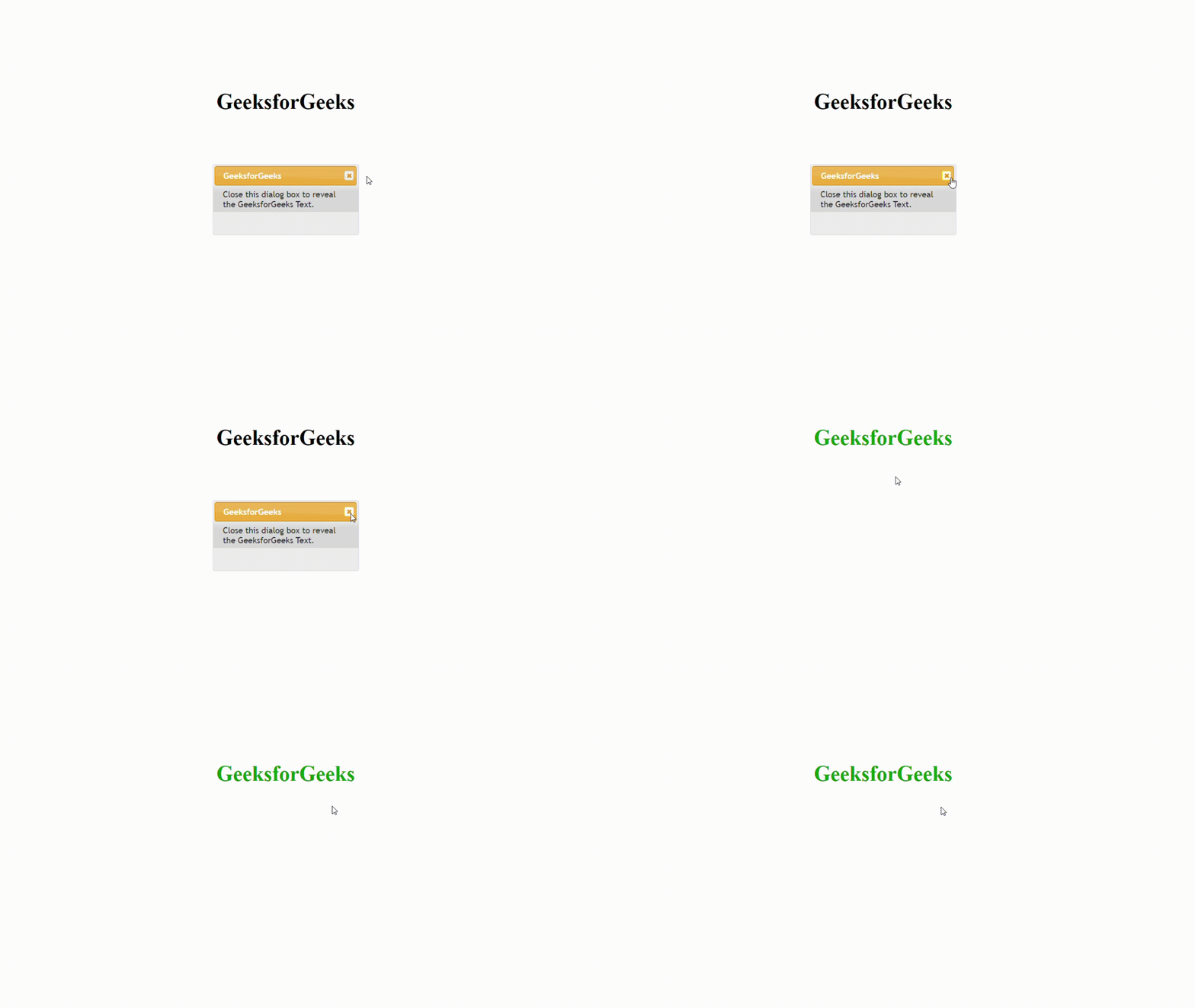
Example 1: In this example, we will call a hook into the dialog close event and reveal the "GeeksforGeeks" logo on the webpage.
Output:
Example 2: In this example, we will call the hook into the dialog close event and change the color of the text available on the webpage.
Output:

.gif)