|
VOOZH | about |
|
VOOZH | about |
In this article, we will learn how to create an Instagram-like button using jQuery. An Instagram Like button is a user interface element that, when clicked, signifies appreciation or approval for a post. It often features a heart icon and toggles between filled (liked) and outlined (unliked) states.
There are several methods that can be used to create an Instagram Like button in jQuery, which are listed below:
We will explore all the above methods along with their basic implementation with the help of examples.
This approach creates a like button using HTML and jQuery. When clicked, it toggles a "liked" class, changing the text and color to represent the like/unlike state.
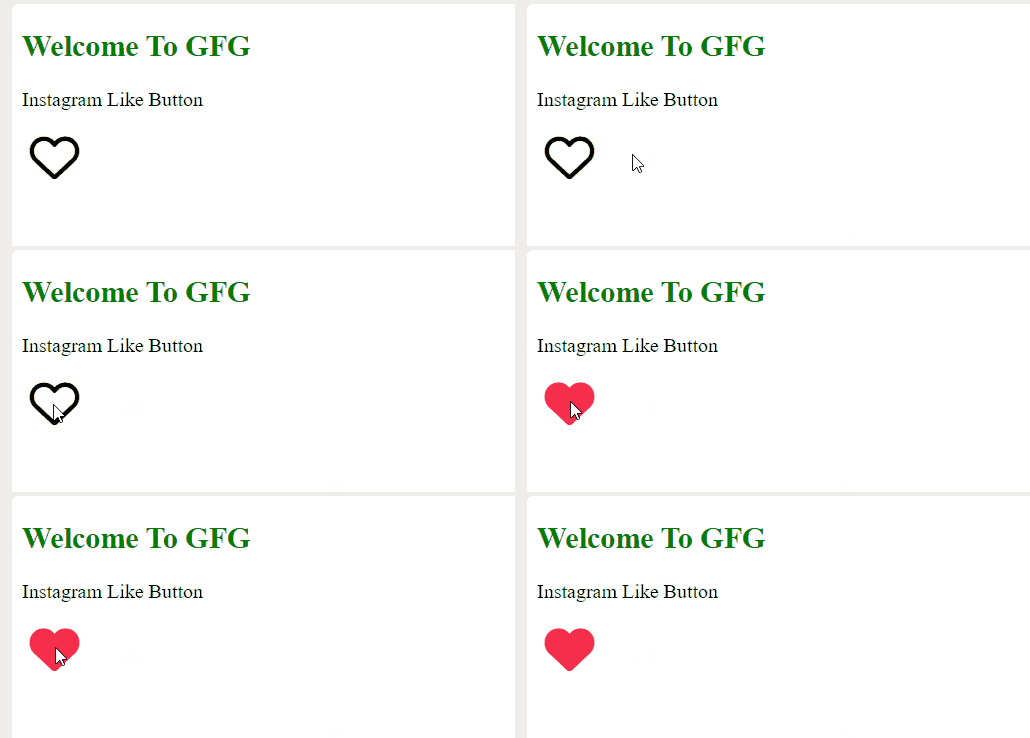
$(selector).toggleClass(classname)Example: In this example, we are using a Font Awesome heart icon inside a button element. jQuery's toggleClass method switches between classes, changing the heart's color from black to red and style from regular to solid when the button is clicked, simulating Instagram's like button.
Output:
In this approach, we are making an Instagram-like button with Font Awesome heart icons. Upon clicking, it alternates between regular and solid heart styles, with color changes. The behavior is managed using jQuery.
if (condition1) {
} else if (condition2) {
} else {
}
Example: In this example we are using above-explained approach.
Output: