|
VOOZH | about |
|
VOOZH | about |
Loading HTML files into other HTML files is a common practice in web development. It helps in reusing HTML components across different web pages. jQuery is a popular JavaScript library, that simplifies this process with its .load() method.
The .load() method in jQuery is used to load data from the server and place the returned HTML into a specified element.
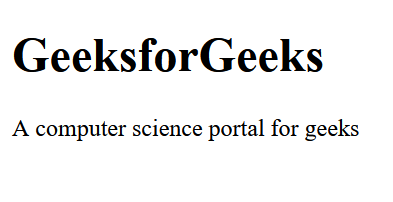
Output:
Explanation:
You can load specific parts of an HTML file by using a CSS selector after the file name in the .load() method.
Output:
Explanation: The .load("content.html #container") method fetches only the content within the element with id="paragraph" from content.html.