|
VOOZH | about |
|
VOOZH | about |
In this tutorial, we will learn how we can use jQuery with Angular. There are two ways in which we can use jQuery with Angular as discussed below:
Table of Content
You can install the jQuery in your current project folder using the below commands
npm install --save jqueryNow add the below HTML code to your app.component.html file.
After adding the HTML code add the below Angular code to app.component.ts file to use jQuery in Angular.
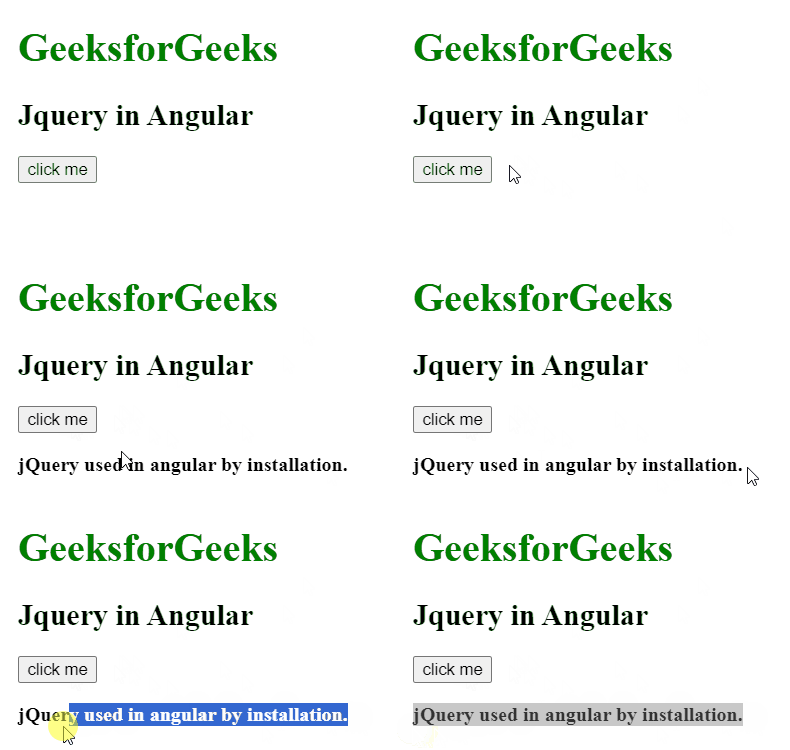
Output:
You can use the jQuery in Angular by simply adding the jQuery CDN in head tag of the index.html file.
<script src=
"https://cdnjs.cloudflare.com/ajax/libs/jquery/3.7.1/jquery.min.js"
 integrity=
"sha512-v2CJ7UaYy4JwqLDIrZUI/4hqeoQieOmAZNXBeQyjo21dadnwR+8ZaIJVT8EE2iyI61OV8e6M8PP2/4hpQINQ/g=="
 crossorigin="anonymous" referrerpolicy="no-referrer">
</script>
Add the below HTML code to you index.html file.
Now, addbelow code to your app.component.ts file to see the use of jQuery.
Output:
jQuery is an open source JavaScript library that simplifies the interactions between an HTML/CSS document, It is widely famous with it's philosophy of “Write less, do more". You can learn jQuery from the ground up by following this jQuery Tutorial and jQuery Examples.