|
VOOZH | about |
|
VOOZH | about |
jQuery Mobile is a web-based technology used to make responsive content that can be accessed on all smartphones, tablets, and desktops.
In this article, we will be using the jQuery Mobile Pagecontainer getActivePage() Method. This method is used to return the currently active page.
Syntax:
$( ".selector" ).pagecontainer( "getActivePage" );
Parameter: This method does not accept any parameter.
Return type: This method returns an object value that contains the currently active page.
CDN Link: The following jQuery Mobile scripts will be needed for your project so we need to add these scripts to your project.
<link rel=”stylesheet” href=”//code.jquery.com/mobile/1.5.0-alpha.1/jquery.mobile-1.5.0-alpha.1.min.css” />
<script src=”//code.jquery.com/jquery-3.2.1.min.js”></script>
<script src=”//code.jquery.com/mobile/1.5.0-alpha.1/jquery.mobile-1.5.0-alpha.1.min.js”></script>
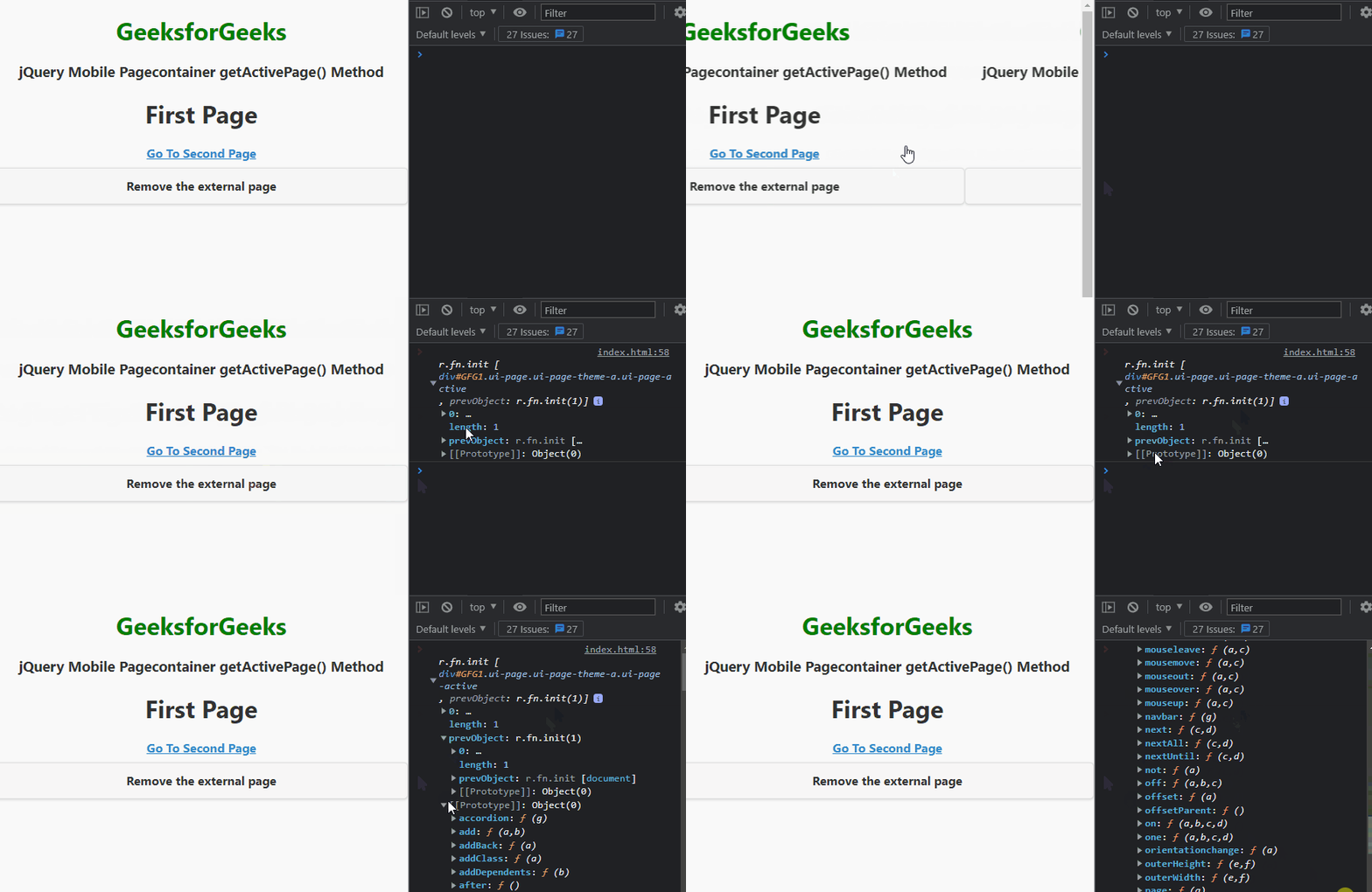
Example: This example describes the uses of the jQuery Mobile Pagecontainer getActivePage() Method.
Output:
Reference: https://api.jquerymobile.com/pagecontainer/#method-getActivePage