|
VOOZH | about |
|
VOOZH | about |
JQuery is a small, fast, rich JavaScript Library that is an optimized version of JavaScript. It provides us with a simple API that helps in HTML document traversal and manipulation, event handling, animation, and Ajax. jQuery provide us with a variety of plugins that can be implemented on the website, one of which is Slidebar.js.
Slidebar.js: It is a jQuery Plugin that helps us to create a slidebar along with an animation. It helps in implementing mobile app-style revealing menus and sidebars into our website.
There are four types of slidebars that can be created:
In this article, we will be learning about how to implement a left sidebar on our website. But before that, we need to add some CDNs in order to make the slidebar work.
1. Include jQuery CDN
<script src="https://code.jquery.com/jquery-3.5.1.min.js" type="text/javascript"></script>
2. Include Slidebar.js CDNs(JS and CSS)
<script src="https://cdnjs.cloudflare.com/ajax/libs/slidebars/2.0.2/slidebars.min.js" type="text/javascript"></script> <link rel="stylesheet" href="https://cdnjs.cloudflare.com/ajax/libs/slidebars/2.0.2/slidebars.min.css">
Now, we have included all the necessary CDNs, let's move to the Original Code.
Example:
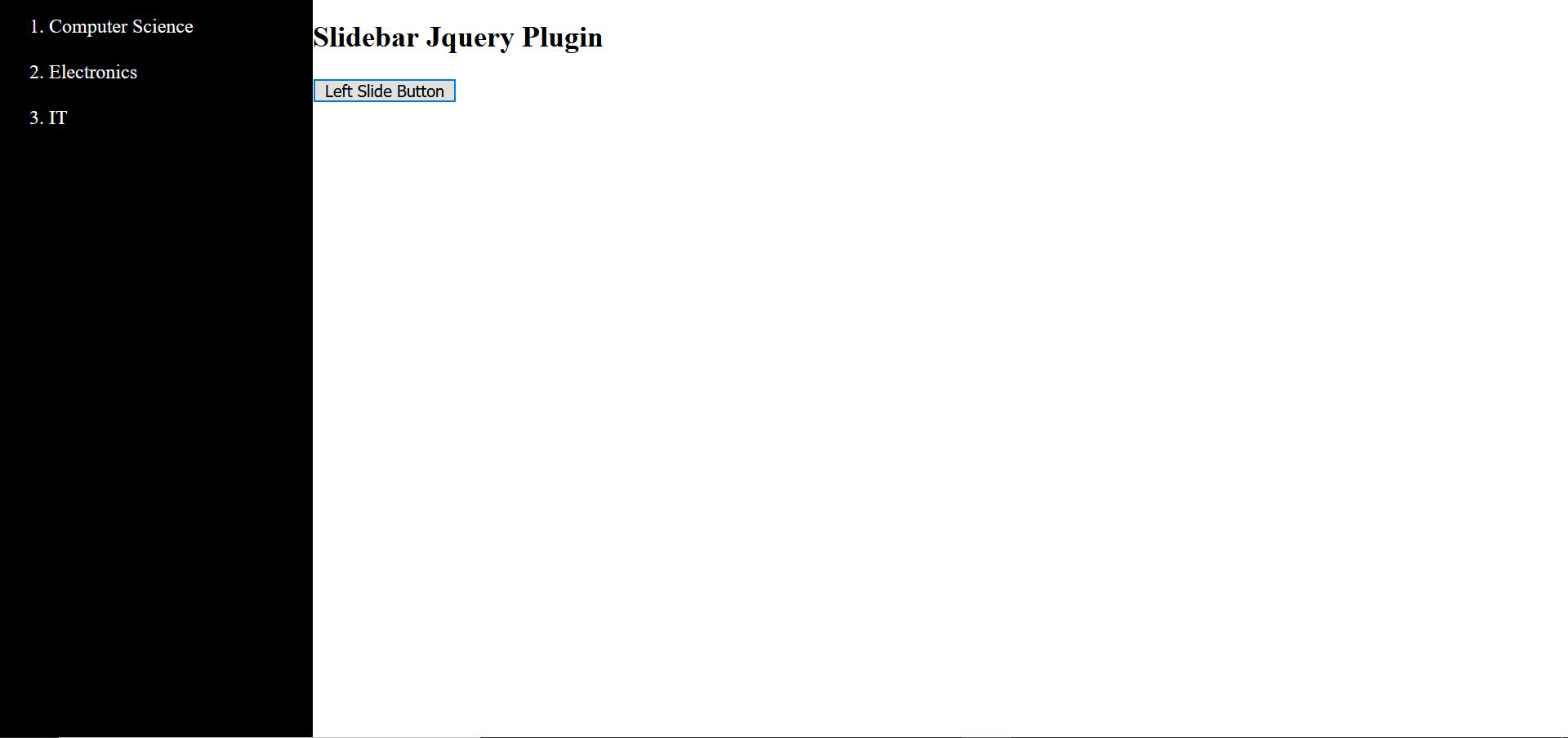
Output:
Before click the Button:
👁 ImageAfter click the Button:
👁 Image