|
VOOZH | about |
|
VOOZH | about |
jQuery UI consists of GUI widgets, visual effects, and themes implemented using HTML, CSS, and jQuery. jQuery UI is great for building UI interfaces for the webpages. The jQuery UI Autocomplete widget is used to perform autocomplete enables to quickly find and select from a pre-populated list of values as they type, leveraging searching and filtering.
The jQuery UI Autocomplete disable() method is used to disable the autocomplete widget. This method does not accept any parameter.
Syntax:
$( ".selector" ).autocomplete( "disable" );
CDN Links: First, add jQuery UI scripts needed for your project.
<link rel="stylesheet" href="//code.jquery.com/ui/1.12.1/themes/smoothness/jquery-ui.css">
<script src="//code.jquery.com/jquery-1.12.4.js"></script>
<script src="//code.jquery.com/ui/1.12.1/jquery-ui.js"></script>
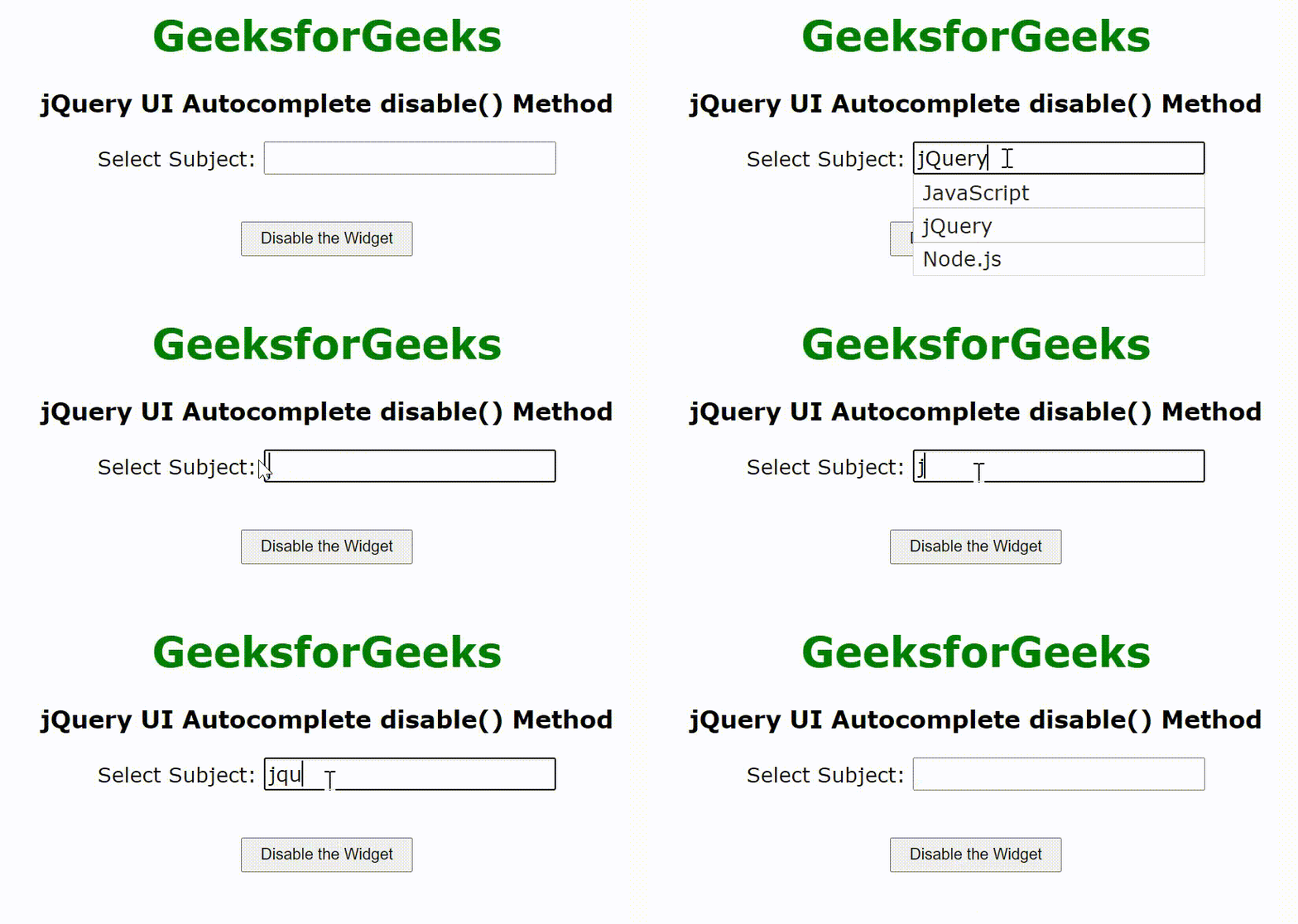
Example: This example describes the uses of the jQuery UI Autocomplete disable() method.
Output:
👁 ImageReference: https://api.jqueryui.com/autocomplete/#method-disable