 |
VOOZH | about |
|
VOOZH | about |
jQWidgets is a JavaScript framework for making web-based applications for PC and mobile devices. It is a very powerful and optimized framework, platform-independent, and widely supported. jqxChart is a lightweight and powerful chart widget written 100% in javascript. It offers many advanced features and supports three different rendering technologies – SVG, HTML5 Canvas & VML.
The getValueAxisValue() method is used to return the value of the value axis. It returns a number.
Syntax:
var gvav = chartInstance.getValueAxisValue(offset, groupIndex);
Parameters:
Return type: The return type of this method is a number.
Linked Files: Download jQWidgets from the given link. In the HTML file, locate the script files in the downloaded folder.
<link rel=”stylesheet” href=”jqwidgets/styles/jqx.base.css” type=”text/css” />
<script type=”text/javascript” src=”scripts/jquery-1.11.1.min.js”></script>
<script type=”text/javascript” src=”jqwidgets/jqxcore.js”></script>
<script type=”text/javascript” src=”jqwidgets/jqxchart.core.js”></script>
<script type=”text/javascript” src=”jqwidgets/jqxdraw.js”></script>
<script type=”text/javascript” src=”jqwidgets/jqxdata.js”></script>
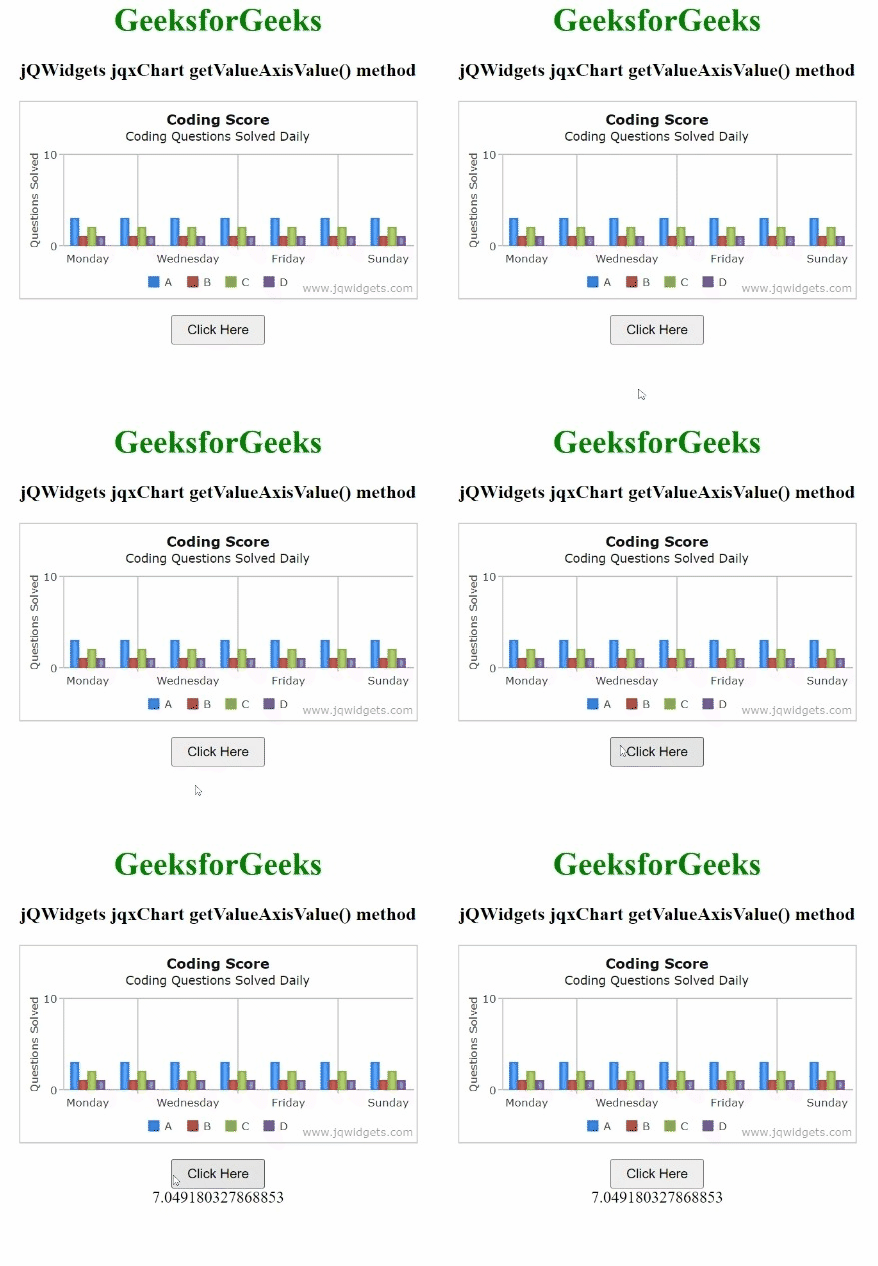
Example 1: The below example illustrates the jQWidgets jqxChart getValueAxisValue() method.
Output:
Example 2: The following is another example of the jqxChart getValueAxisValue() method in jQWidgets.
Output:

.gif)