|
VOOZH | about |
|
VOOZH | about |
jQWidgets is a JavaScript framework for making web-based applications for PC and mobile devices. It is a very powerful, optimized, platform-independent, and widely supported framework. The jqxDataTable is used to read and display the HTML Table data. This is also used to display data from various data sources like XML, JSON, Array, CSV, or TSV.
The initRowDetails property is a callback function that is helpful in initializing the details of the expanded row. It is invoked only once whenever any of the rows of the displayed jqxDataTable is expanded in the beginning. It is of Function type and its default value is null.
The list of parameters used here as follows:
Syntax:
Set the initRowDetails property.
$('Selector').jqxDataTable({ initRowDetails: null });
Return the initRowDetails property.
var initRowDetails =
 $('Selector').jqxDataTable('initRowDetails');
Linked Files: Download jQWidgets from the given link. In the HTML file, locate the script files in the downloaded folder.
<link rel="stylesheet" href="jqwidgets/styles/jqx.base.css" type="text/css" />
<script type="text/javascript" src="scripts/jquery.js"></script>
<script type="text/javascript" src="jqwidgets/jqxcore.js"></script>
<script type="text/javascript" src="jqwidgets/jqxdata.js"></script>
<script type="text/javascript" src="jqwidgets/jqxbuttons.js"></script>
<script type="text/javascript" src="jqwidgets/jqxscrollbar.js"></script>
<script type="text/javascript" src="jqwidgets/jqxlistbox.js"></script>
<script type="text/javascript" src="jqwidgets/jqxdropdownlist.js"></script>
<script type="text/javascript" src="jqwidgets/jqxdatatable.js"></script>
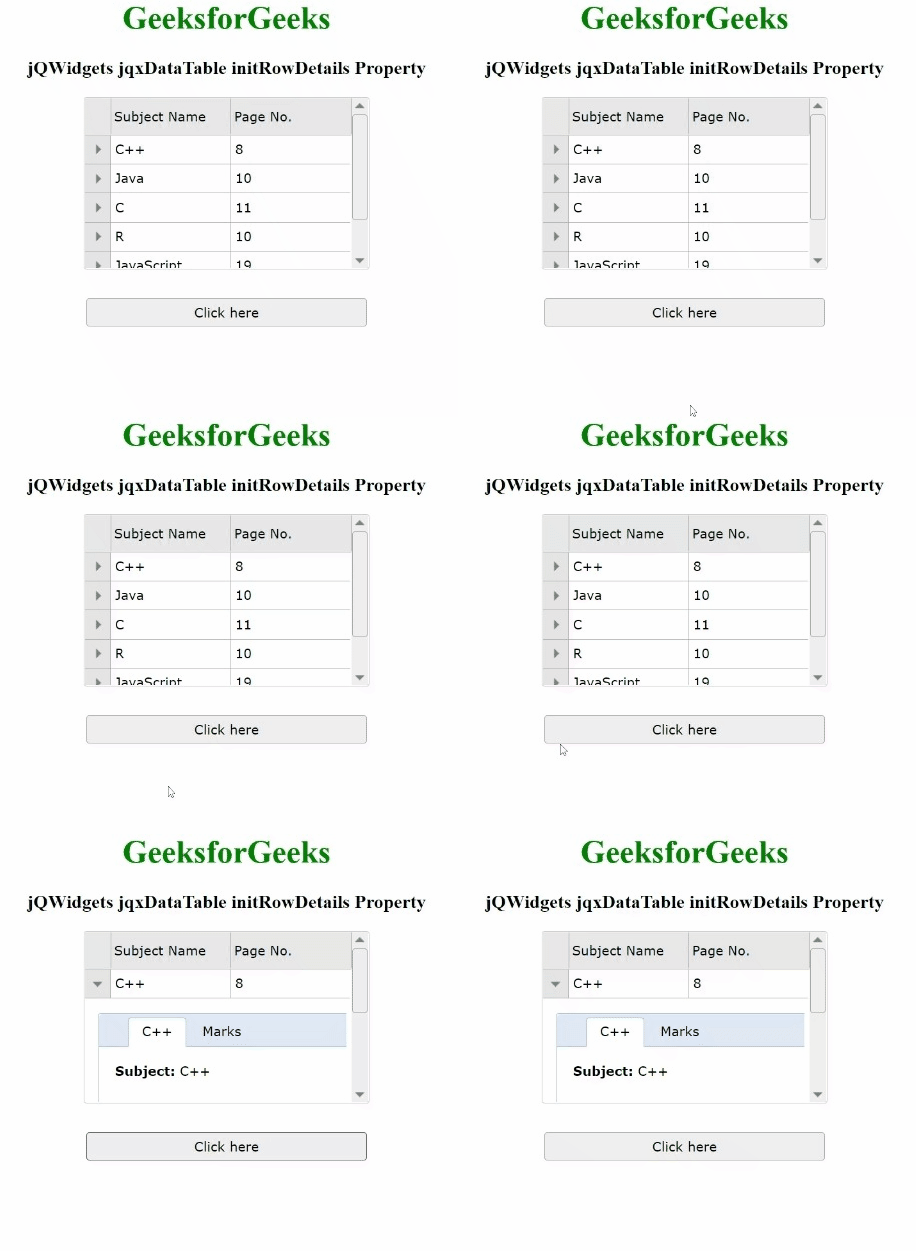
Example 1: The below example illustrates the jqxDataTable initRowDetails property in jQWidgets.
Output:
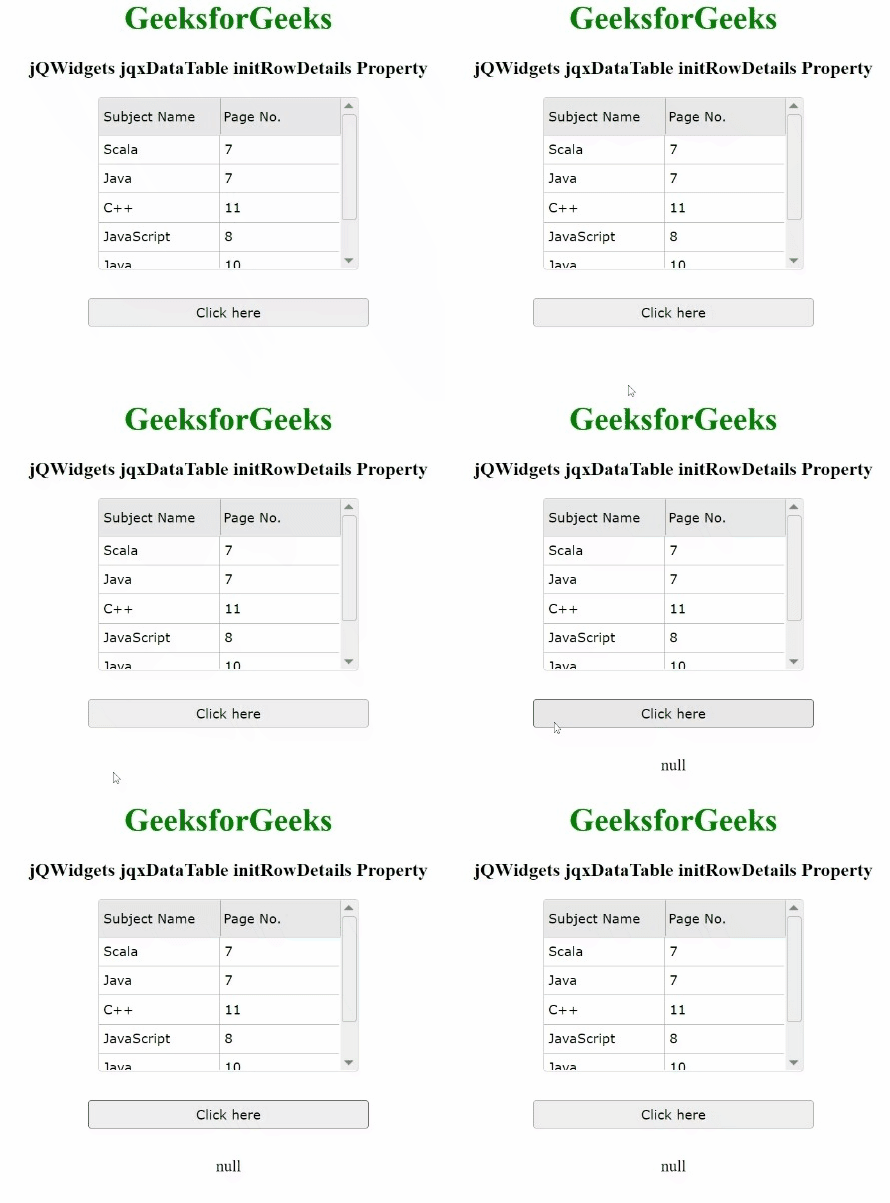
Example 2: The following is another example of the jqxDataTable initRowDetails property in jQWidgets.
Output: