|
VOOZH | about |
|
VOOZH | about |
jQWidgets is a JavaScript framework for making web-based applications for PC and mobile devices. It is a very powerful, optimized, platform-independent, and widely supported framework. The jqxDataTable is used for reading and displaying the data from the HTML Table. This is also used to display data from various data sources like XML, JSON, Array, CSV, or TSV.
The rowExpand event is activated whenever a row of the displayed jqxDataTable is expanded.
Syntax:
$('Selector').on("rowExpand", function (event) {
 // Code
});
Linked Files: Download jQWidgets from the given link. In the HTML file, locate the script files in the downloaded folder.
<link rel="stylesheet" href="jqwidgets/styles/jqx.base.css" type="text/css" />
<script type="text/javascript" src="scripts/jquery.js"></script>
<script type="text/javascript" src="jqwidgets/jqxcore.js"></script>
<script type="text/javascript" src="jqwidgets/jqxdata.js"></script>
<script type="text/javascript" src="jqwidgets/jqxbuttons.js"></script>
<script type="text/javascript" src="jqwidgets/jqxscrollbar.js"></script>
<script type="text/javascript" src="jqwidgets/jqxlistbox.js"></script>
<script type="text/javascript" src="jqwidgets/jqxdropdownlist.js"></script>
<script type="text/javascript" src="jqwidgets/jqxdatatable.js"></script>
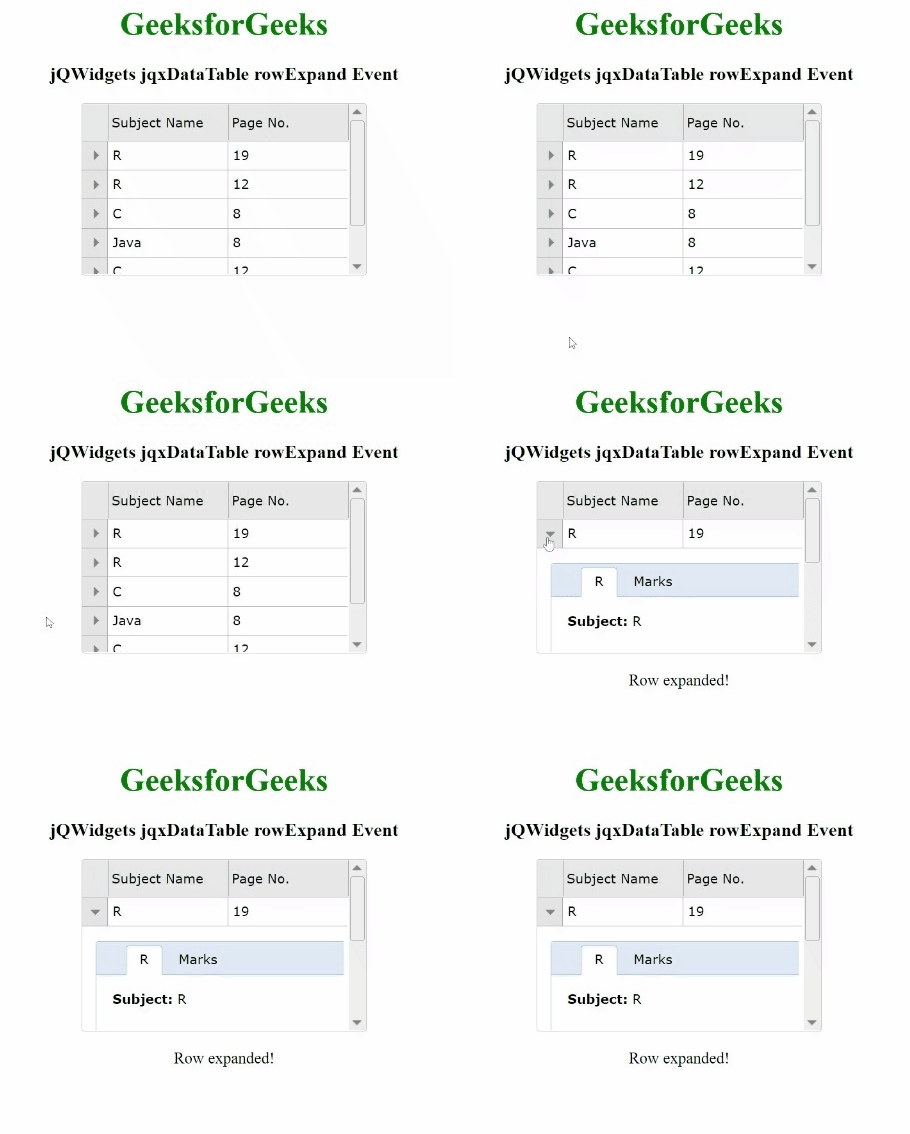
Example 1: The below example illustrates the jqxDataTable rowExpand event in jQWidgets.
Output:
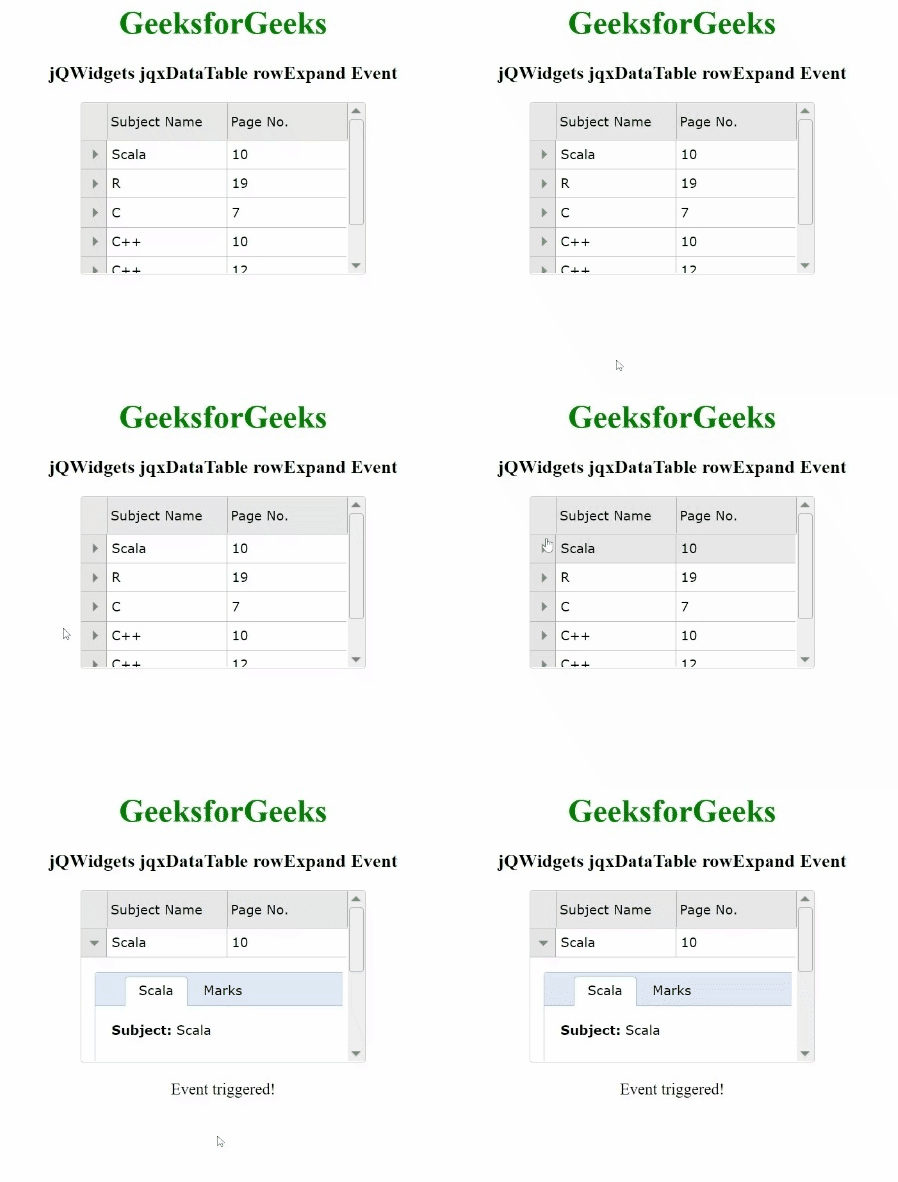
Example 2: The following is another example of the jqxDataTable rowExpand event in jQWidgets.
Output: