|
VOOZH | about |
|
VOOZH | about |
The groffer command is a powerful utility in Linux used for viewing Groff files and man pages on various platforms, including the X Window System, terminal (tty), and other document viewers. It simplifies the process of displaying formatted documents, allowing users to read and search manual pages or Groff-formatted files easily.
We can also decompress the compressed files that are handled by gzip or bzip2 with the help of the groffers command very easily.
In some Linux distros, the groffers command is not installed by default. You can do it using the apt package manager by entering the following command in cmd:
sudo apt install groffSyntax:
groffer [mode-option ...] [groff-option ...] [man-option ...] [X-option ...]
 [--] [filespec ...]
Note: The filespec parameters are not optional parameters. They are to be provided by the user for groffer command to work or display some sort of output.
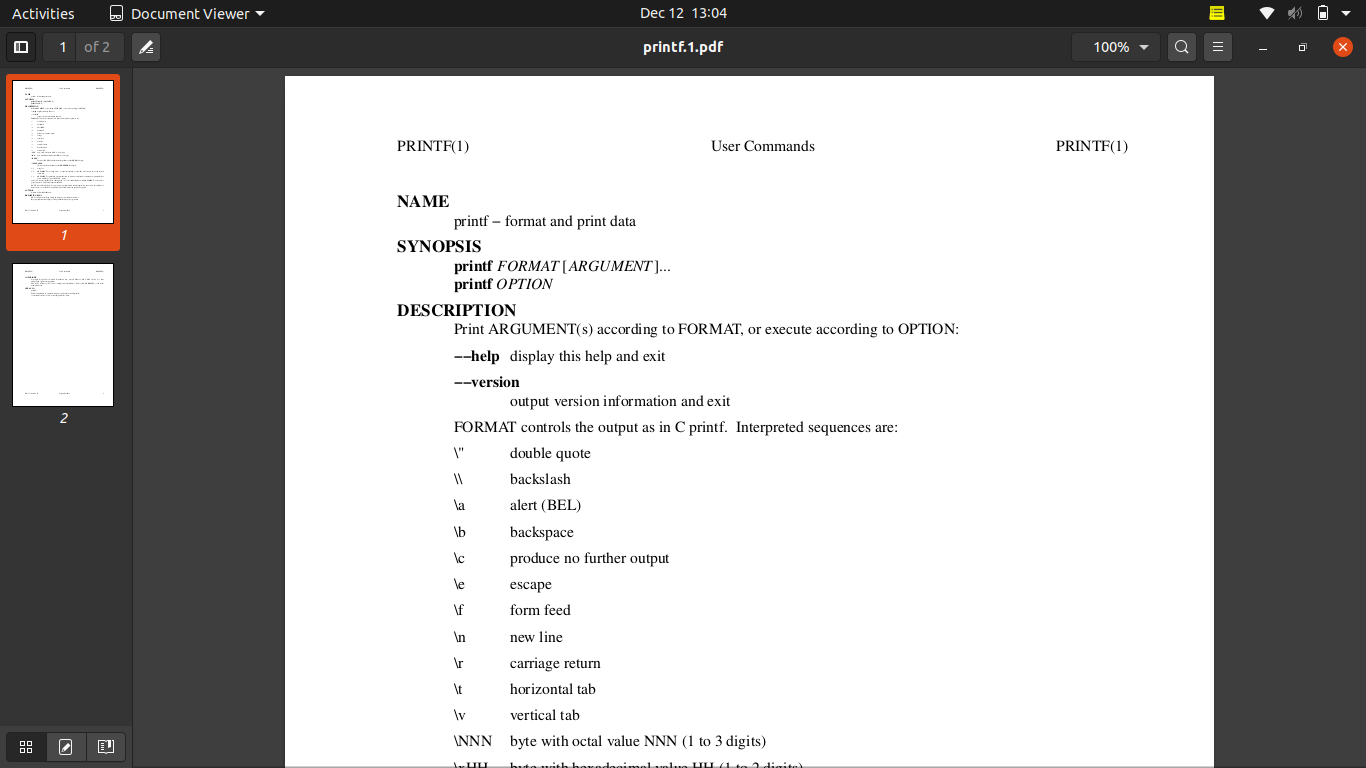
The most basic use of groffer is to display a file or man page. By default, it will display the content in PDF format.
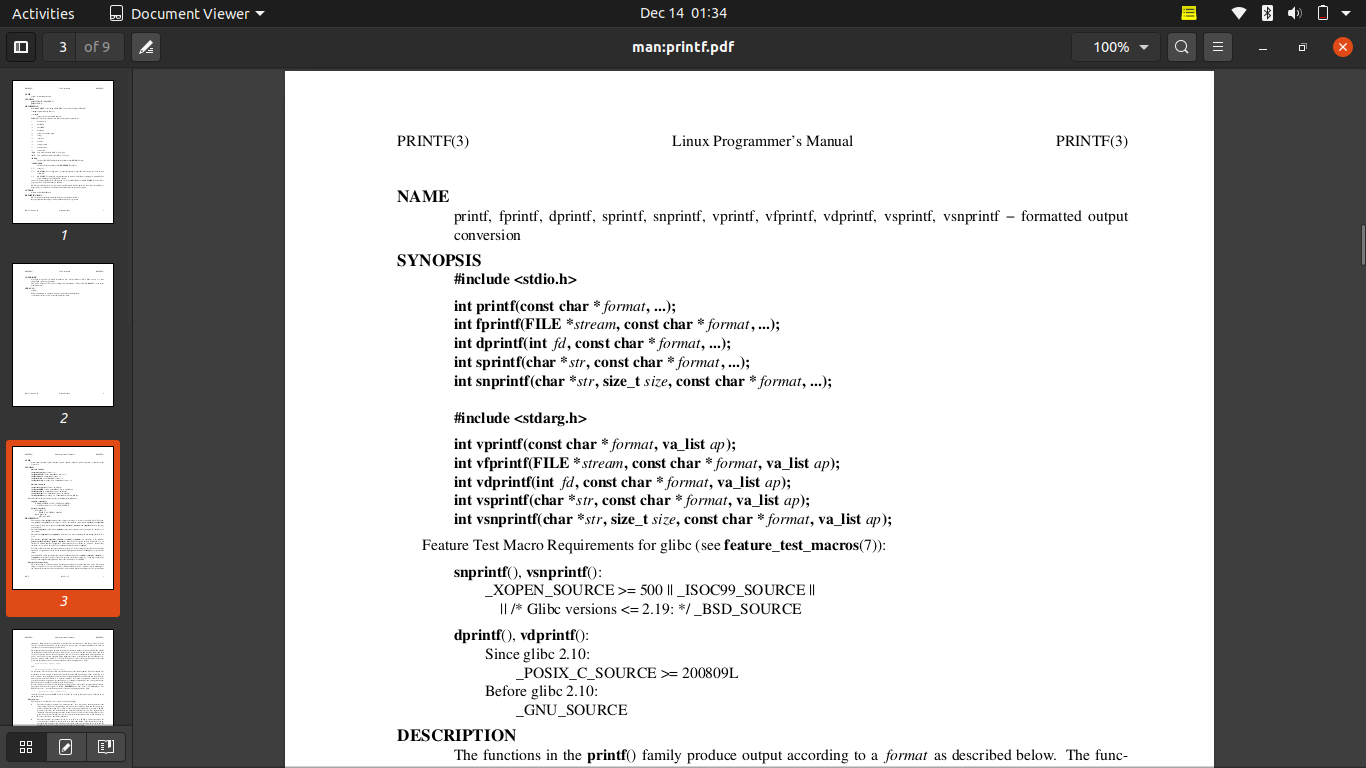
groffer printf👁 1. To display a file or man page. By default, groffer will display these files in PDF format.You can combine multiple files into a single output file for easier viewing using this command.
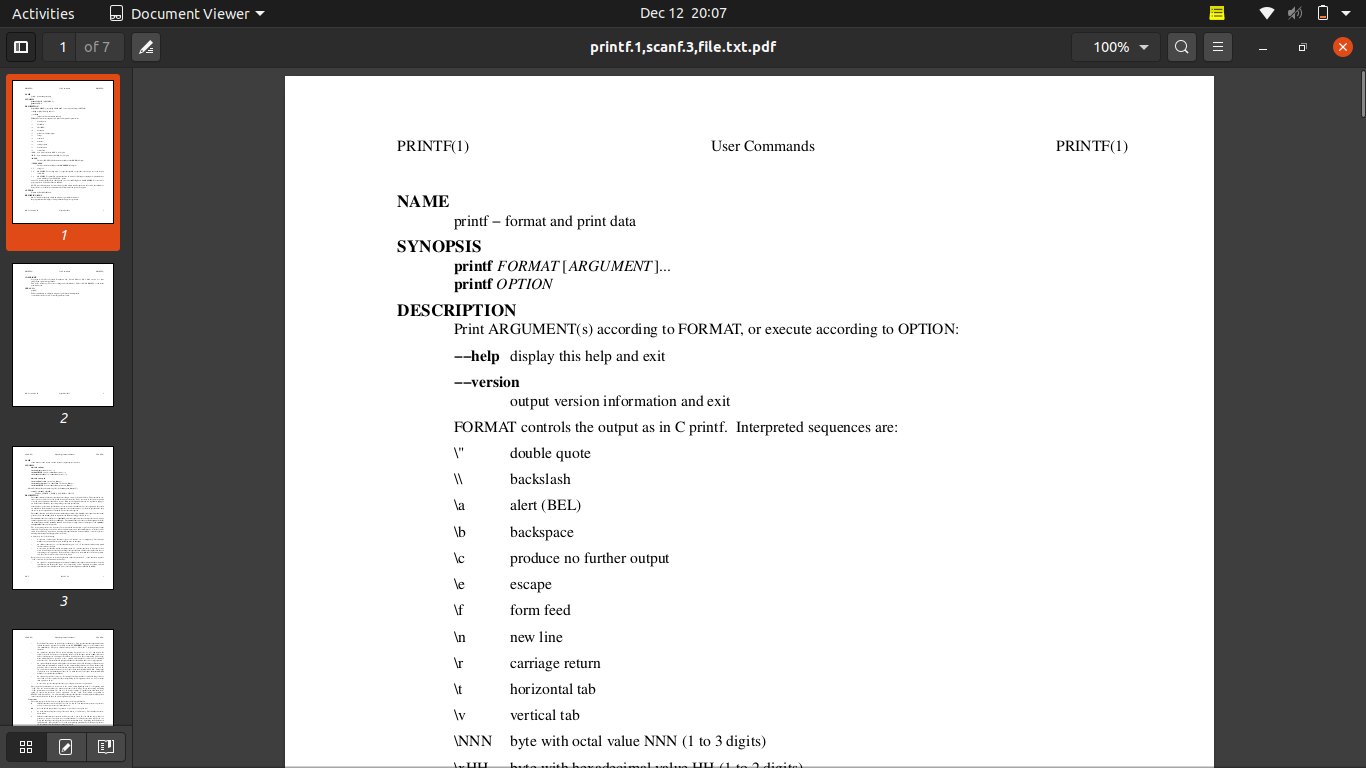
groffer printf scanf file.txt👁 2. To concatenate multiple files into one pdf.For example, printf command has two section_extensions: printf(1) and printf(3).
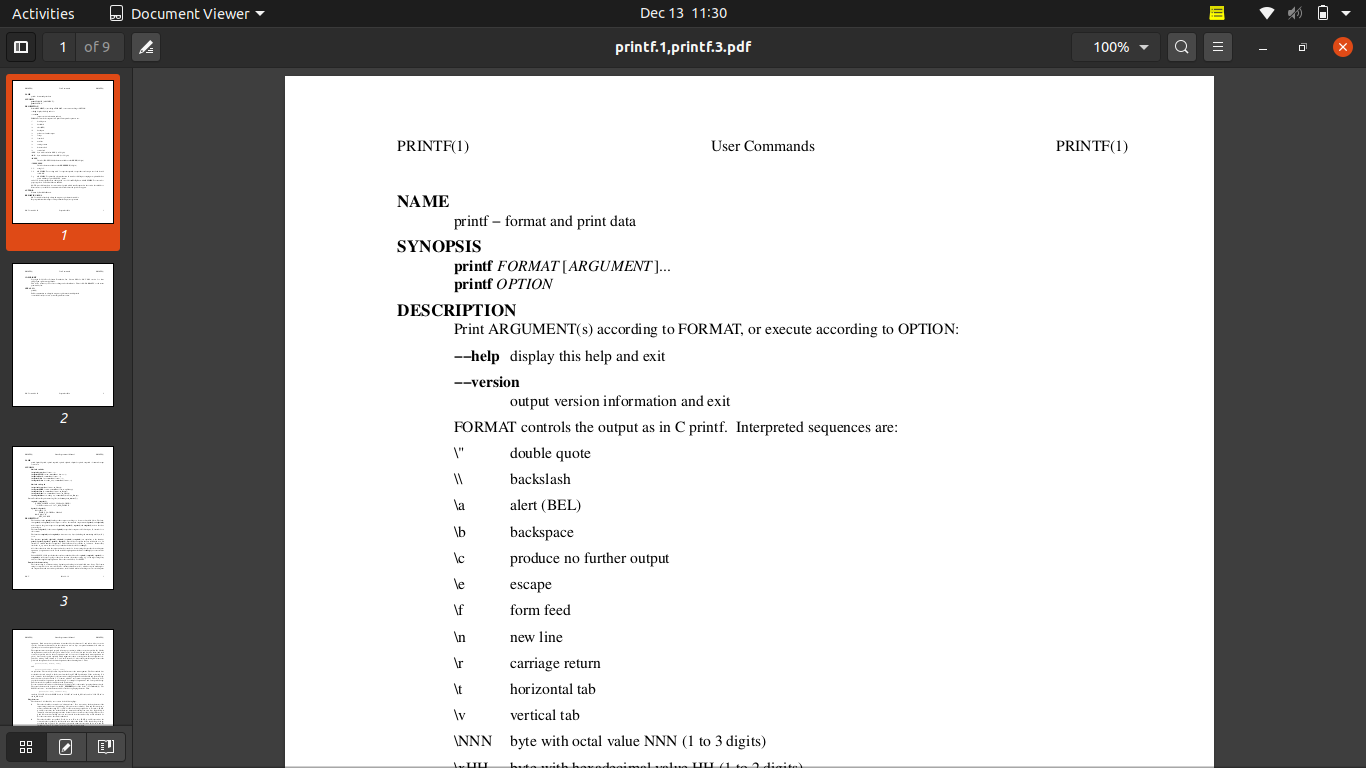
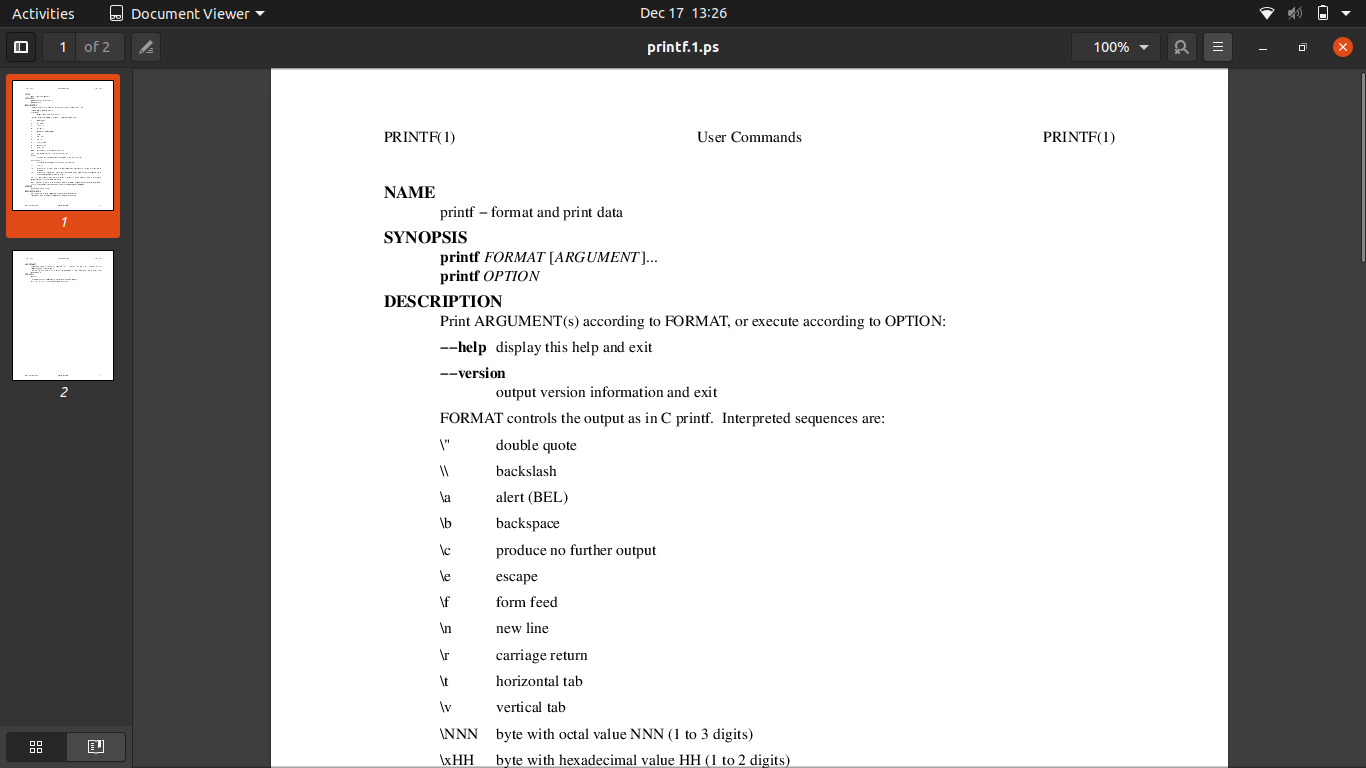
groffer printf.1 printf.3👁 To display man pages categorized into different sectionsNote: In Linux systems, these section_extensions are denoted by a digit from 1 to 9 while in UNIX systems by one of the characters from n & o.
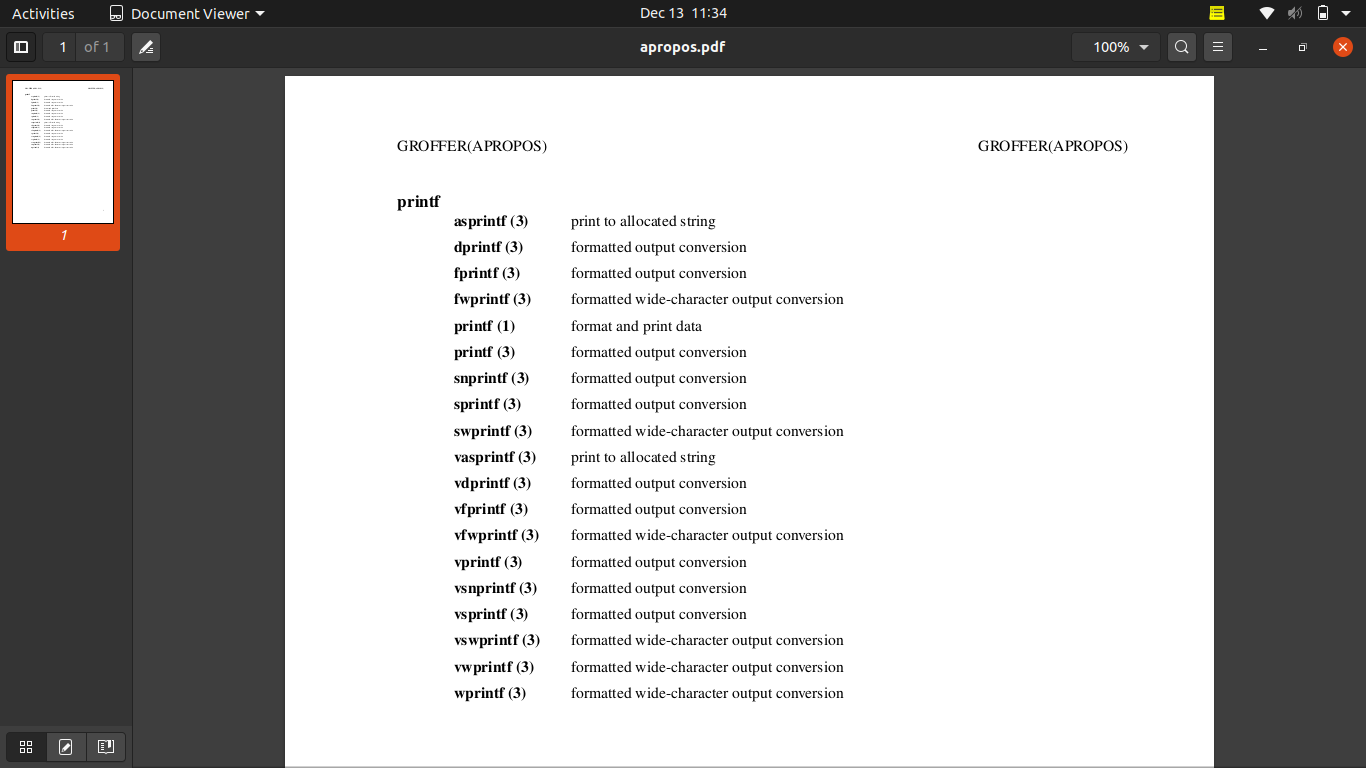
The --apropos option allows us to search for a term in man page descriptions.
groffer --apropos printf👁 ImageNote: section_extension isn't supported with the apropos command.
Example: Searching printf with --all option will also display synopsis about printf, fprintf, dprintf, sprintf, snprintf, vprintf, etc.
groffer --all printf👁 To display all the man pages related to the given filespec argument.Use the --ps option to view the output in a PostScript viewer.
groffer --ps printf👁 To display the files or man pages in the Postscript viewer program (ps mode).If you want to generate output using plain groff, use the --groff option.
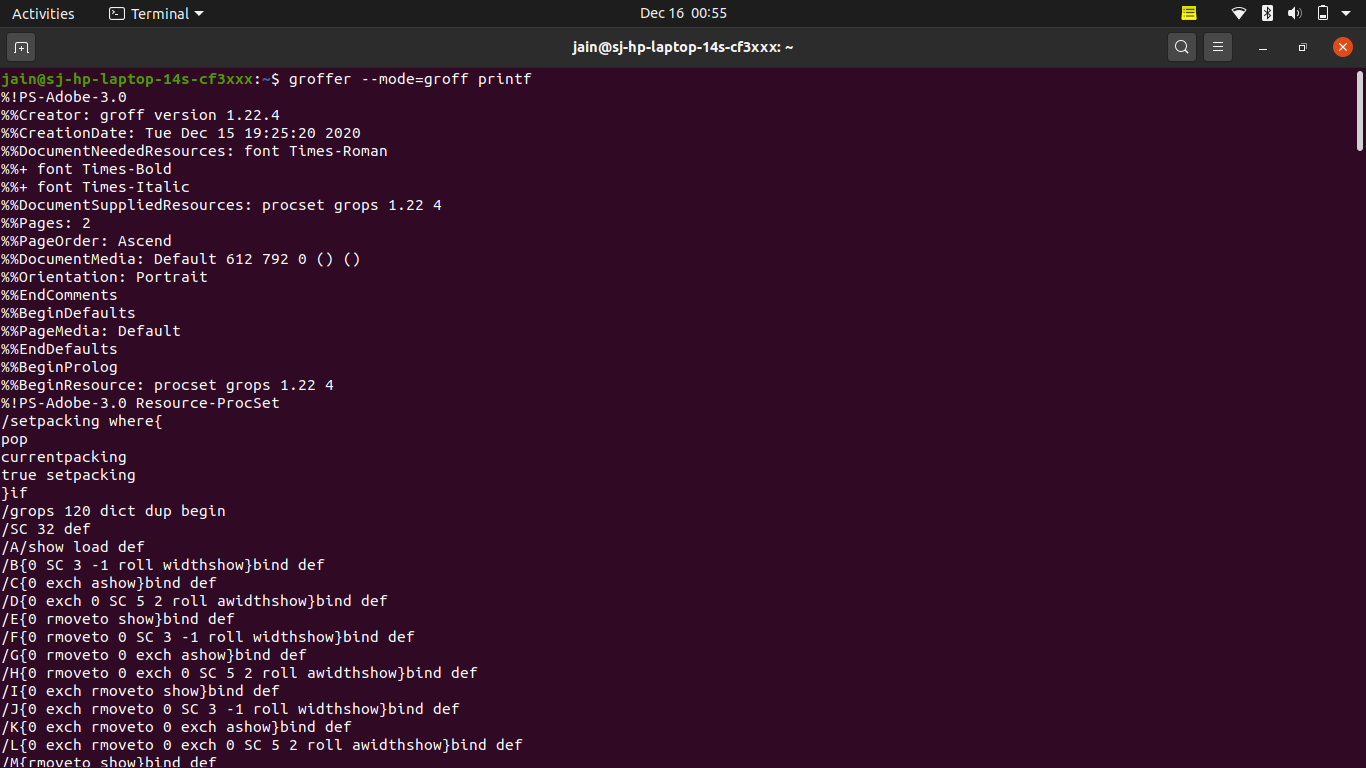
groffer --groff printf👁 To generate device output with plain Groff.The --tty option forces the output to be displayed in a text terminal.
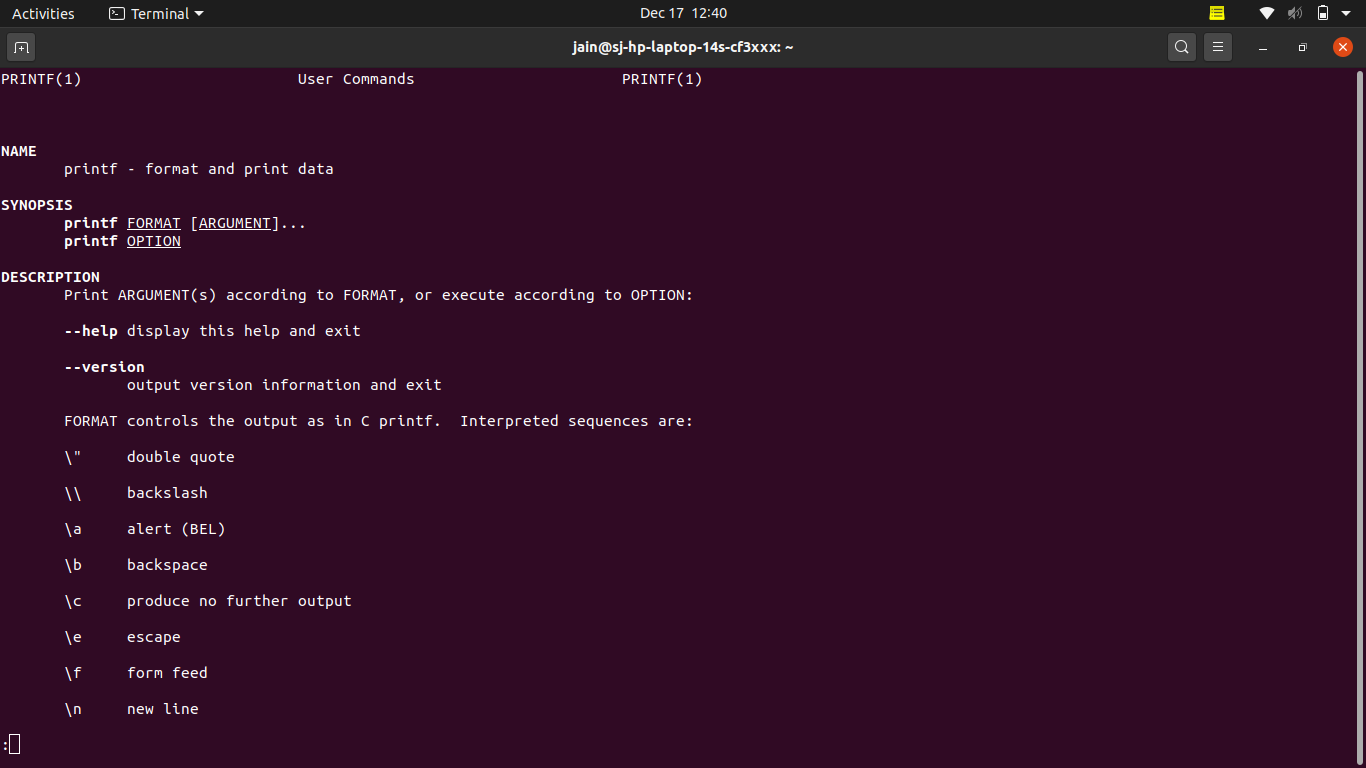
groffer --tty printf👁 ImageThe groffer command in Linux is a adaptable utility for displaying Groff-formatted files and man pages across different viewing interfaces. Its ability to handle compressed files and support multiple output formats makes it an essential tool for system administrators and developers who need to read documentation efficiently. By mastering the groffer command's various options and use cases, you can significantly improve your documentation viewing experience on Linux.