|
VOOZH | about |
|
VOOZH | about |
MongoDB is a flexible and scalable NoSQL database that can be installed and configured on Ubuntu with careful setup.
MongoDB 7.0 Community Edition supports the following 64-bit Ubuntu LTS (long-term support) releases on x86_64 architecture:
Review the Production Notes document before deploying MongoDB in a production environment.
Follow the steps given below to install MongoDB:
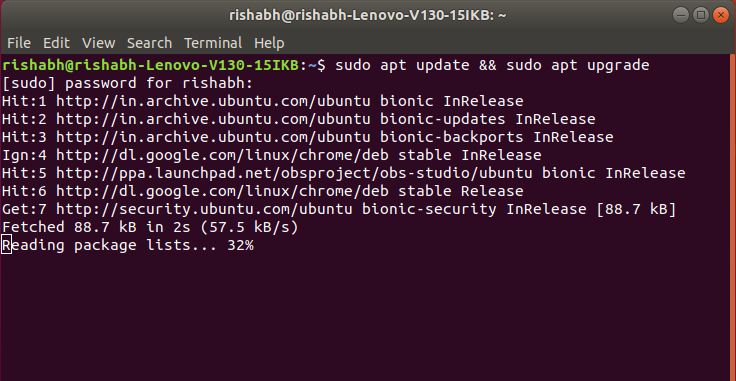
Step 1: First we need to update and upgrade our system repository to install MongoDB. Type the following command in our terminal and then press Enter.
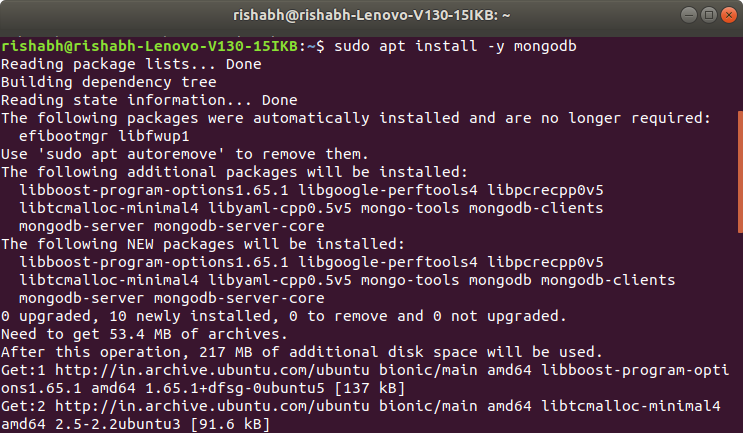
sudo apt update && sudo apt upgrade👁 updating system repositoryStep 2: Now, install the MongoDB package using 'apt'. Type the following command and press Enter.
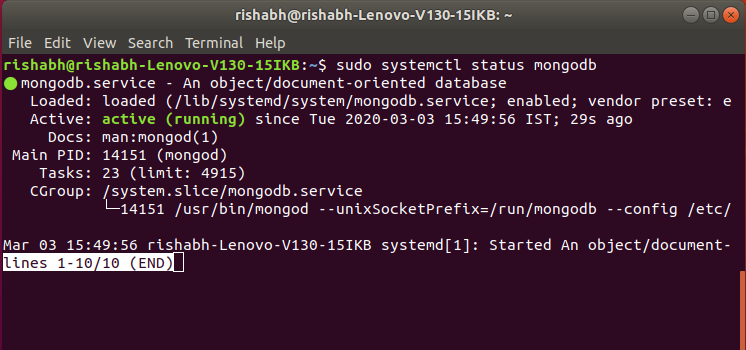
sudo apt install -y mongodb👁 installing mongodb in linux terminalStep 3: Check the service status for MongoDB with the help of following command:
sudo systemctl status mongodb👁 checking the service status for mongodbsystemctl verifies that MongoDB server is up and running.
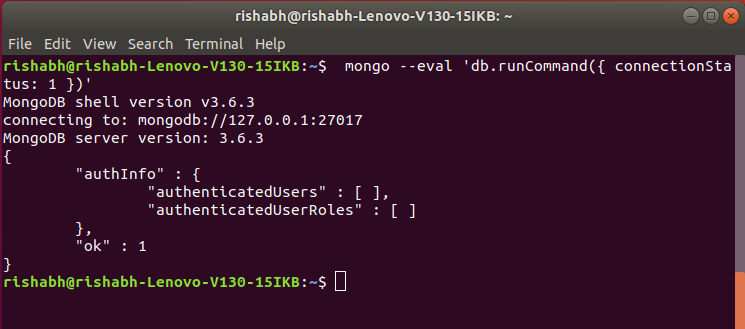
Step 4: Now check if the installation process is done correctly and everything is working fine. Go through the following command:
mongo --eval 'db.runCommand({ connectionStatus: 1 })'👁 checking installation processthe value "1" in ok field indicates that the server is working properly with no errors.
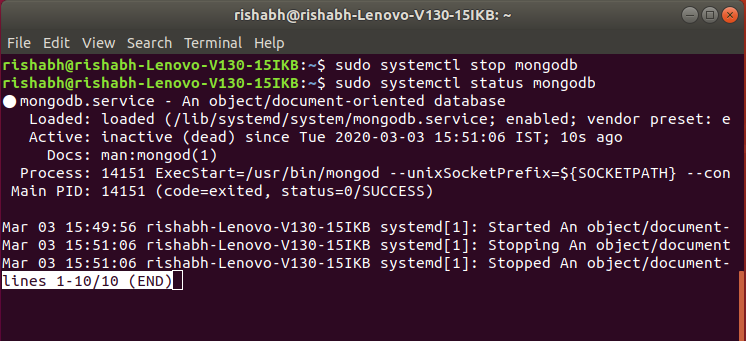
Step 5: MongoDB services can be started and stopped with the use of following commands: To stop running the MongoDB service, use command :
sudo systemctl stop mongodbMongoDB service has been stopped and can be checked by using the status command:
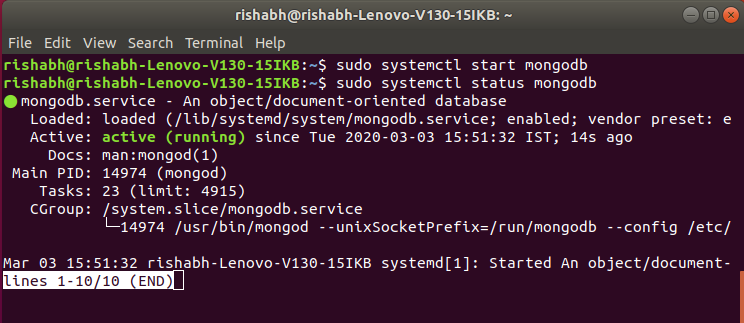
sudo systemctl status mongodb👁 stop and check mongodb statusAs it can be seen that the service has stopped, to start the service we can use :
sudo systemctl start mongodb👁 start mongodb serviceStep 6: Accessing the MongoDB Shell
MongoDB provides a command-line interface called the MongoDB shell, which allows us to interact with the database.
To access the MongoDB shell, simply type the following command in your terminal:
mongoWe are now connected to the MongoDB server, and you can start executing commands to create databases, collections, and documents.
Some features of MongoDB are listed below:
Here are some use cases of MongoDB: