|
VOOZH | about |
|
VOOZH | about |
As of June 2024 Microsoft Teams isn't officially available on Kali Linux (or any other linux for that matter). But many open-source clients are available for the same. In this article, we will install one such client "teams-for-linux" on Kali linux using Snap Package Manager using the following steps.
How to Install Microsoft Teams on Kali Linux
We will use apt update and apt upgrade command to update kali linux with latest packages.
sudo apt update && sudo apt upgradeOnce updating is completed. We will install snap package manager using apt install command.
sudo apt install snapd -yAfter installing snap package manager, we will use systemctl enable command to enable services.
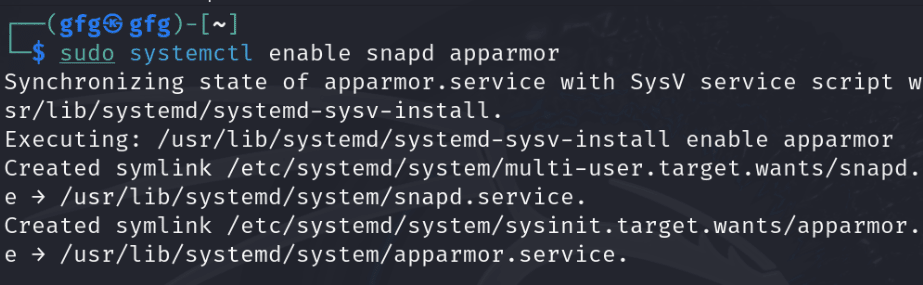
sudo systemctl enable snapd apparmorAfter installing and enabling services for snap, reboot system for applying changes at OS level.
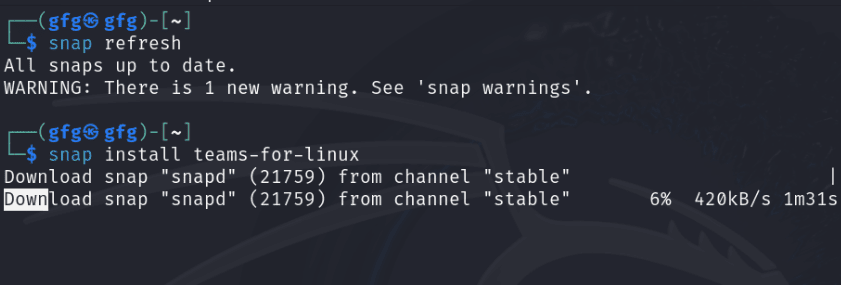
systemctl rebootOnce rebooted, now we can use snap store for installation. First refresh repository using snap refresh command.
snap refreshOnce all repositories are refreshed, install teams using snap install command.
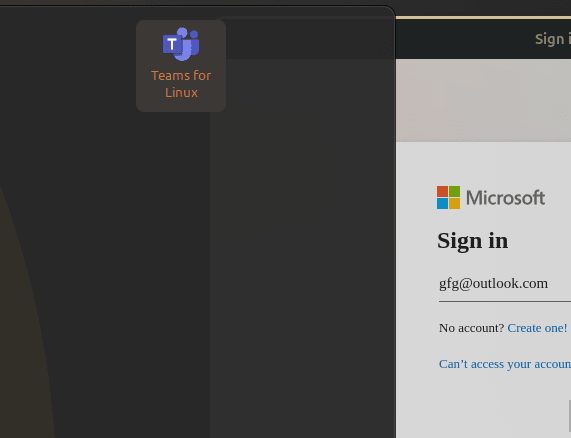
snap install teams-for-linuxAfter installation is done, we can launch Teams from application menu as follows.
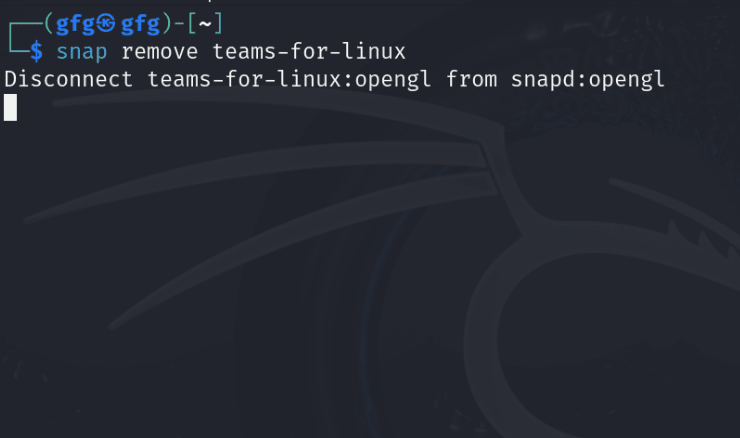
To safely uninstalling teams, we will use snap remove command as follows.
snap remove teams-for-linuxIn conclusion, while Microsoft Teams is not officially supported on Kali Linux or any other Linux distribution, various open-source clients such as "teams-for-linux" provide alternative solutions. This article has demonstrated how to install "teams-for-linux" on Kali Linux using Snap Package Manager. By following the outlined steps, users can effectively set up and utilize Microsoft Teams functionalities on their Linux systems. Additionally, the process includes instructions for uninstalling "teams-for-linux" using Snap Package Manager, ensuring flexibility and ease of management for users seeking to integrate Microsoft Teams into their Linux environments.