|
VOOZH | about |
|
VOOZH | about |
Nessus is a vulnerability management tool that helps organizations and network environments identify and address network security issues. It helps in identifying vulnerabilities, potential threats, and irregularities. It plays an important role in maintaining a strong cybersecurity posture.
The below process involves downloading and installing the Nessus package on a Linux system.
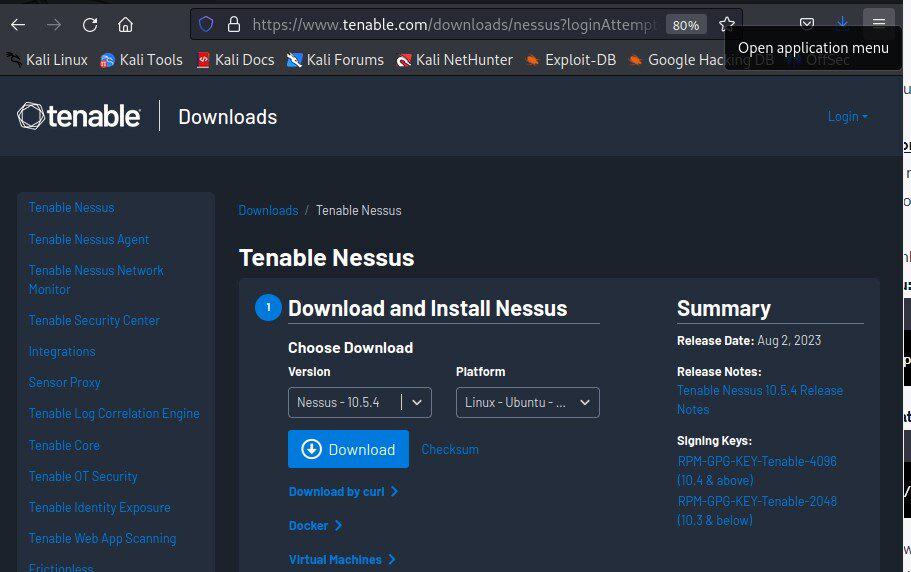
Visit the Tenable Nessus website and sign up for a Nessus Home edition account (if you don't have one):
After signing up, you'll receive a link to download the Nessus package and also receive an activation code. Download the appropriate package for your Linux distribution.
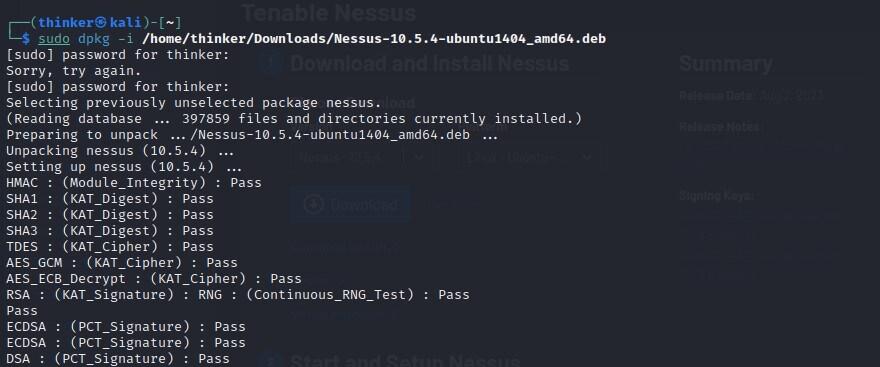
After downloading the Nessus package to your Downloads directory:
sudo dpkg -i /path/to/Nessus-<version>-<platform>.debsudo rpm -ivh /path/to/Nessus-<version>-<platform>.rpmNote: Replace '<version>' with the version number you downloaded, and '<platform>' with the appropriate platform identifier.
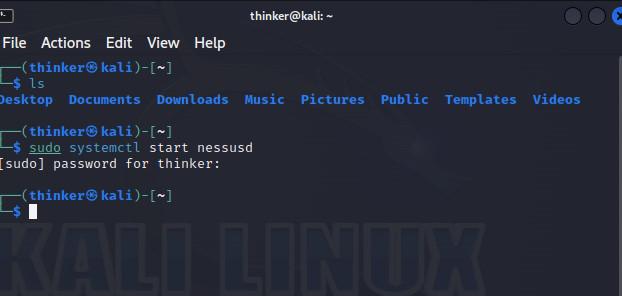
After installation, start the Nessus service:
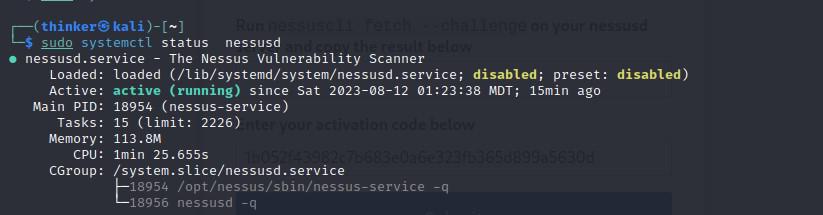
sudo systemctl start nessusdVerify that the service is running by running the following command.
sudo systemctl status nessusd If it is disabled then run the following command to enable it.
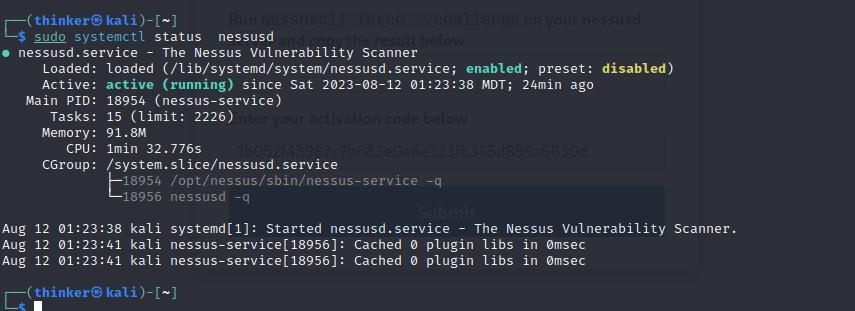
sudo systemctl enable nessusd
Now check whether it is enabled or not.
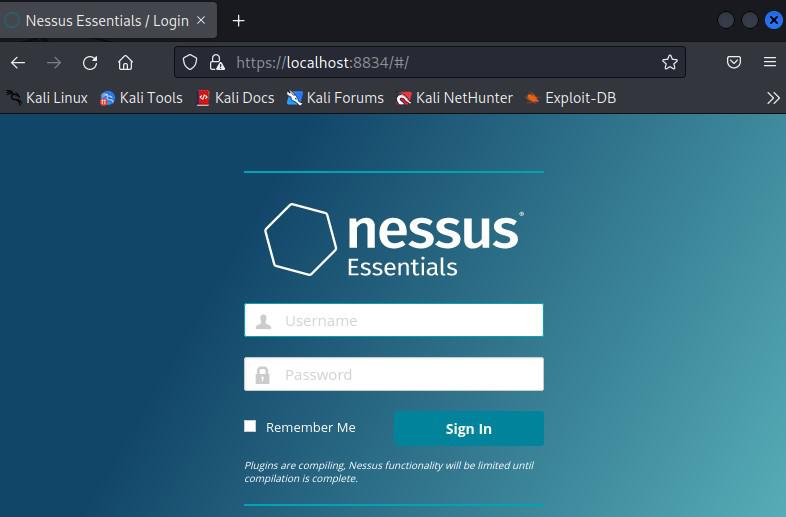
sudo systemctl status nessusd Open a web browser and navigate to 'https://localhost:8834'.
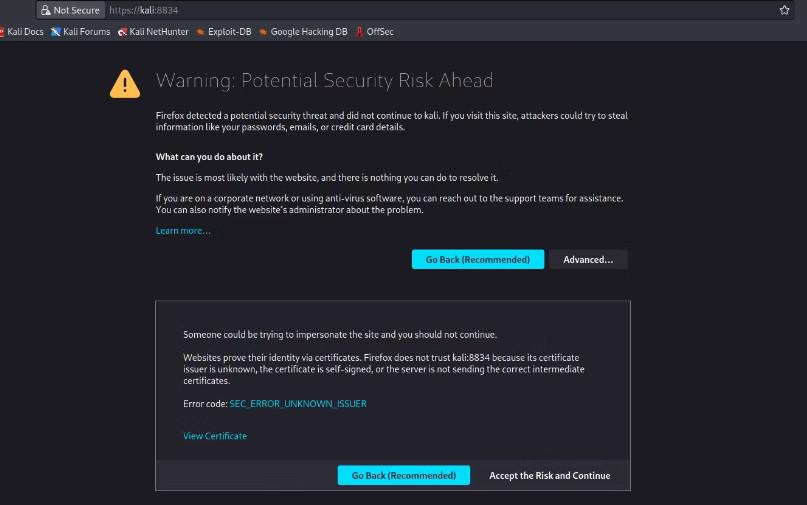
You might encounter a security warning due to the default self-signed SSL certificate used by Nessus. Accept the security risk and proceed.
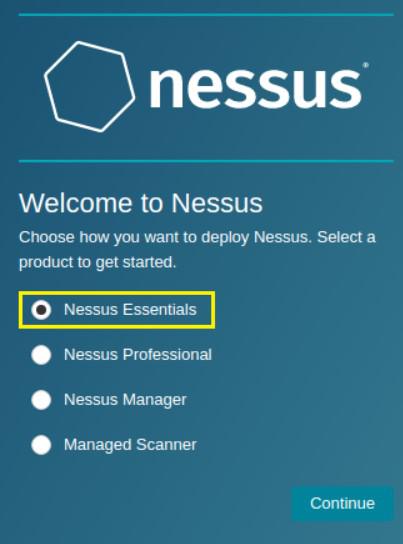
On the Welcome to Nessus screen, select the product version, Nessus Essentials.
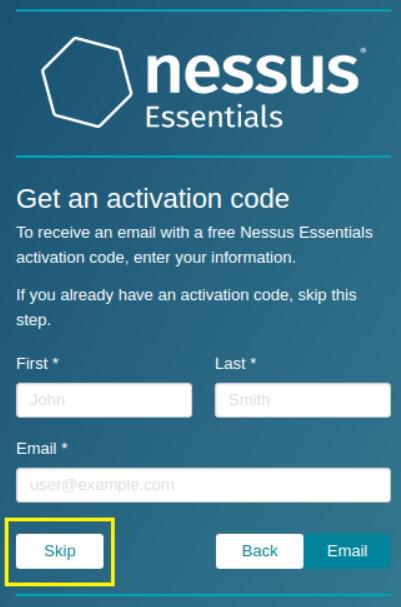
On the Get an activation code screen select skip, as you have previously obtained the activation code.
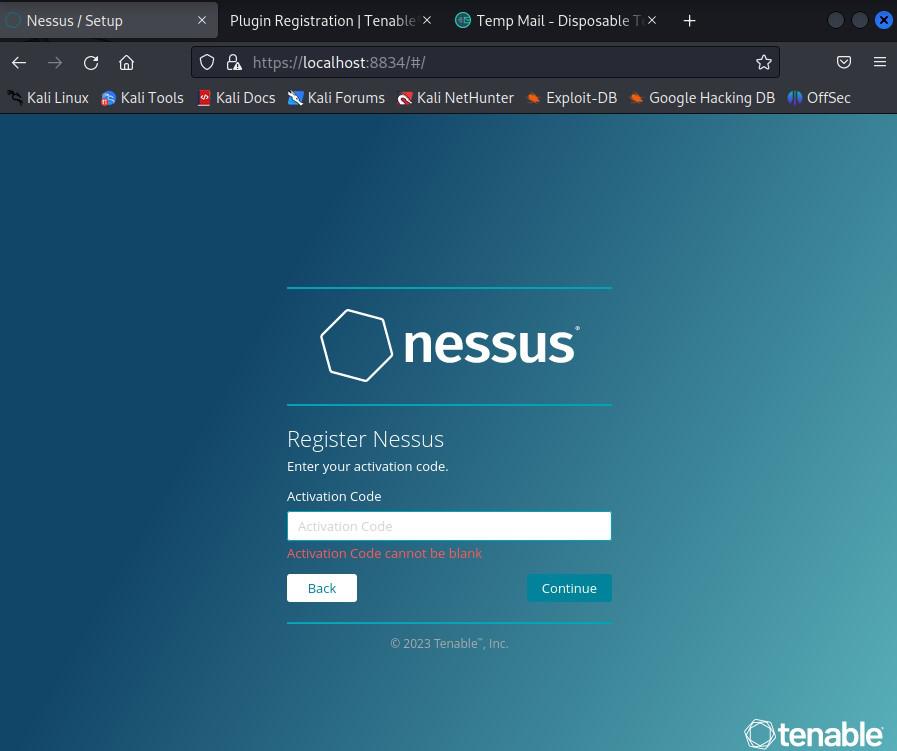
Enter the code to activate Nessus.
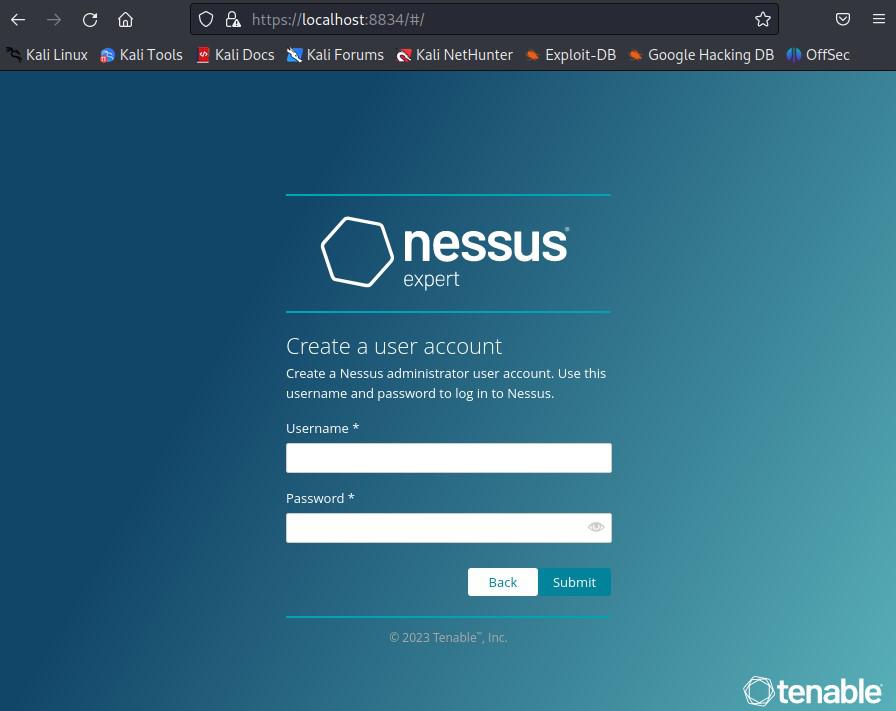
After activation, Create a Nessus user account (username and password). This account will be used to access the Nessus web interface.
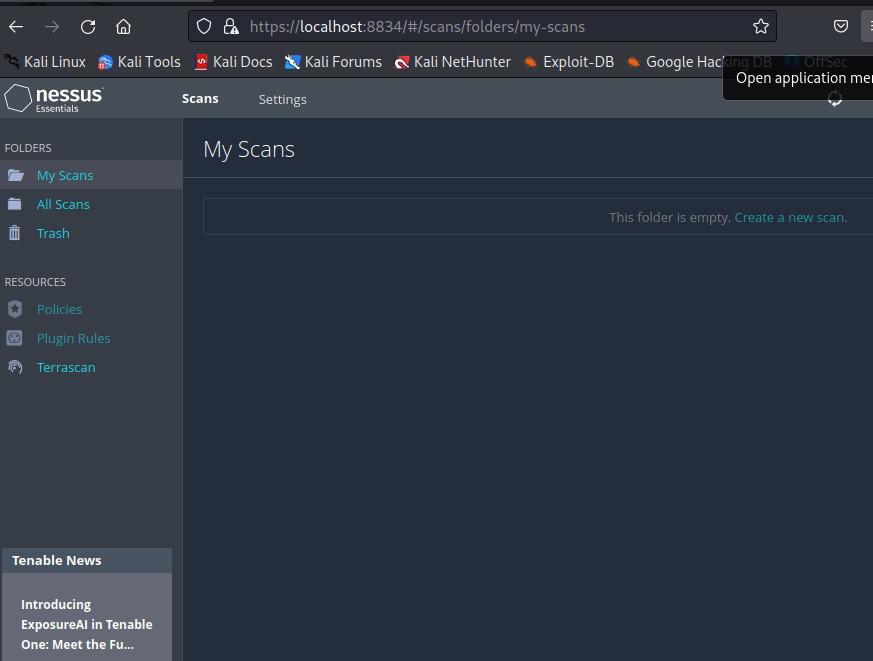
Log in to the Nessus web interface using the account you just created.
That's it! You now have Nessus installed and running on your Linux system. You can use the Nessus web interface to start scanning your network for vulnerabilities.
Let’s go over two practical examples of using Nessus for vulnerability scanning.
In this example, we will perform an initial vulnerability scan on the target system using Nessus.
Verify that you have turned on the Nessus service with the following command:
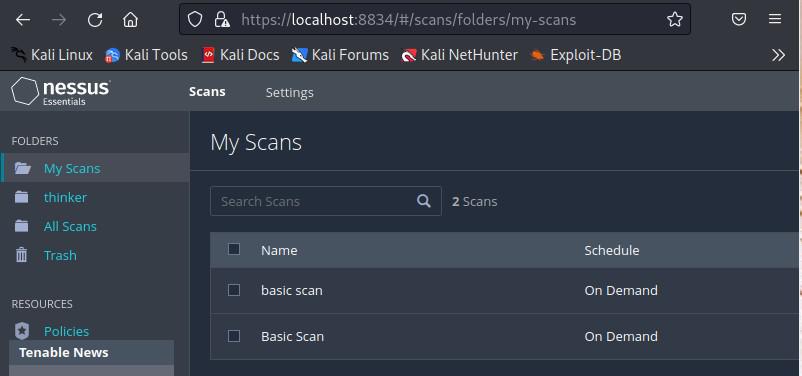
sudo systemctl start nessusdOpen a web browser and navigate to https://localhost:8834. Log in with your Nessus username and password.
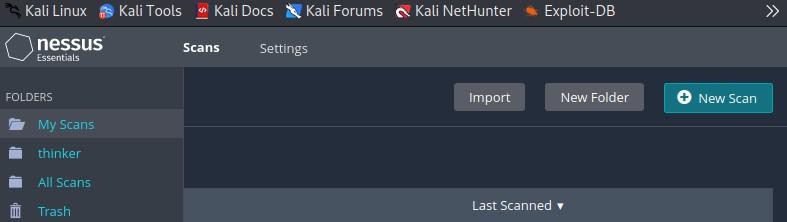
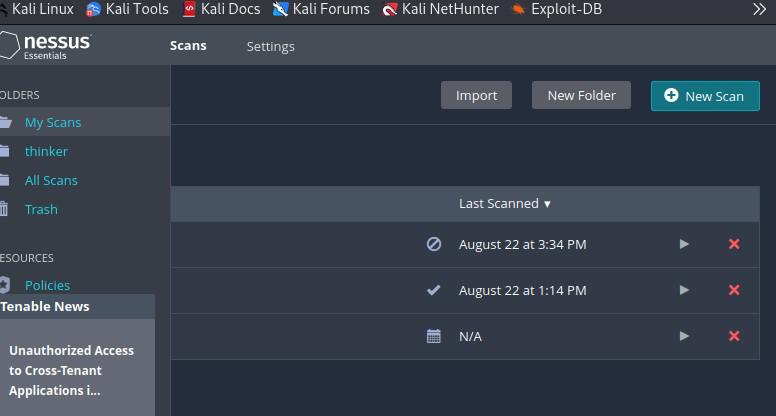
1. Click on the "Scans" tab in the top navigation bar.
2. Click the "New Scan" button.
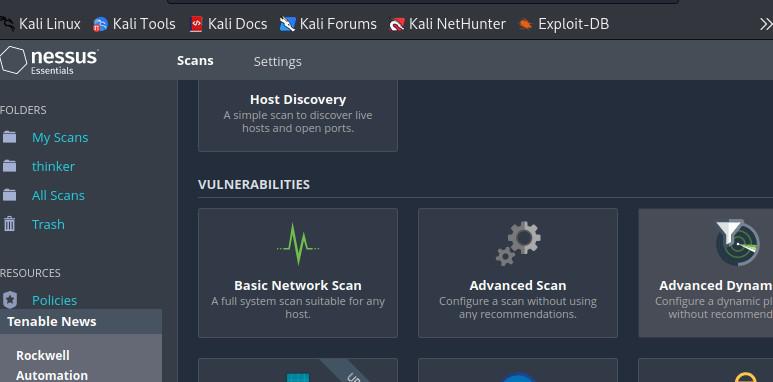
3. Select the "Basic Network Scan" template.
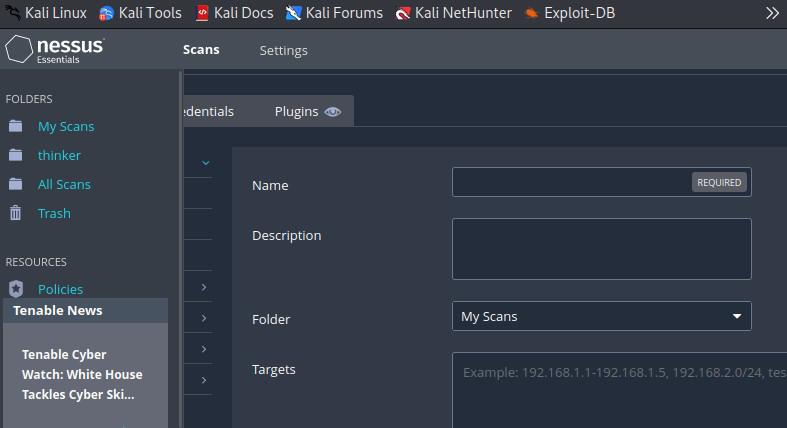
In the "Targets" section, enter the IP address or hostname of the target system you want to scan. You can leave other settings at their default values for this basic example.
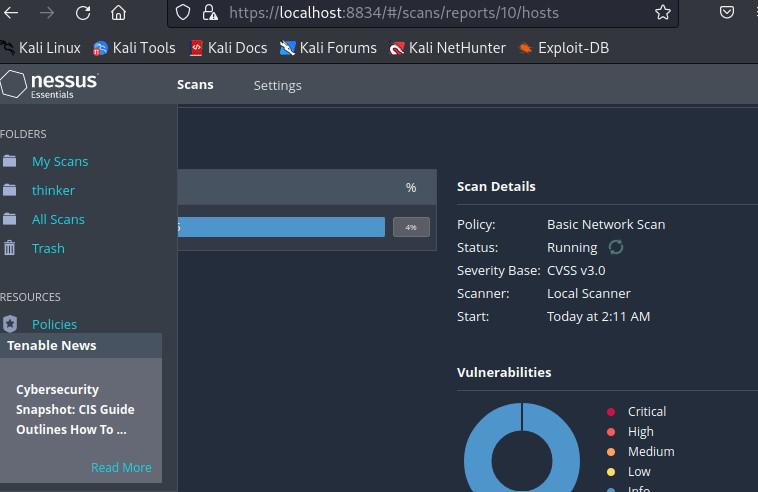
Click the "Save" button to save the scan configuration, then click the "Launch" button to start the scan.
In this example, we started a basic network scan using Nessus. We provided the target's IP address or hostname and used the "Basic Network Scan" template. This scan looks for common vulnerabilities in the target system.
In this example, we will create a report from the results of a previous scan.
Wait for the scan to complete. Depending on the size of the target network, this can take some time.
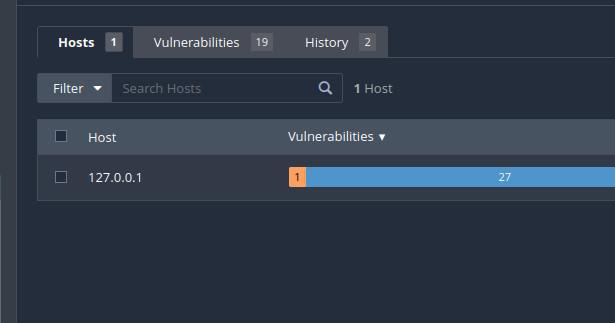
Once the scan is complete, go to the "Scans" tab. Click on the scan you performed earlier ("Basic Scan").
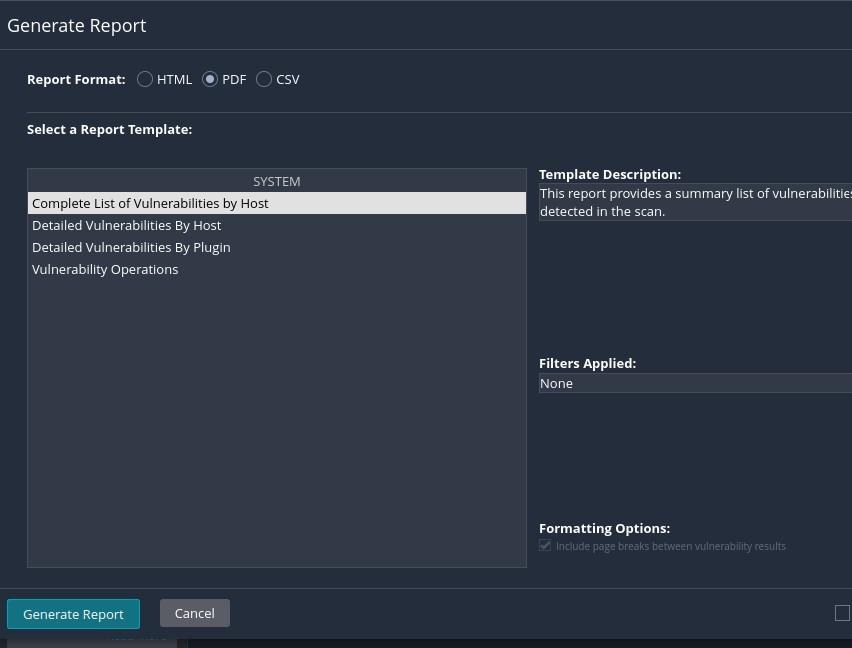
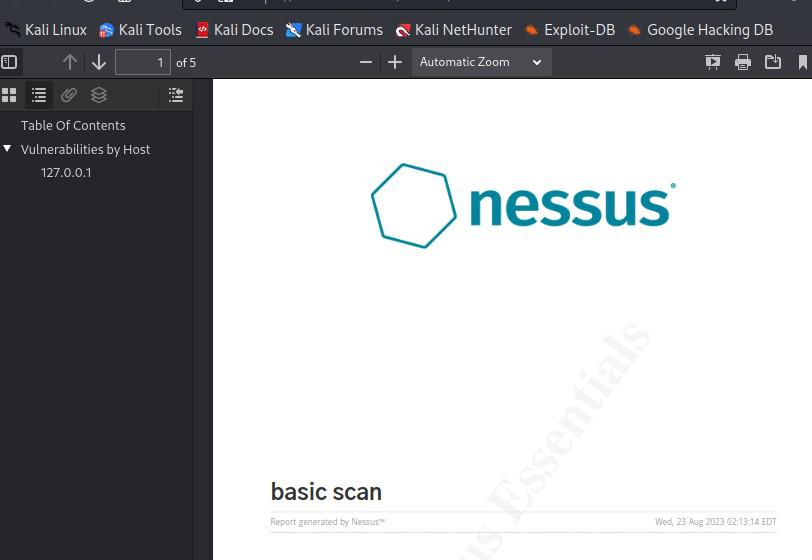
Once the report is generated, you'll see a link to download it. Click the link to download the report in the selected format.
In this example, we get the scan results and generate a report. Nessus offers a variety of report templates, such as "Executive Summary" and "Full Audit''.
In conclusion, Nessus is a powerful vulnerability management tool that can be installed on Linux systems to proactively identify and address security issues in network environments. By following the installation steps, users can set up Nessus and access its web interface to conduct vulnerability scans. It offers flexibility in scan customization, real-time reporting, and a wide range of features, making it a valuable asset for maintaining strong cybersecurity. Users can perform basic scans and generate reports to gain insights into potential vulnerabilities, thereby bolstering their organization's security posture. However, it's essential to be aware of its cost for advanced features, potential complexity in configuration, and the need for continuous monitoring to ensure up-to-date security status.