|
VOOZH | about |
|
VOOZH | about |
hwclock also called Real Time Clock (RTC), is a utility for accessing the hardware clock. The hardware clock is independent of the OS(operating system) you use and works even when the machine is shut down. The hardware clock is also called a BIOS clock. A user can also change the date and time of the hardware clock from the BIOS.
The hardware clock stores the values of the second, minute, hour, day, month, and year. The hwclock utility saves its settings in the "/etc/adjtime" file, which is created when a user makes the first change.
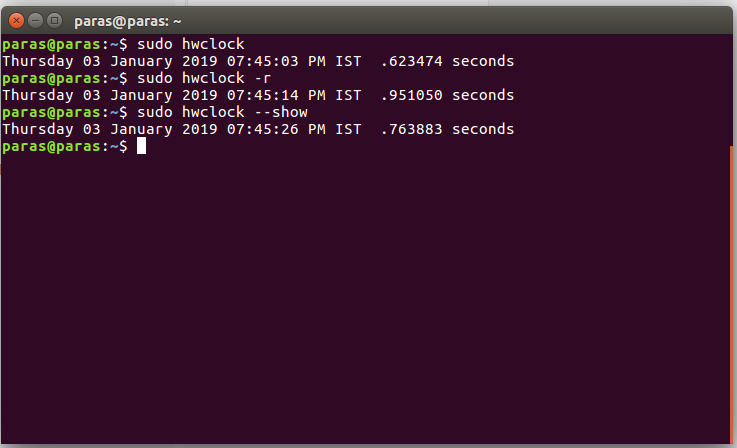
hwclock [function] [option...]Displays the current time stored in the hardware clock (RTC).
Example:
sudo hwclock -rDisplays the drift-corrected RTC time.
Example:
sudo hwclock --getSets the hardware clock to a specified date and time. You must provide the date using the --date option.
Example:
sudo hwclock --set --date="2024-10-10 15:45:00"Syncs the system time to match the hardware clock.
Example:
sudo hwclock -sUpdates the hardware clock to match the system clock. This is the reverse of --hctosys.
Example:
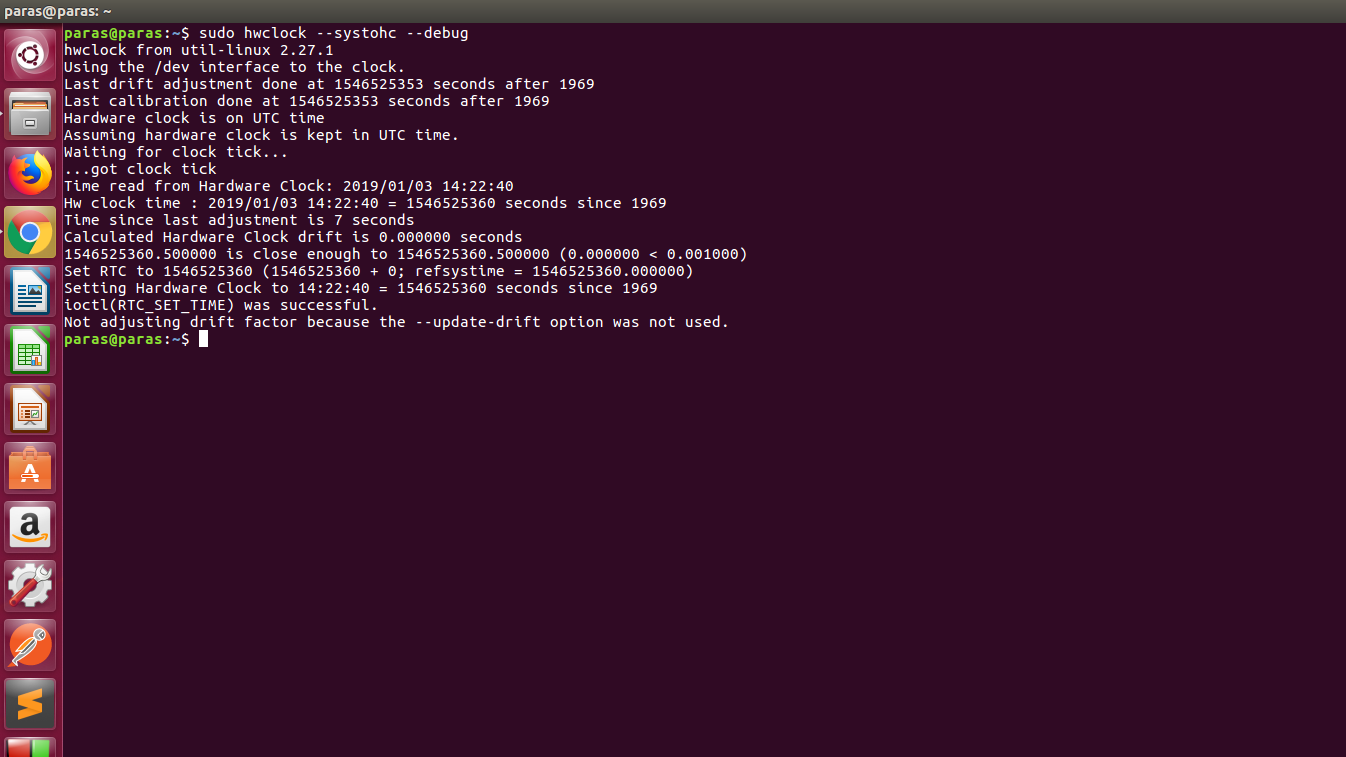
sudo hwclock -wSends the timescale configurations (like UTC or local time) to the kernel.
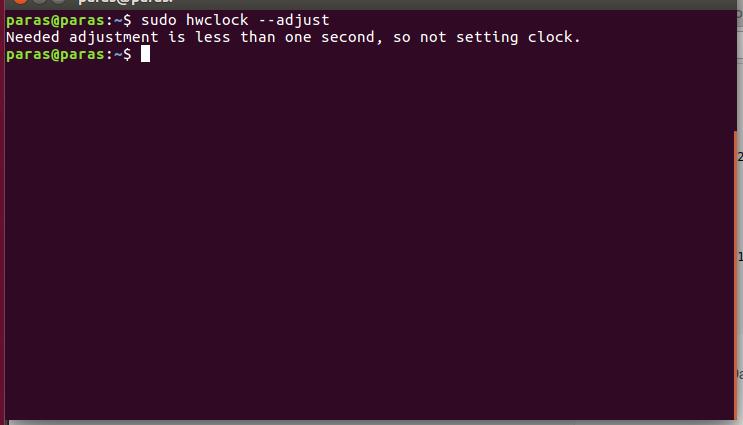
Adjusts the hardware clock to account for systematic drift based on the drift information stored in the "/etc/adjtime" file.
Predicts the drift-adjusted RTC time based on the given date.
| Option | Description |
|---|---|
-u, --utc | Shows that the RTC (Real Time Clock) timescale is set to UTC. |
-l, --localtime | Shows that the RTC timescale is set to Local Time. |
-D, --debug | Displays detailed debug information based on the demands of the hwclock command. |
-V, --version | Displays the version information of the hwclock utility and exits. |
-h, --help | Displays a help text with an overview of the available options and exits the command. |
Note: You should run the hwclock command with sudo privileges to make changes to the hardware clock or view the current RTC time.
The hwclock utility is an essential tool for managing hardware clock settings in Linux. If you're adjusting for drift, syncing system time, or simply checking the current RTC time, mastering the hwclock command can help you maintain accurate and reliable timekeeping on your Linux machine. With easy-to-use functions and options, it's a must-know utility for any Linux user or system administrator.