|
VOOZH | about |
|
VOOZH | about |
users command in Linux system is used to show the user names of users currently logged in to the current host. It will display who is currently logged in according to FILE. If the FILE is not specified, use "/var/run/utmp". "/var/log/wtmp" as FILE is common.
users [OPTION]... [FILE]where,
users command without any option will print the users currently logged in.
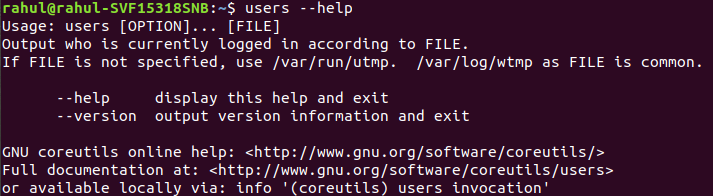
👁 Basic ExampleUse the --help option to show the help message, which lists all available options for the users command:
users --help👁 Displaying Help InformationThis command provides a summary of the options that can be used with users, along with a brief description of what each option does.
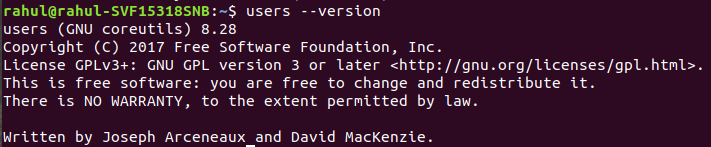
To check the version of the users command installed on your system, use the --version option.
users --version👁 ImageThis will display the version of the util-linux package, which includes the users command.
The users command is a lightweight and straightforward utility in Linux that displays the usernames of logged-in users. By understanding its options and usage, you can monitor user activity and incorporate the command into scripts for system management. Whether you’re a system administrator tracking server activity or a Linux enthusiast exploring command-line utilities, mastering the users command adds another useful tool to your skillset.