|
VOOZH | about |
|
VOOZH | about |
YAML (YAML Ain’t Markup Language) is a human-readable data serialization language used to store and exchange data. It is commonly used for configuration files and data representation.
YAML uses simple structures like key-value pairs and lists.
Example:
name: John
age: 25
skills:
 - Java
 - Python
- DevOpsYAML files are saved with a file format that ends with either ".yaml" or ".yml"
Example: The visual studio code provides the option to save the file as .yaml extension.
A YAML scalar is a single value that represents basic data such as a string, number, boolean, or null. It is the simplest data type in YAML and does not contain any nested structure like lists or mappings.
key: valuekey: 'value'key: "value with\nnewline"key: { foo: bar, baz: 42 }There are mainly three ways to create a YAML file:
apiVersion: apps/v1
kind: Deployment
metadata:
 name: nginx-deployment
 labels:
 app: nginx
spec:
 replicas: 3
 selector:
 matchLabels:
 app: nginx
 template:
 metadata:
 labels:
 app: nginx
 spec:
 containers:
 - name: nginx
 image: nginx:1.14.2
 ports:
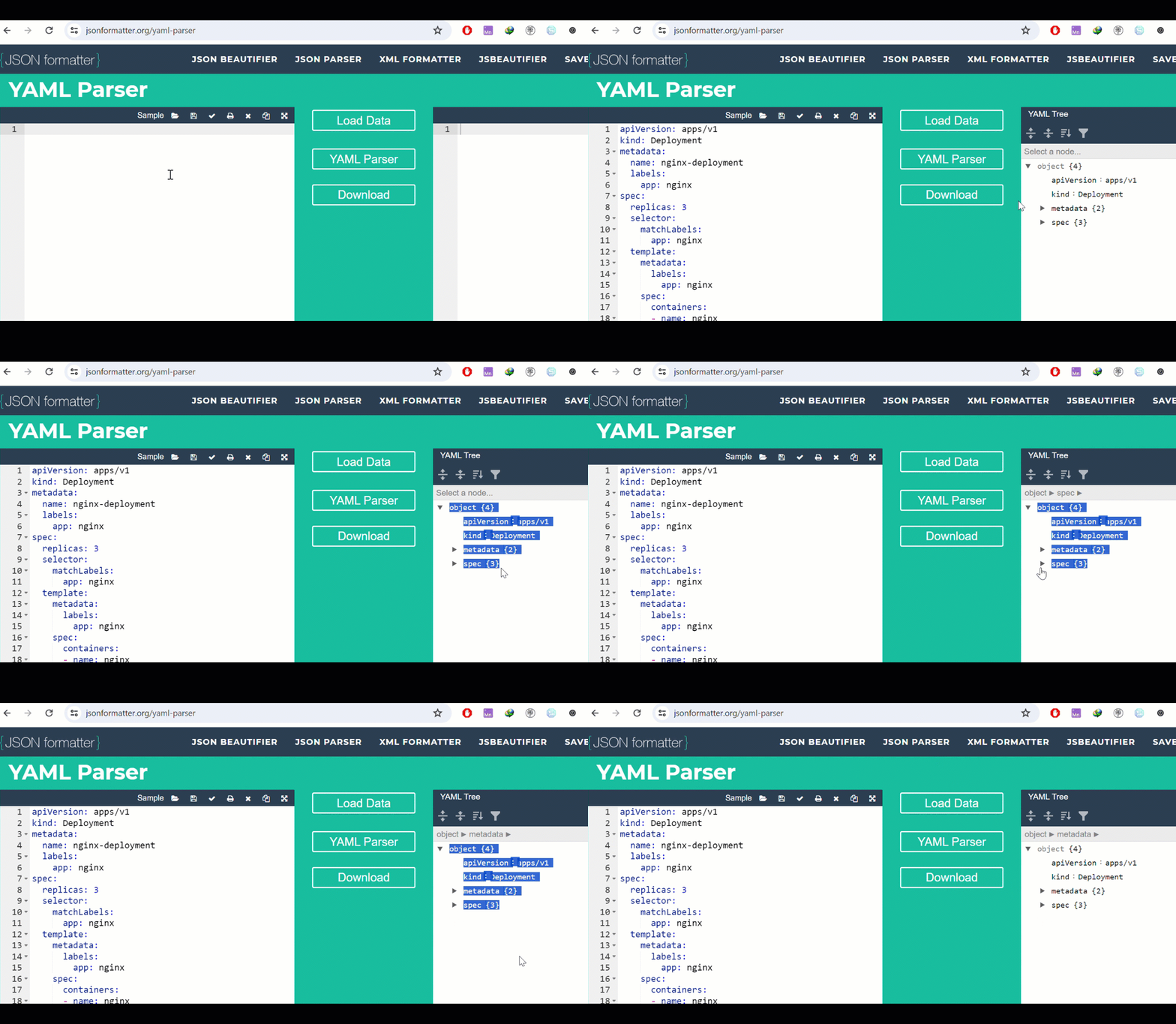
- containerPort: 80https://jsonformatter.org/yaml-parserThis method allows you to create a YAML file by accessing a YAML file directly through a URL. It is useful for downloading, referencing, or using configuration files hosted online.
Example:
https://github.com/kishan-kaushik/git-project/blob/master/file.yamlThis method allows you to create a YAML file using a predefined template structure. It helps in quickly generating configuration files with standard formatting and required fields.
Example:
apiVersion: apps/v1
kind: Deployment
metadata:
 name: nginx-deployment
 labels:
 app: nginx
spec:
 replicas: 3
 selector:
 matchLabels:
 app: nginx
 template:
 metadata:
 labels:
 app: nginx
 spec:
 containers:
 - name: nginx
 image: nginx:1.14.2
 ports:
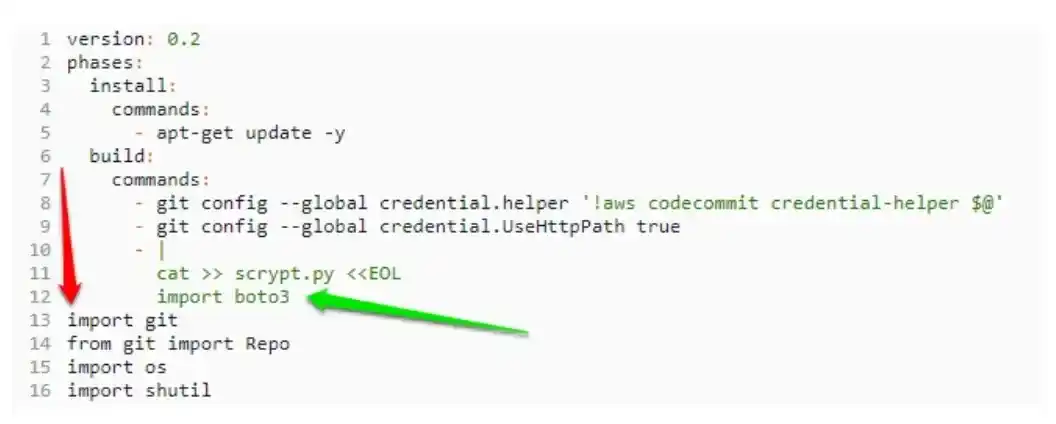
- containerPort: 80The YAML language does not allow the using of the TAB button because of indentation issues. You can however use any amount of spaces and combination of space instead of using the tabs in the YAML language.
YAML is a language that is known to be whitespace-sensitive which means that while indentation defines the structure. however it does not accept any tabs as we discovered earlier for the indentation. so that means that the empty lines are ignored and comments are written using octothorpe #.
In the YAML language, custom data types are allowed but the YAML language is known to natively encode the scalars, if you are wondering what scalars are then simply know that strings, float values, strings are known to be scalars.
YAML itself doesn't inherently support multi-document structures like JSON arrays or objects. YAML is primarily designed to represent a single data structure. However, there is a way to handle multiple documents within a single YAML file using the --- document separator.
# Document 1
key1: value1
key2: value2

---
# Document 2
key3: value3
key4: value4YAML uses the indentation in order to indicate both the structure as well as the hierarchy of the data. the recommended indentation for the YAML language files is simply two spaces per level but apart from that YAML can also follow any of the indentation which the individual file uses.

.webp)