|
VOOZH | about |
|
VOOZH | about |
Wireshark is an open-source packet analyzer that enables real-time data inspection. It enables network sniffing, which analyzes traffic for device communication insights. The ethical and legal implications of network sniffing are discussed, emphasizing responsible usage. Spoofing, a manipulation of network data, can compromise network security through techniques like ARP, DNS, and IP spoofing.
The process of intercepting and capturing network traffic is referred to as sniffing. A network sniffer, packet sniffer, or network analyzer, is a tool or piece of software that captures and analyzes data packets as they transit over a network. Sniffing is frequently used for valid reasons such as network troubleshooting, monitoring, and analysis. Sniffers can be used by network administrators to diagnose network problems, optimize performance, or investigate security vulnerabilities. It can, however, be abused for nefarious reasons.
In this section, we will see a detailed step-by-step process to perform Sniffing in Wireshark Tool.
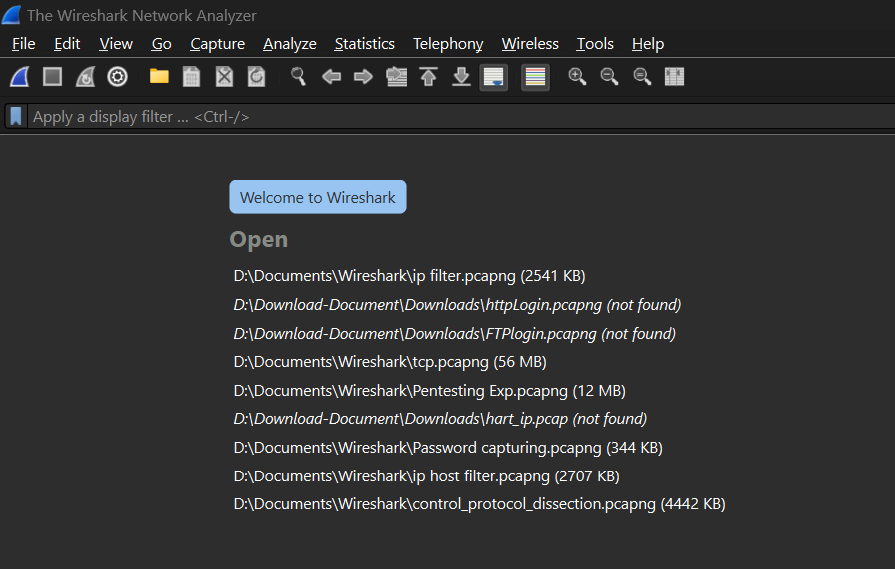
Open your Wireshark tool in a new window or a Linux virtual machine. and begin network capture. Assume we are capturing wireless fidelity (Wi-Fi Traffic).
Open Wireshark, select your Wi-Fi interface and start capturing packets. Engage in network activities, stop the capture, and analyze the captured packets for network insights.
Wireshark has recorded some packets, but we're looking for HTTP packets in particular. So we use some command in the display filter bar to find all of the captured HTTP packets—the green bar in the image below shows where we applied the filter.
http
Apply Wireshark filters to focus on specific vulnerable packets: filter by Telnet, TCP, UDP, HTTP, SMTP, NNTP, POP, or FTP protocols to identify and analyze potential security issues in the captured network traffic.
tcp.port == 80 || udp.port == 80
In the below output screenshot, you can see that we have filtered FTP packets.
ftpSpoofing is fooling or tricking a system, device, or network by using false information. This could include assuming a false name, IP address, or other identifying characteristics to obtain illegal access, change data, or launch attacks. Spoofing is frequently related to cyber attacks in which the attacker attempts to conceal their identity or obtain unauthorized access to a system or network.
In this section, we will perform the detailed step-by-step process to perform Spoofing in Wireshark Tool.
Open Wireshark, and choose the network interface. Start capturing by clicking the interface and selecting "Start."
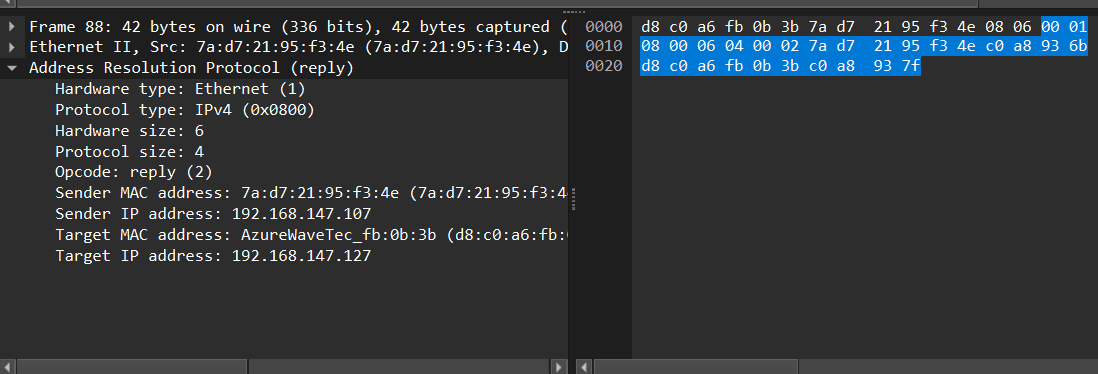
Apply the ARP filter in the display filter bar to focus on ARP packets.
arpObserve normal ARP traffic—devices asking for and receiving MAC addresses.
In conclusion, Wireshark is an open-source network protocol analyzer that enables real-time data inspection on computer networks. Sniffing, a process of intercepting and capturing network traffic, is used for troubleshooting, monitoring, and analysis. It can diagnose problems, optimize performance, and investigate security vulnerabilities. However, it can also be abused for nefarious purposes, such as spoofing, which involves using false information to gain access, change data, or launch attacks.

.png)
-(1).png)
.png)
.png)
.png)