|
VOOZH | about |
|
VOOZH | about |
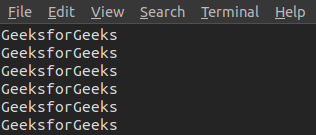
yes, the command in Linux is used to print a continuous output stream of a given STRING. If STRING is not mentioned then it prints 'y';
yes [STRING]
Note: To stop printing please press Ctrl + C.
let us say that we want to delete all the `.txt` files present in the current directory. Instead of writing `rm -i *.txt` and then typing y at the end for every file, what can be we can use `yes | rm -i *.txt`.
We can use `yes` command to generate a dummy file quickly by redirecting its output to a file, we can create a file with repetitive content.
For Example:
If we want to create a file name `jayesh.txt` with 100 lines containing "hello GFG".
Syntax:
yes "Hello GFG" | head -n 100 > jayesh.txtWe used `cat jayesh.txt` to see the content in the file
In this example, "yes" generates an infinite stream of "Hello World" strings, which is then piped to the "head" command to limit the output to 100 lines. Finally, the content is redirected to the "dummy.txt" file.
Options: