|
VOOZH | about |
|
VOOZH | about |
A registration and login system is a fundamental component of many web applications and provides user authentication and security. This allows users to create an account log in with their login credentials and manage their session securely.
By using PHP for server-side scripting and MYSQL for database, management we can we can efficiently handle user data, validate credentials, and maintain user sessions. Here we use HTML, CSS, Bootstrap, and JavaScript to create a responsive web application with a dynamic error-handling mechanism. PHP and MYSQL are used for server-side rendering and Database management.
This Registration and Login System with PHP and MySQL has the below features. And we provide related source code with outputs.
For Creating a Registration and Login System with PHP and MySQL here we use XAMPP server and MySQL database. So you should have installed these two your system then only this project run on your local machine when tested. Below we provide a step by step process to create a Registration and Login System with PHP and MySQL.
Project Name : loginRegisterationSystem
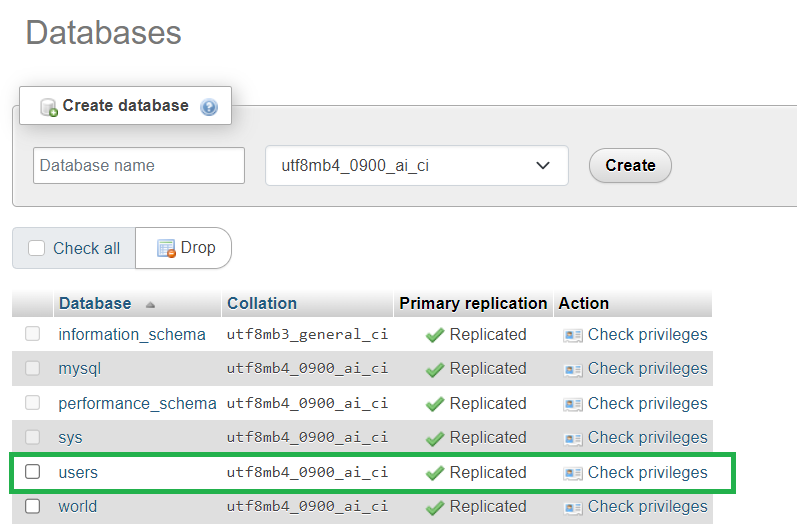
Database Name: users
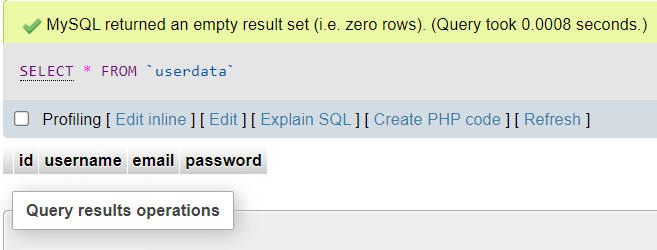
Table Name : userdata
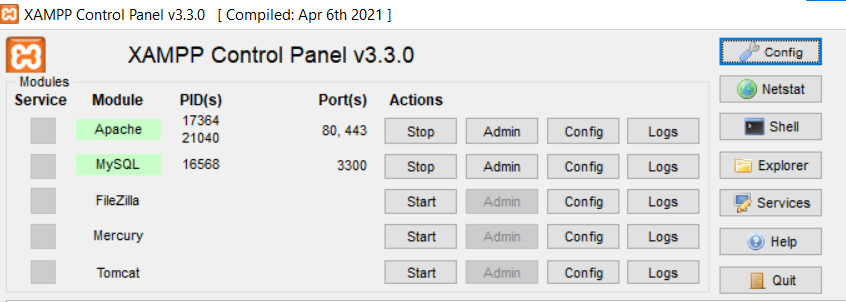
Here we use XAMPP as a Server. So First we need start the Apache and MySQL in XAMPP.
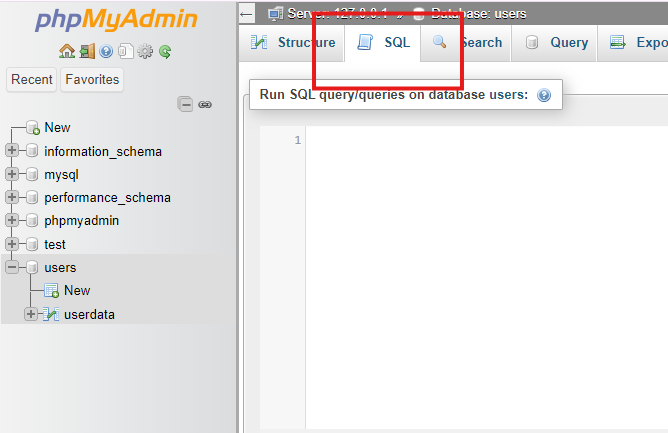
Now create a Database using XAMPP Server this click on admin button related MySQL then you redirected to PhpMyAdmin page then create a new Database. Once Database is created then create a table to store user information below we provide those information for your reference.
Run the below given code to the "SQL" tab.
Table creation:
CREATE TABLE userdata (
 id int NOT NULL AUTO_INCREMENT,
 username varchar(45) NOT NULL,
 email varchar(45) NOT NULL,
 password varchar(255) NOT NULL,
 PRIMARY KEY ( id ),
 UNIQUE KEY id_UNIQUE ( id )
)
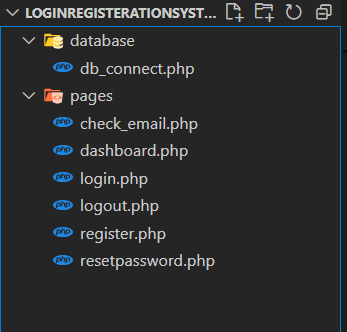
Once Project setting is completed. It's time to create a project to handle Registration and Login System with PHP and MySQL. So first navigate to xampp folder in your system then go to htdocs the create a project. Once project is created successfully now created required files below we provide folder structure image for your reference.
\xampp->htdocs->loginRegisterationSystemOpen your project folder in any IDE here we use VS Code then create a folder name database. In this folder create a php file with name db_connection.php then write PHP script for connecting the MySQL Database. Below we provide connection scripting source for your reference. For connecting MySQL database we need below parameters.
Note: Add your username and password that you have set already. If you are new then username will be username and the password will be blank "".
Once Database connection is completed Then create a folder in the project with name pages. In that folder create register php file and include connection file in that and write source code for designing web page and store the user data which is given using that registration form. Below we provide that source code for your reference along with outputs. While registration a user. We check the given email is exist or not. If exist we display an error message like already email exist otherwise save the user data in Database. For registration purpose we gather below information.
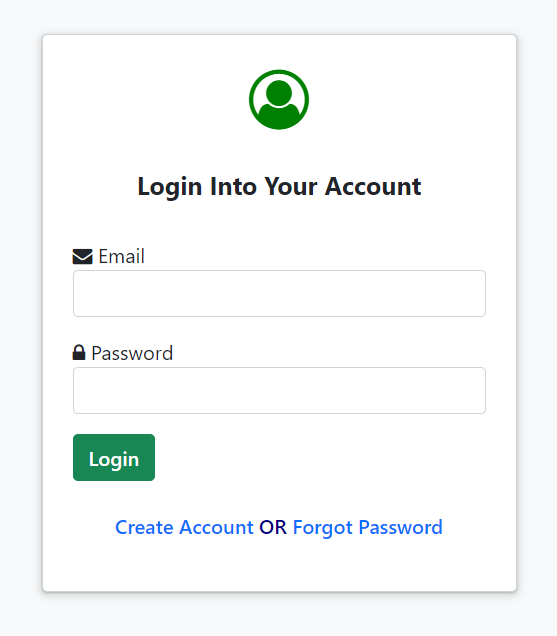
Once user registration is completed Then create a login php file and include connection file in that and write source code for designing web page and check user data which is given using that login form. Below we provide that source code for your reference along with outputs. While login, We check If given user email id is registered or not. If email id available then successfully redirecting to dashboard with sessions otherwise we display a error toast message. For login purpose we gather below information.
Once login page completed then create a dashboard page. And add connection file and session to avoid direct access without login. Below we provide that source code for your reference. If login successfully done redirecting to dashboard with sessions otherwise we display a error toast message. In dashboard page we implement logout functionality also we provide output image for your reference.
If you want to logout then click on logout button in dashboard page. Then automatically your session is destroyed and redirecting to login page. For your reference we provide source code below.
If your password is forgot then click on forgot option in login page then redirecting to forgot password page then enter your email id. after enter your email id we check this email is is exist or not. If exist we display a green color tick symbol otherwise we display red color wrong symbol on email field. below we provide source codes for email check and reset password for your reference.
http://localhost/loginRegisterationSystem/pages/register.php%3C/span>Output: