|
VOOZH | about |
|
VOOZH | about |
PHP is a popular server-side scripting language that is especially used in web development. If you're working on a Linux environment, whether it's a personal development setup or a production server, you will likely need PHP installed. In this article, we will see the step-by-step guide to install PHP on Linux operating system.
Follow the below steps to install PHP on Linux system:
On your Linux computer open the terminal. You can also open the terminal by using Ctrl+Alt+T.
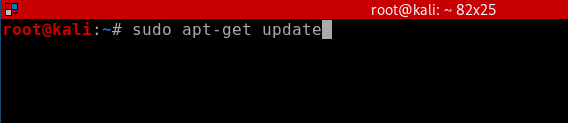
👁 terminal in LinuxOn your terminal update your packages using the following command.
# sudo apt-get update👁 updating packagesNow install available upgrades of all packages currently installed on the system using the following command.
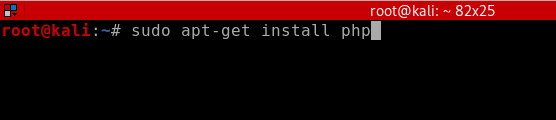
# sudo apt-get upgrade👁 upgrading packagesNow we are ready to install PHP. The following command will install PHP on our system.
# sudo apt-get install php👁 installing php on linuxAfter entering the above command a prompt will appear enter Y and press enter key. Within few minutes the latest version of PHP along with several extensions will install on your Linux system.
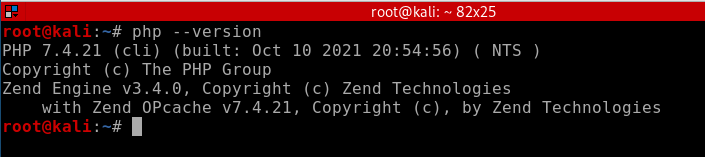
You can verify the PHP version after installation using the following command.
# php --version👁 verifying php installation on LinuxAs you can see the output PHP version shown that means we have successfully installed PHP in our system.