|
VOOZH | about |
|
VOOZH | about |
To create a Todo App using PHP and MySQL, you'll first need to set up a MySQL database to store the tasks. Then, use PHP to create a web interface where users can add, edit, and delete tasks. PHP will handle the backend logic, such as connecting to the database and performing CRUD operations. Finally, use HTML and CSS to design the frontend interface, making it user-friendly and visually appealing.
Note: First, you need to install a local server like XAMPP to run PHP scripts on your device. After setting up the server, follow the steps below.
Run the local server and create a New Database namely "todo" in it. Once the database is created, create a table named "task" in this database. Use the code mentioned below to create this table.
CREATE TABLE `task` (
  `task_id` int(10) PRIMARY KEY,
  `task` varchar(250) NOT NULL,
  `status` varchar(30) NOT NULL
);
INSERT INTO `task` VALUES
(1, 'Read an article on React.js', 'Done'),
(2, 'Organize a meeting', 'Pending');
ALTER TABLE `task`
  MODIFY `task_id` int(10) AUTO_INCREMENT, AUTO_INCREMENT=3;
Inside the folder, create a file named - "config.php". Inside this file used the below mentioned code to establish a connection with the database. So that you can access the database directly from the application.
<?php
$db = mysqli_connect("localhost", "root", "", "todo")
 or
 die("Connection failed: " . mysqli_connect_error());
?>
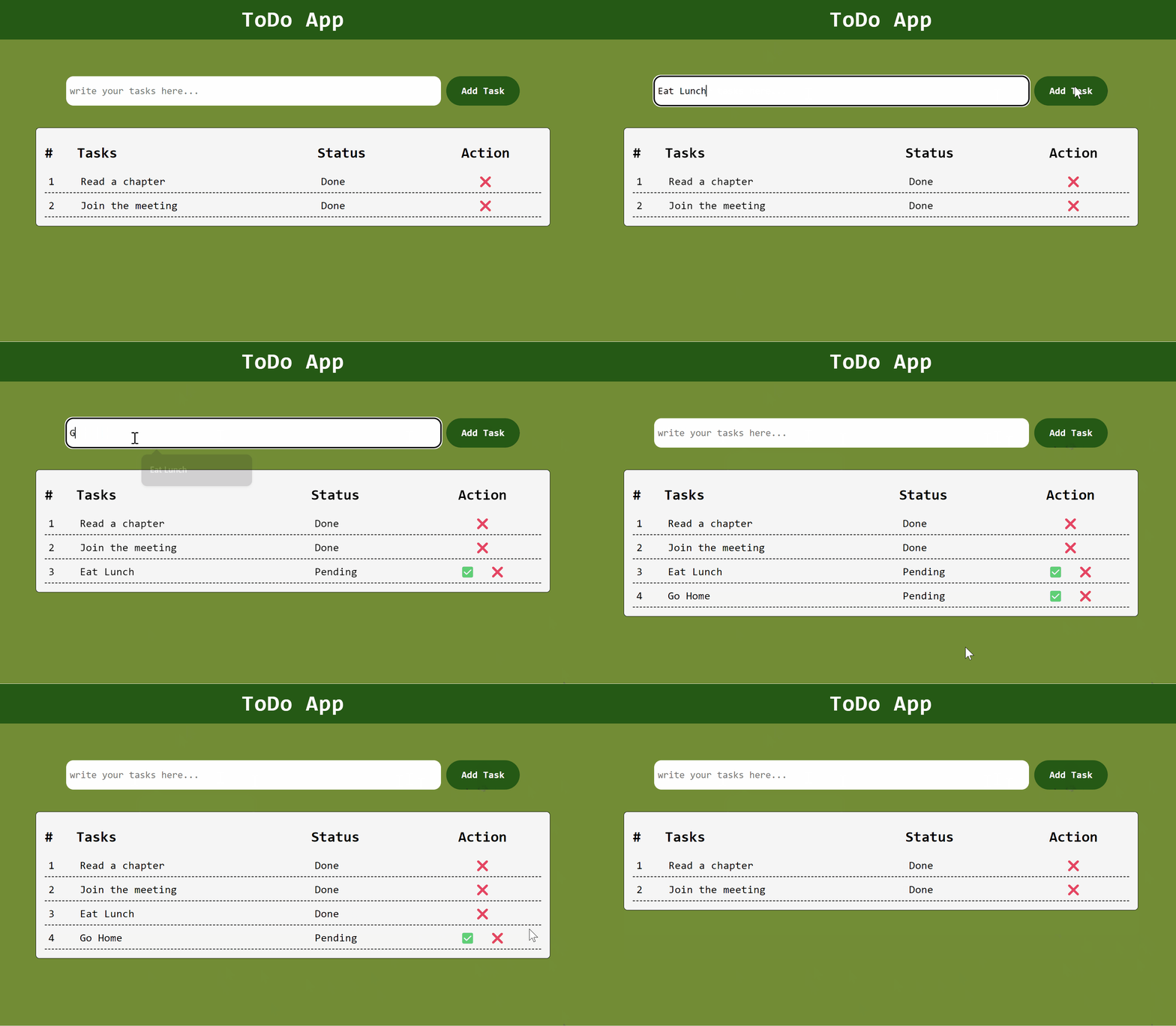
Example: Implementation to create a todo app.
Output: