|
VOOZH | about |
|
VOOZH | about |
Opening a PDF file in a web browser using PHP involves serving the PDF directly to the client’s browser. This is achieved by setting the appropriate HTTP headers (Content-Type and Content-Disposition) in PHP, which instructs the browser to display the PDF instead of downloading it.
Note: PHP doesn't read PDFs but passes them to the browser. If stored in XAMPP's htdocs, no file path is needed.
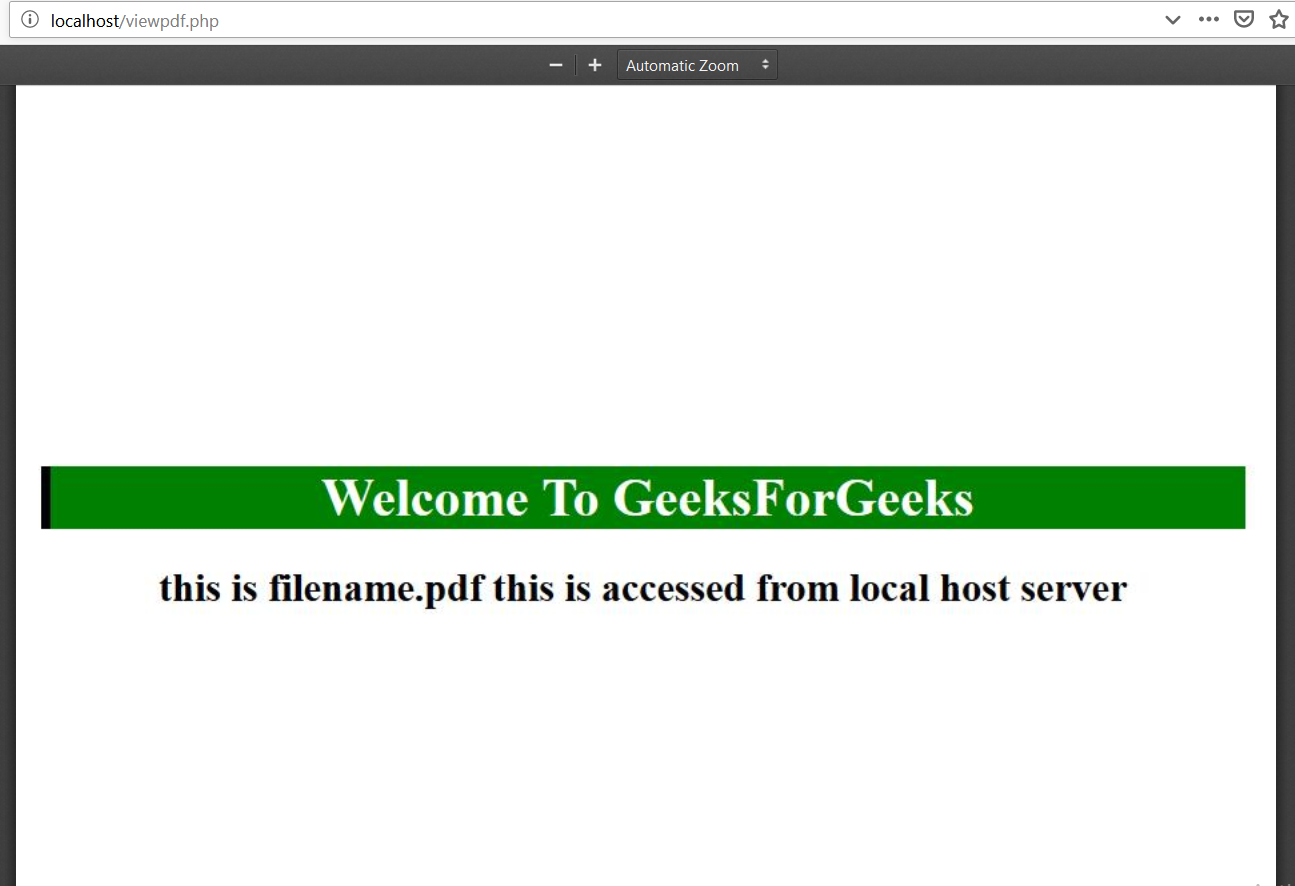
Example 1: This PHP script serves a PDF file to the browser by setting headers for content type and disposition. It uses @readfile($file) to pass the PDF for inline display or download.
Output:
👁 ImageExample : This PHP script displays a PDF in the browser by specifying its server path. It sets the Content-type to application/pdf and Content-Length headers, then uses readfile() to output the file.
Output:
👁 ImagePHP is a server-side scripting language designed specifically for web development. You can learn PHP from the ground up by following this PHP Tutorial and PHP Examples.