|
VOOZH | about |
|
VOOZH | about |
The Writing Settings in WordPress offer a range of configurations that help you control your content creation and publishing experience. These settings are important for managing how you add and edit posts, pages, and other types of content, as well as for optimizing how your content is delivered to your audience.
WordPress Writing Settings allow you to customize various aspects of the content creation process on your website. These settings influence how posts and pages are composed, how content is published remotely, and how updates are sent out.
Follow these steps to easily navigate and configure your WordPress Writing Settings:
Step 1: Log in to Your WordPress Dashboard
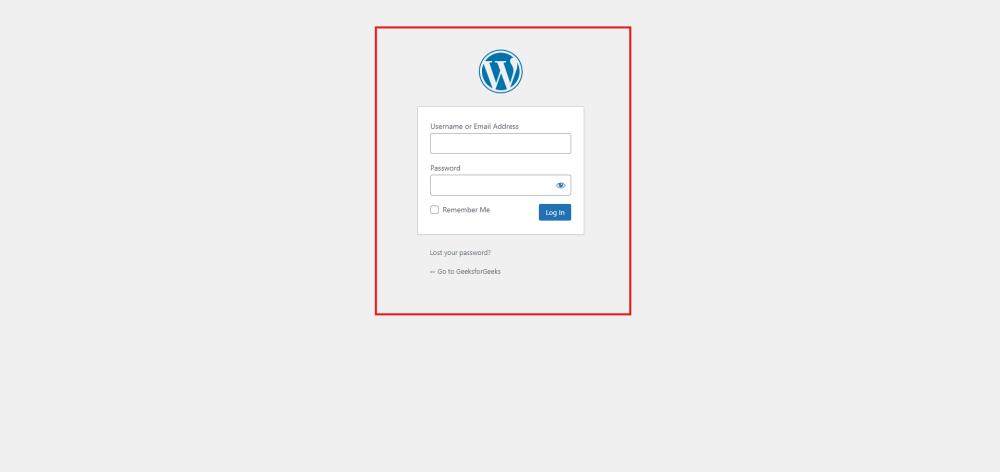
Go to your WordPress login panel by appending /wp-login.php to your site’s URL (e.g., yourwebsite.com/wp-login.php).
Enter your username and password, then click Log In .
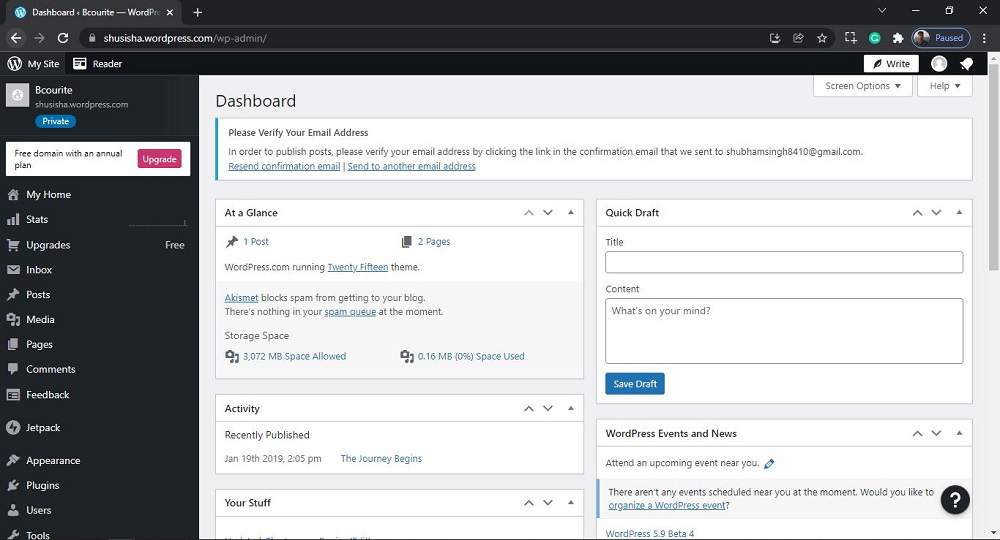
After login into your own WordPress, you will be able to see a dashboard in a similar way to this:
Step 2: Access the Writing Settings
In the WordPress Dashboard, locate the Settings menu on the left-hand side.
Click on Settings, then select Writing.
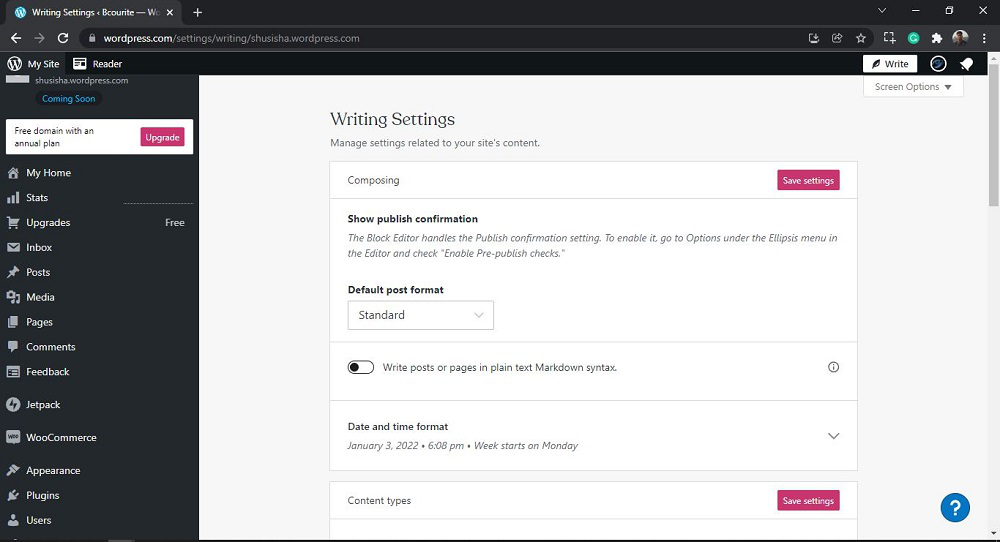
After clicking on Writing, you will see a similar Page like this:
Step 3: Explore the Writing Settings Sections
The Writing Settings page is divided into several sections, each controlling different aspects of your writing and content publishing experience. Here’s a detailed breakdown:
1. Composing:
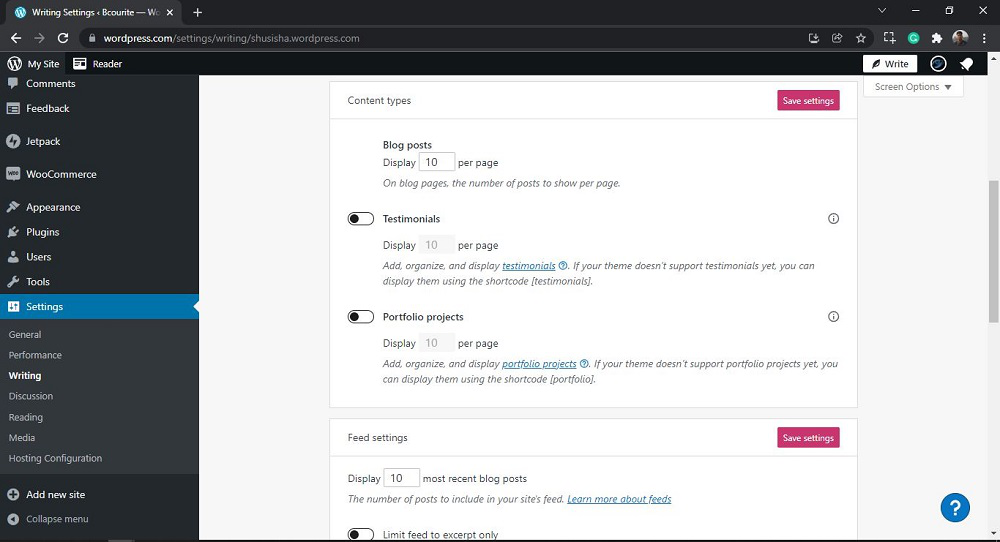
2. Content types: Here you can manage Blog posts, Testimonials, and Portfolio projects.
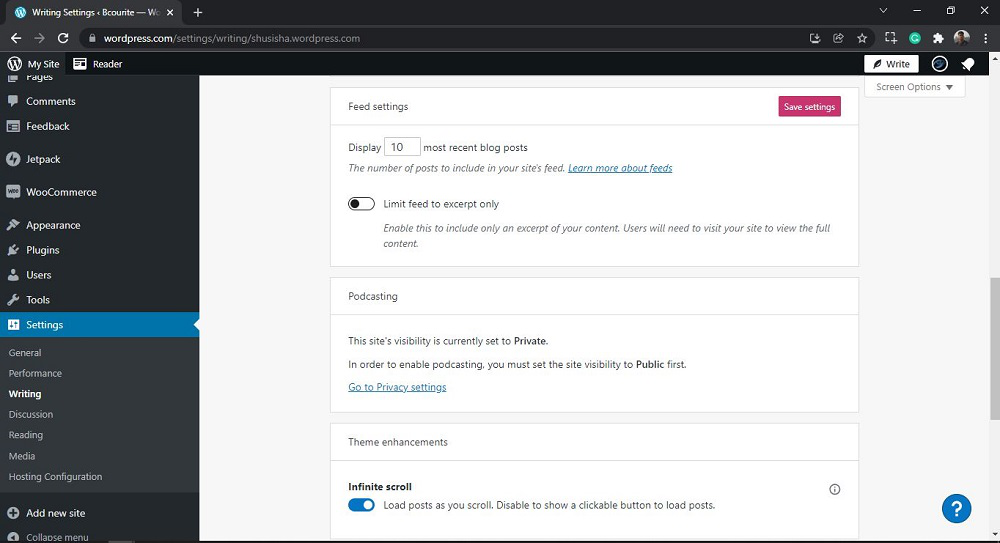
3. Feed settings: Here you can manage the number of posts to include in the site's feed.
4. Podcasting: This writing setting is used to set site visibility, currently it is set to Private.
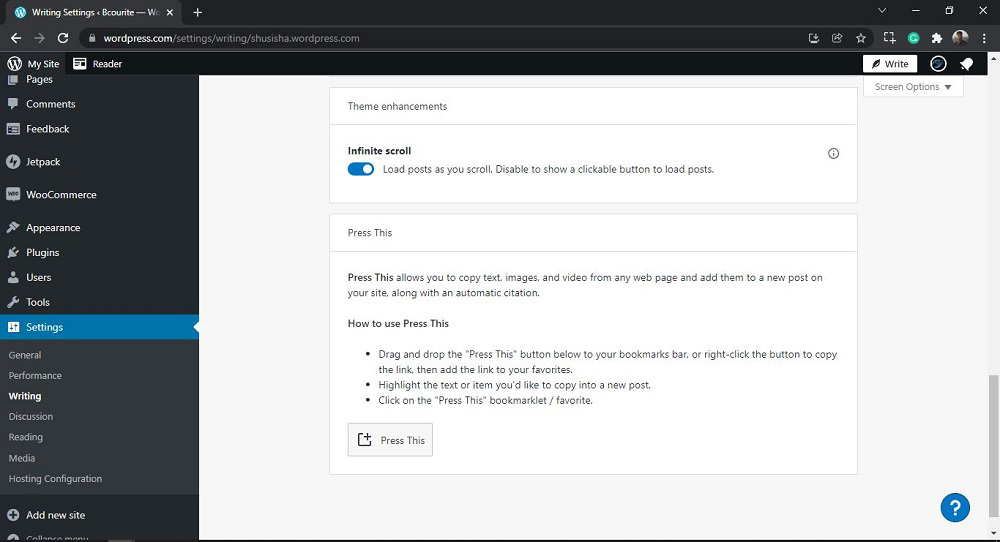
👁 WordPress Writing Setting5. Theme enhancements:
Press This: Press This is one of the writing settings and it allows you to copy text, images, and video from any web page and add them to a new post on your site, along with an automatic citation. This topic will be discussed with screenshots in a different article.
👁 WordPress Writing SettingThat’s it, you have now successfully learned how to go through the Writing Settings in the WordPress website.
WordPress writing setting plays a crucial role in tailoring your website’s content management experience. By understanding and configuring these settings, you can enhance your editorial workflow, improve SEO, and create a seamless reading experience for your audience.
Remember to optimize your permalinks , choose the right default post category , and set up post formats if needed. Additionally, consider enabling distraction-free writing mode for a focused writing environment.
Whether you’re a blogger, journalist, or business owner, mastering the WordPress Writing Setting will empower you to create compelling and engaging content that resonates with your readers. Happy writing!
People Also View: