|
VOOZH | about |
|
VOOZH | about |
Rust is a blazing fast and memory-efficient static compiled language with a rich type system and ownership model. It can be used to power performance-critical services while guaranteeing memory-safety and thread-safety, empowering developers to debug at compile-time. In addition to that Rust has great documentation and a user-friendly compiler with top-end tools like integrated package managers and multi-editor with features like type inspection and auto-completion. Rust prevents all the crashes, and it is very interesting that rust is safe by default like JavaScript, Ruby, and Python. This is much powerful than C/C++ because we cannot write the wrong parallel code you can never see fault in rust. It is very fast in representing a lot of programming paradigms very well.
In this article, we will look into the process of installing Rust in your system.
To install Rust in a Unix system like Linux or macOS use the below command in the terminal:
$ curl https://sh.rustup.rs/ -sSf | sh
The above command will download a script to install Rust on your system and after everything goes well, you'll get the following message on the terminal:
Rust is installed now. Great!
At this stage, you have successfully installed Rust programming language in your system.
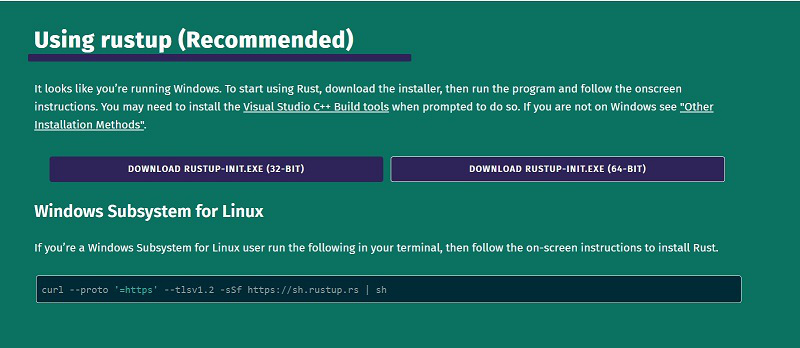
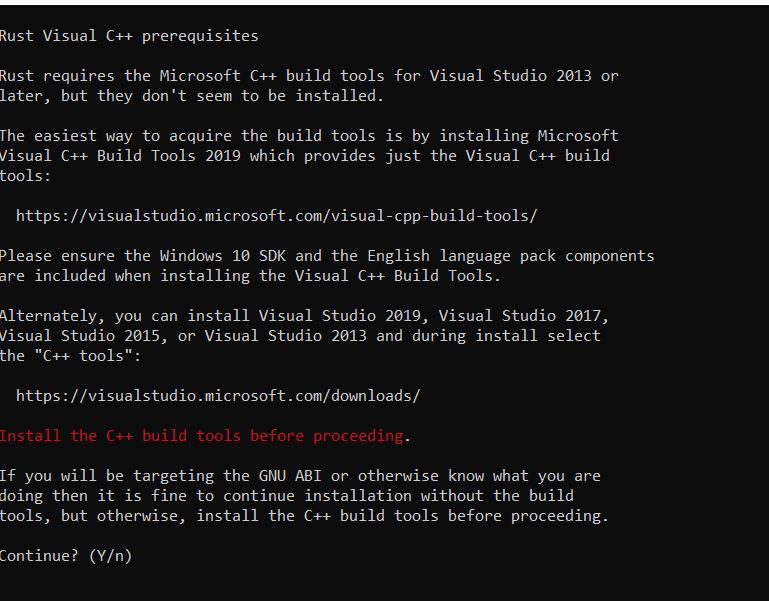
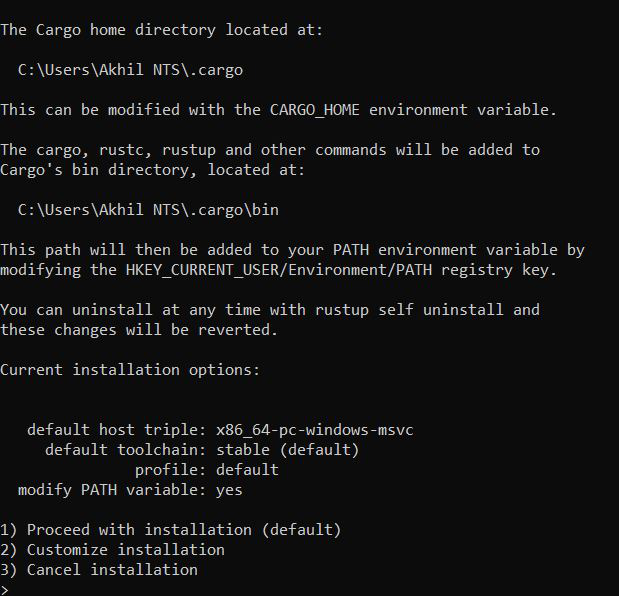
To install the Rust programming language on a Windows system follow the below steps:
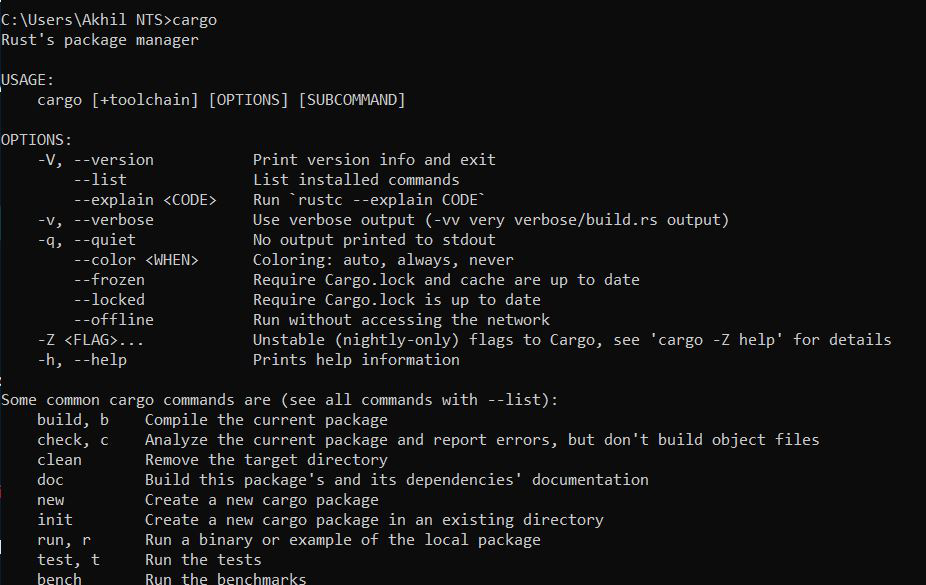
You can use the below command to see all the commands that you can use:
cargo👁 Image
Cargo is a package manager for rust like npm or yarn.
Congratulations You have successfully installed Rust in your system.