In MATLAB, we can plot different types of modules like 2d plotting and 3d plotting. In this article, we will see what are the various types of 3D plotting.
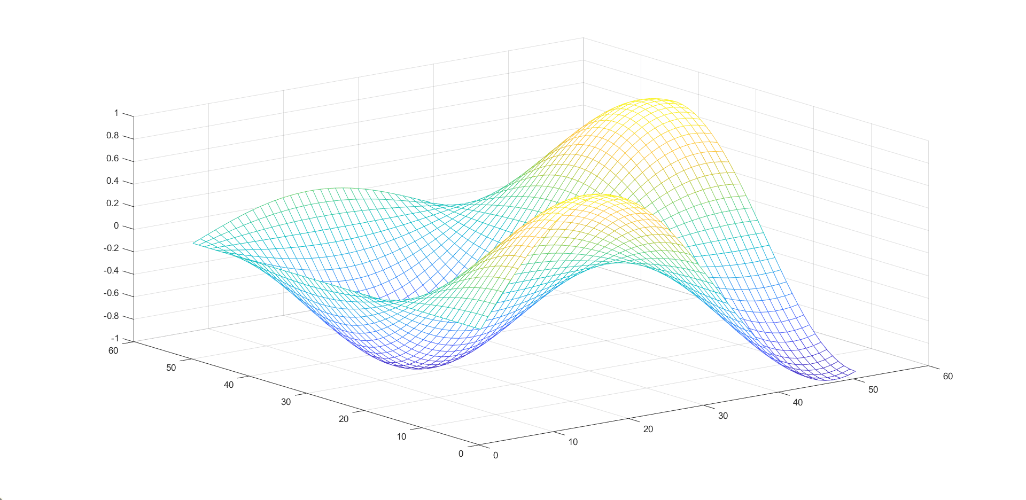
- Mesh Plot: A mesh plot is a 3d surface that creates different types of meshes for different types of expression. To create mesh we have to give the values x and y for z, (z= f(x, y)). For plotting the mesh plot it has mesh() which will generate the 3d surface. It has solid edge color but no face color.
Syntax:
mesh(Z)
Example:
Output:
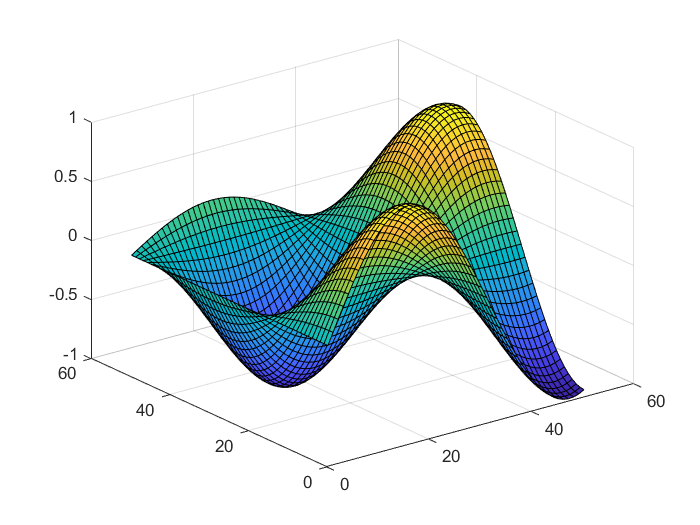
👁 Image- Surface plot: A surface plot is a 3d surface that creates different types of surfaces for different expressions. To create a surface we have to give the values x and y for z, (z= f(x, y)). For plotting the surface plot it has surf() which will generate the 3d surface. It has solid edge color and solid face color
Syntax:
surf(Z)
Example:
Output:
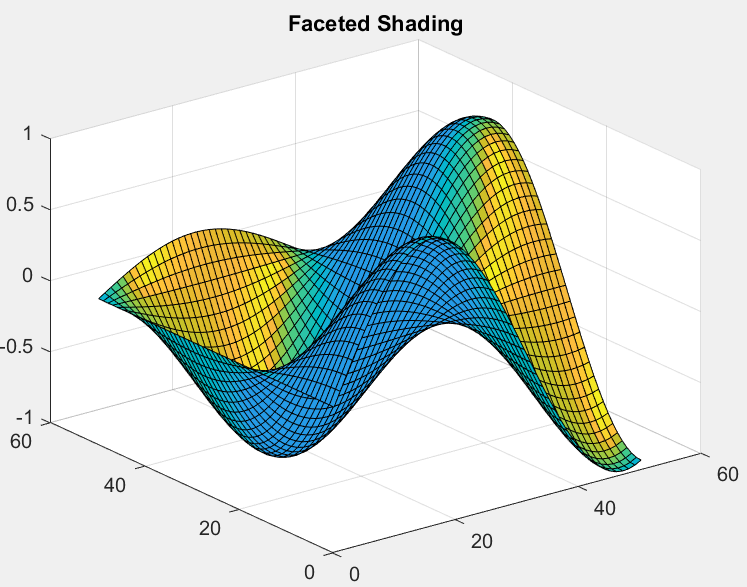
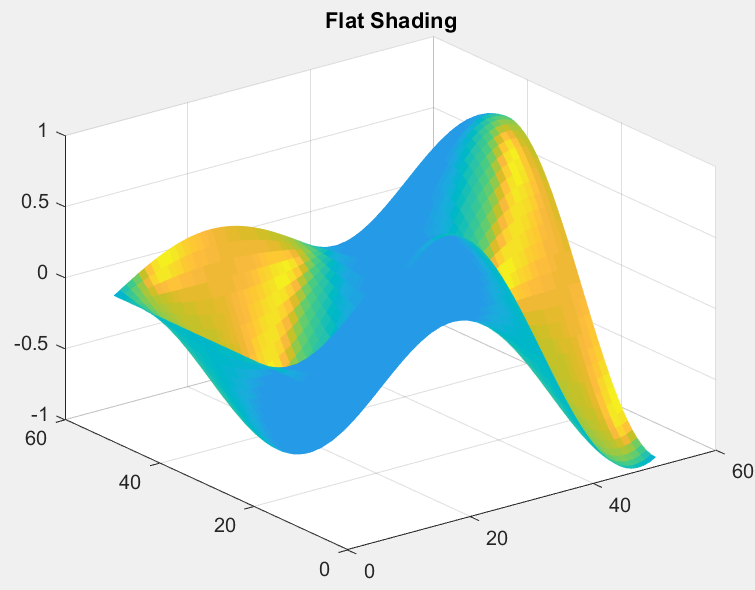
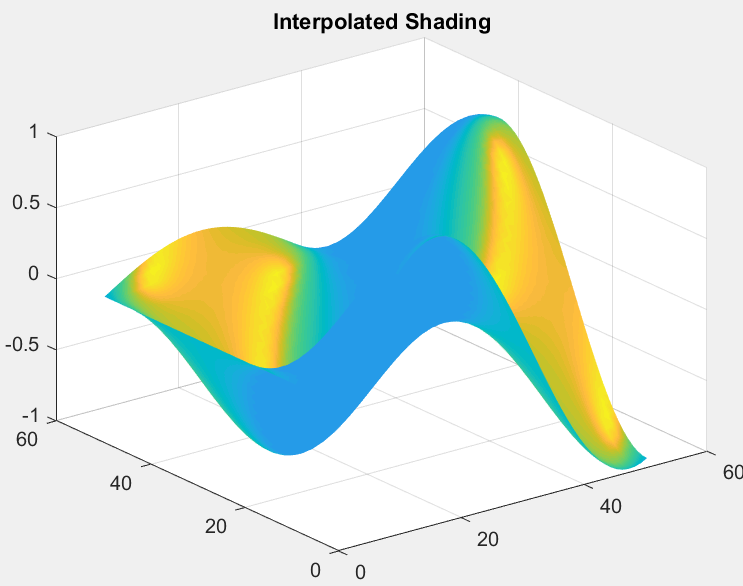
👁 Image- Surface plot(with shading): A surface plot that creates a three-dimensional surface plot that has solid edge colors and solid face colors and also has shading. In surface with shading, we have to give the values x and y for z, (z= f(x, y)). For plotting the surface plot it has surf(z) is used for 3d plotting.
Syntax:
surfl(z)
There are three types of shading available:
- shading flat
- shading faceted
- shading interp
Example:
Output:
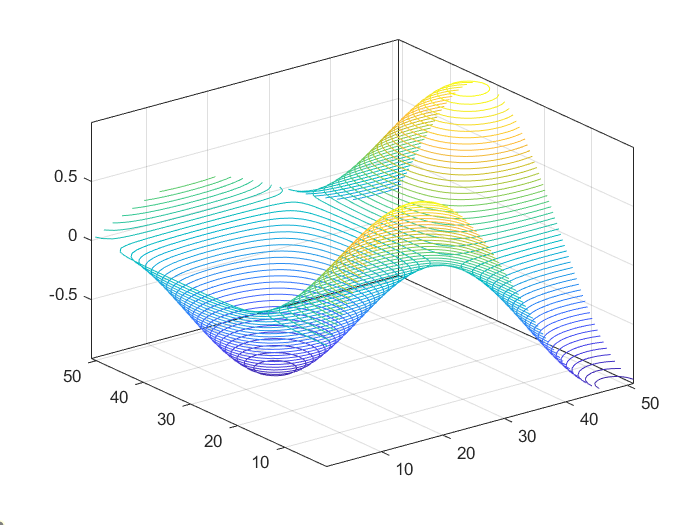
👁 Image👁 Image👁 Image- Contour plot: A contour plot is also called a line plot. To plot contour it has x, y variables which are used to give the values for z, (z=f(x, y)). The x and y variables are usually in a grid called meshgrid.
Syntax:
contour(Z)
Example:
Output:
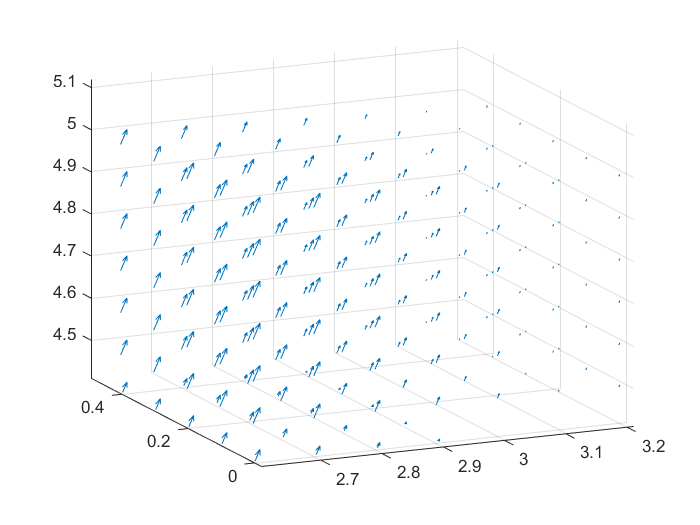
👁 Image- Quiver plot: A quiver plot or vector plot is a type of plotting that gives directional components of u, v, w using the cartesian components x, y, and z. For plotting of quiver plot use quiver3().
Syntax:
quiver3(X, Y, Z, U, V, W)
Example:
Output:
👁 Image