|
VOOZH | about |
|
VOOZH | about |
MATLAB is a programming and numeric computing platform used by millions of engineers and scientists to analyze data, develop algorithms, and create models. For Image Reading in MATLAB, we use the image processing toolbox. In this ToolBox, there are many methods such as imread(), imshow() etc.
- imshow(I) : shows the grayscale image I in a figure.
- imshow(I,[low high]) : shows the grayscale image I, specifying the display range as a two-element vector.
- imshow(RGB) : shows the truecolor image RGB in a figure.
- imshow(BW) : shows the binary image BW in a figure. For 0 pixel will be black and for 1 pixel will be white.
- imshow(filename) : shows the image stored in the graphics file specified by filename.
- himage = imshow(___) : returns the image object created by imshow.
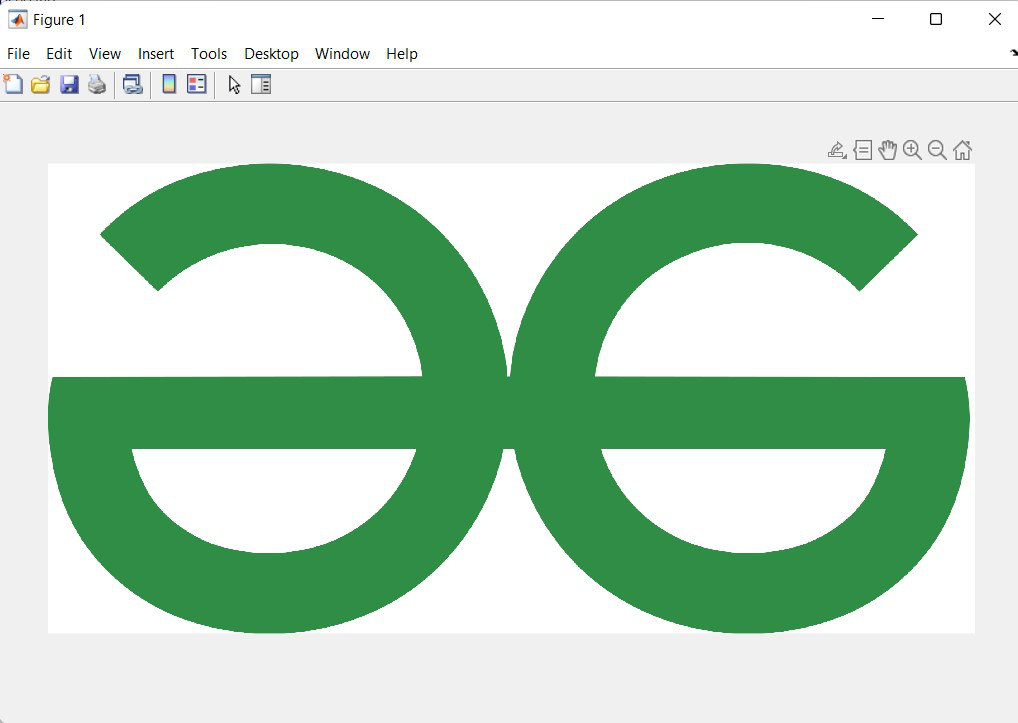
Example 1:
Output:
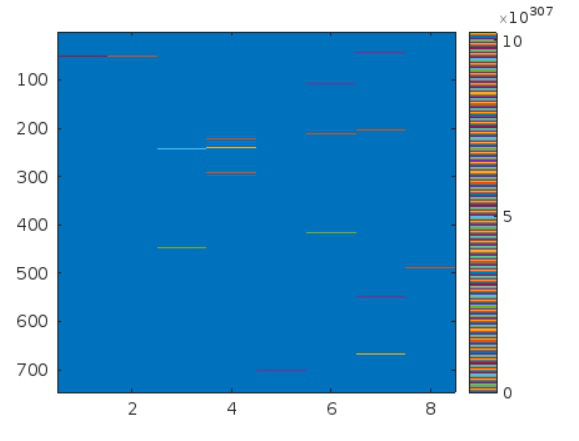
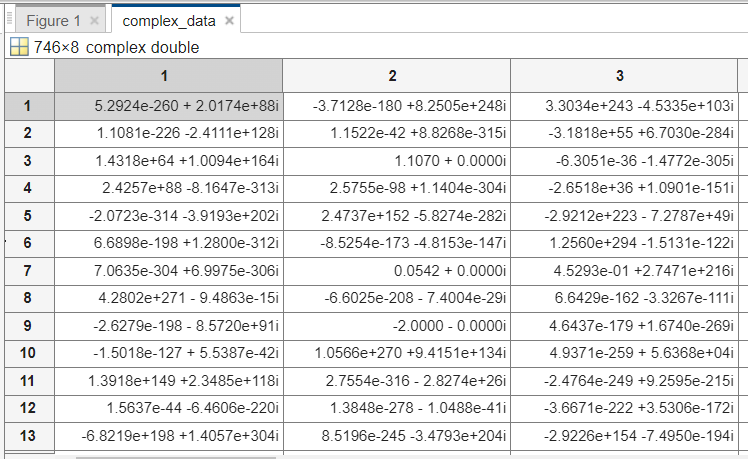
For reading a complex image in MATLAB, the real and imaginary parts of the pixel will be stored adjacent to each other. All the coherent systems generate complex data such as Synthetic Aperture Radar images, Ultrasound images, etc.
Example 2:
Output:
Complex Data Matrix After Execution: