|
VOOZH | about |
|
VOOZH | about |
In MATLAB, structures are a way to group related data, where different data have different data types. These different data types are stored as fields inside a data container created by the struct command. A struct could have any number of fields ranging from 0 to indefinite. The structs could be 1-Dimensional or multi-Dimensional.
Syntax:
struct_name = struct('Field_name_1',
Value_1, 'Field_name_2', Value_2, ...)
This command would create a structure of name struct_name and it'll have as many values as given in the command arguments of the struct(). Every field has its own reference name to be called by.
To create a structure with given fields and values, one can use the following example:
Example 1:
Output:
To hide this being displayed after every execution, add a ' ; ' at the end of the line to hide it.
Simply call the field name with the syntax <struct_name.field_name>. This would display the field's values in the command window. Here is an example of the same:
Example 2:
Output:
To add new elements in a field, simply use the command as
<stuct_name.filename(index)=value>.
Example 3:
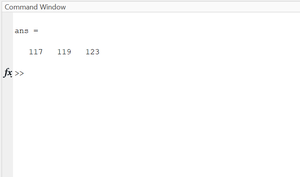
Output:
The above script displays the emp_ids before and after adding 129 values to the list.
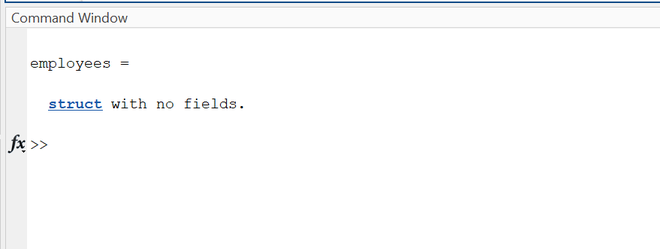
An empty structure i.e., a structure with no fields, could be created like
Output:
MATLAB allows users to create arrays of structures. The syntax is simple.
arr_struct = [struct(), struct(), ...]
This would create a 1-D array of n size, where n is number of structs.
Example 5:
Output:
However, it must be noted that every structure in the array must have the same field names because an array is a data collection of the same data type; in this case, the same struct type. Now one would access the structs in the array as an element of the array.