|
VOOZH | about |
|
VOOZH | about |
As the name suggests, Image shading means modifying the original image into its sharpened form by detecting the edges of the image. Here two words are combined to define a process one is "image" which means picture and another word is "Shading" which is defined as a process of redrawing or modifying the image in thin or thick lines or changing the color and saturation of the image to increase its quality or visibility.
Basically MATLAB is a programming language that also supports the GUI (Graphical user interface) in which we will work on Images. In it the formation of images is also possible by the points by the help of GUI we can redraw the original image into its reconstructed image or form.
As we know that all the concepts are about images so it's better if we can understand them with the help of examples. Let's see some examples for a better Understanding.
Before going to examples and their outputs let's see the steps which will be performed or followed in the process of Image Shading in the MATLAB IDE. These will be the important steps to perform Image shading of any original image because the program and process will be the same only we have to change the images or take images of different objects for sharpening of that images. let's see the steps that we have to follow :
Now we will write the code for image shading which works on different types of images Let's see the code:
Example 1:
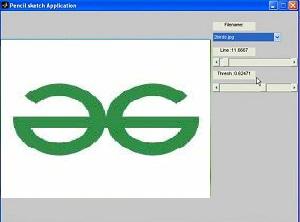
Output:
Output 1:
Let's see another example for a better understanding:
Output 2: