|
VOOZH | about |
|
VOOZH | about |
TypeScript enhances Next.js applications by adding static type checking and improves developer experience through type safety. Integrating TypeScript into your Next.js project helps catch errors early and improves code maintainability. It offers even greater productivity and robustness to your web development projects. In this article, we will discuss how to use NextJS in TypeScript.
Table of Content
TypeScript, a language developed and maintained by Microsoft, stands out as a popular choice among developers. Acting as a superset of JavaScript, it accommodates all valid JavaScript syntax seamlessly. By embracing TypeScript, you can enhance your JavaScript projects with static type-checking capabilities, ensuring error detection at compile time. Furthermore, TypeScript facilitates the integration of modern language features not yet supported in JavaScript. Importantly, TypeScript compiles down to plain JavaScript, ensuring seamless compatibility with browsers.
Combining Next.js with TypeScript yields a potent blend of advantages that elevate developers' experiences and enhance application quality. Using Next.js with TypeScript provides type safety, enhances developer experience, improves scalability, offers robust community support, future-proofs projects, and fosters code maintainability and collaboration.
Step 1: Create a NextJS App using below command
npx create-next-app my-next-app --typescriptStep 2: Navigate to the project directory
cd my-next-appStep 3: Install the typescript package globally using the below command
npm install -g typescriptThe updated dependencies in the package.json file are:
"dependencies": {
 "next": "14.2.1",
 "react": "^18",
 "react-dom": "^18"
},
"devDependencies": {
 "@types/node": "^20",
 "@types/react": "^18",
 "typescript": "^5"
}
Step 4: Run the development server
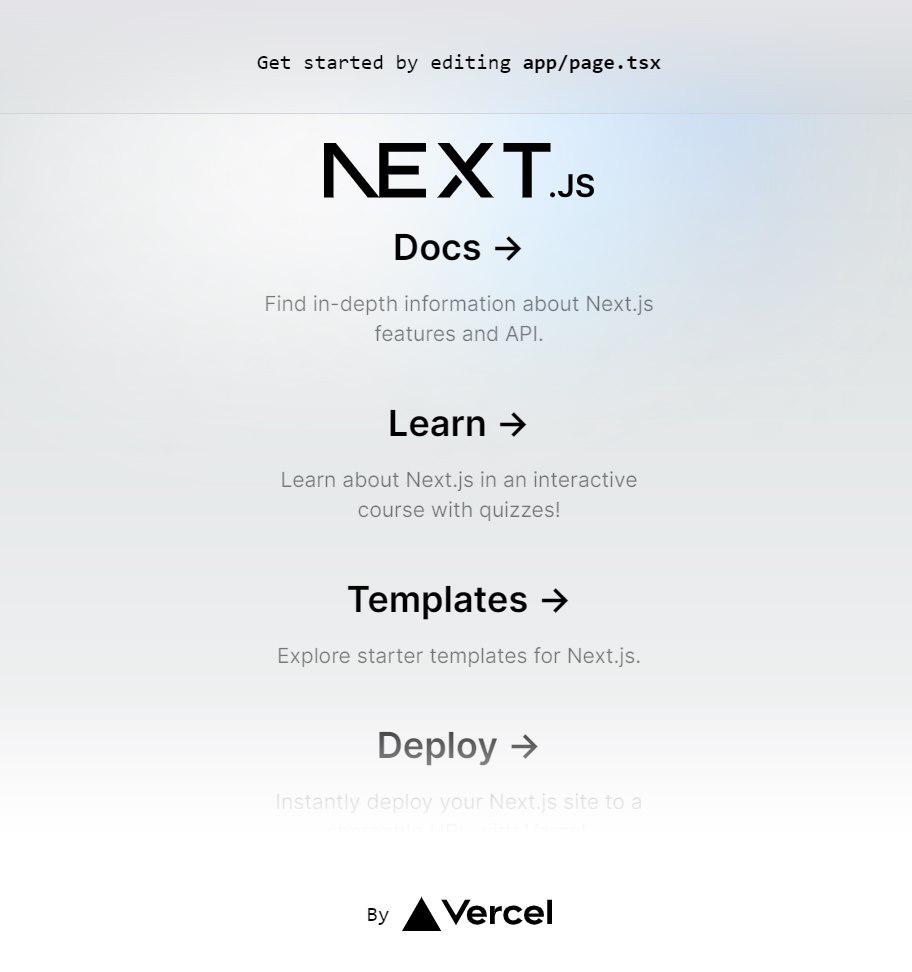
npm run devExample: The below example contains default page and layout files of next.js project wrtten in tsx.
Output:
Example 1: Create a TypeScript component
Inside the pages directory of your project, create a new TypeScript file named hello.tsx with the following content.
Example 2: Update the index page
Modify the index.tsx file in the pages directory to import and render the Hello component.
Output:
Using TypeScript with Next.js enhances your development experience by providing type safety, catching errors early, and improving code readability. By following these steps, you can easily integrate TypeScript into your Next.js project and leverage its benefits for a more robust application.