|
VOOZH | about |
|
VOOZH | about |
When used with React, TypeScript improves development speed, maintainability, and scalability by adding static typing, which provides better error detection and enhanced code clarity.
To get started with TypeScript in React, you can either create a new React app with TypeScript or add TypeScript to an existing project.
To create a new React app with TypeScript, run:
npx create-react-app my-app --template typescript
cd my-app
npm startTo add TypeScript to an existing project, run:
npm install --save-dev typescript @types/react @types/react-dom @types/nodeUpdate tsconfig.json to configure TypeScript settings.
Below are the best practices for using typescript in react:
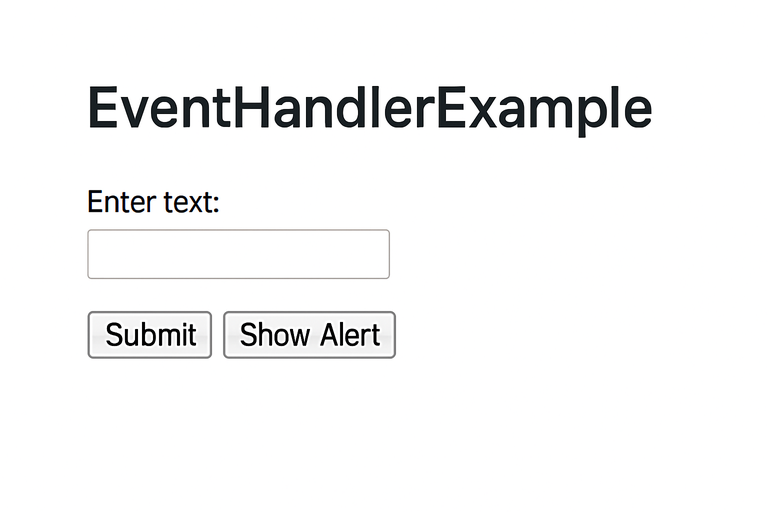
Output:
Intial Render:
Hello, Mahima!
[ Show Birthday Greeting ] ← (button)
After clicking the Button
Hello, Mahima!
🎉 Happy Birthday! 🎉
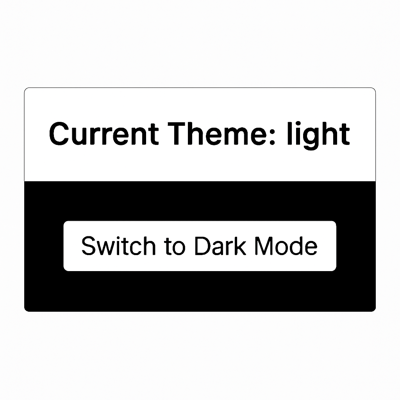
Output:
Hello, Mahima !
🎉 Happy Birthday! 🎉Output:
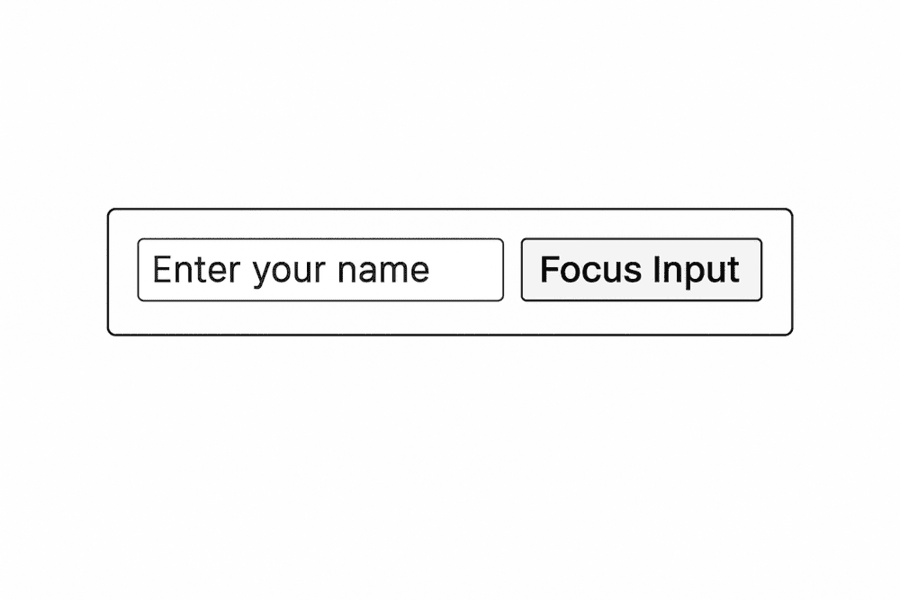
Output:
Output:
{
 id: 1,
 name: 'Mahima',
 email: 'mahima@example.com',
 isActive: true,
 address: {
 street: '123 Main St',
 city: 'Delhi',
 state: 'DL',
 zipCode: '110001'
 },
 hobbies: [ 'Reading', 'Coding' ],
 company: {
 name: 'GeeksforGeeks',
 location: {
 street: '456 AI Street',
 city: ',Noida'
 state: 'KA'
 }
 }
}Output:
Fruit List
1. Apple
2. Banana
3. CherryOutput:
{
 "compilerOptions": {
 "strict": true
 }
}Here are some common TypeScript errors you may encounter in React and the solutions to resolve them.
Problem: Trying to access the undefined property
interface User {
 name: string;
}
const user: User = { name: 'John' };
console.log(user.age); // Error: Property 'age' does not exist
Solution: In the interface define all the properties
Problem: Wrong prop types are passed
const User: React.FC<{ name: string }> = ({ name }) => <p>{name}</p>;

<User name={123} />; // Error: Type 'number' is not assignable to type 'string'
Solution: Make sure that the passed props matches the expected type
Problem: Trying to access properties of an undefined object.
let user: { name?: string };
console.log(user.name.length); // Error
Solution: Use optional chaining ?. or provide a default value.
console.log(user?.name?.length ?? 0);