 |
VOOZH | about |
|
VOOZH | about |
Ever stare at a locked-up PDF, yearning to tweak a typo or add a paragraph? PDFs, with their pixel-perfect layouts, are a boon for document sharing, but editing them can feel like wrestling a stubborn mule. Thankfully, free PDF to Word converter apps come to the rescue, letting you transform your uneditable PDFs into flexible Word documents with ease.
Imagine:
With the right free PDF to Word Converter Apps, you can easily supercharge your editing skills.
But wait, there's more:
So, ditch the download struggle and embrace the power of free PDF to Word converter apps! Get ready to unlock the hidden potential of your locked-up PDFs and unleash your inner editing ninja.
In the next sections, we'll explore the top contenders in the free PDF to Word converter arena.
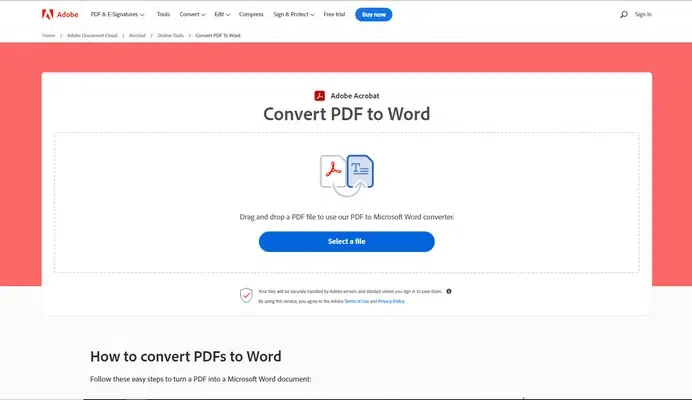
The creator of PDF, Adobe has provided the ideal portal for PDF to Word conversion for free. You can also download its latest version for a free trial period. The premium versions add more features and tools to create, edit, and convert PDF files into many other formats.
👁 Adobe free PDF to Word ConverterFeatures:
- The browser version does not require any installation
- Preserves format with the highest accuracy
- Optical character recognition (OCR) feature available
- Convert batches of PDF files to Word docs
Pricing: It is free to use. The premium online service with other tools costs $9.99/month.
Operating Systems: Windows, macOS, Web
Reason to Buy:
- Seamless integration with Adobe tools
- Accurate formatting retention
- OCR for scanned documents
Reason to Avoid:
- Limited features in the free plan
- Potential file size restrictions
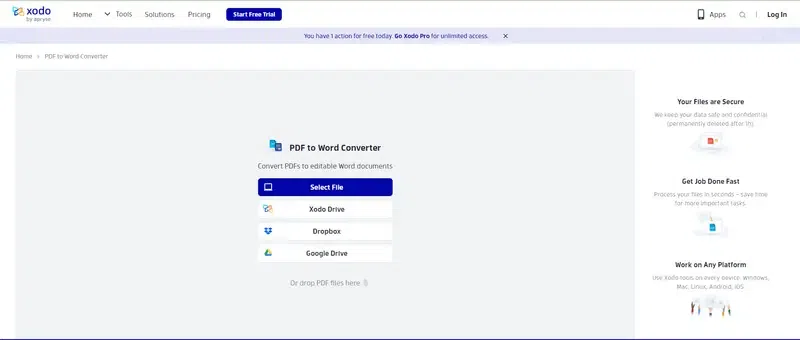
XODO is one of the best Free PDF to Word Converter Apps one can access online. This web app allows you to easily select files from cloud storage and devices to convert PDF into Word. Xodo also allows editing DOCX files online.
👁 XODO free PDF converterFeatures:
- Easy conversion of scanned and native PDFs
- OCR tool available
- Can edit Word files without MS Word
- Convert PDF files to other formats
- Split, merge, edit, and compress PDFs
Pricing: It offers a 7-day free trial period. The XODO Pro version costs $9/month for one user. The XODO Pro version for multiple users has a customized pricing label.
Operating Systems: Windows, Android, iOS
Reasons to Buy:
- Extensive annotation tools
- Real-time collaboration features
- Smooth conversion process
Reasons to Avoid:
- Can be slower with large files
- Occasional formatting issues
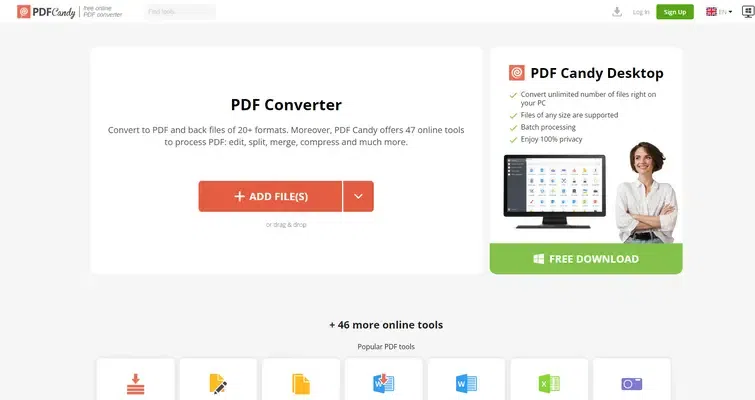
PDF Candy is a free PDF to Word converter app that users can access online. It is a web-based app that can be accessed online using any browser. The user interface is very clean and easy to understand to access 19 tools related to PDF conversion.
👁 PDF Candy free PDF converterFeatures:
- Clean and easy UI
- 19 PDF conversion tools
- No installation required
- Convert PDF files to many other formats including OCR
Pricing: The free version allows only one conversion per hour. The monthly pack costs $7.29/month. The yearly pack costs $120 as a one-time fee.
Operating Systems: Web-based (accessible on any device with an internet browser)
Reasons to Buy:
- Supports over 40 file formats
- No software installation needed
- Easy to use interface
Reasons to Avoid:
- Free version has conversion limits
- Upload and download speeds can vary
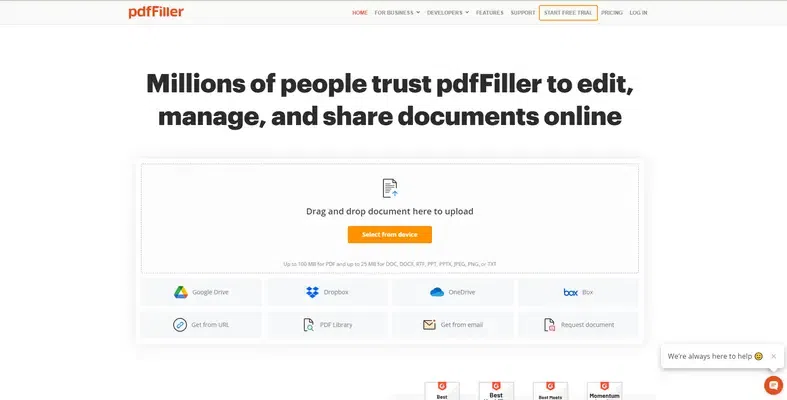
pdfFiller is a resourceful PDF to Word converter. It is one of the simple and free PDF converters users can access online. Also, the conversions are really fast and accurate. Within a few steps, you can upload files and select the format to get them converted.
👁 ImageFeatures:
- Easy UI to use online
- No installation required
- PDF compression and conversion are easy
- PDF file editing options are available
- OCR feature is available
- Lets you select the specific pages or sections to convert
Pricing: It offers a 30-day free trial period. It has pricing for Individuals and Business. The Business Basic plan starts from $8/month while the Individual Basic plans starts from ~$8.4/month
Operating Systems: Web-based
Reasons to Buy:
- Easy form filling and signing
- Legal compliance features
- Cloud storage for documents
Reasons to Avoid:
- Highly Internet Dependent
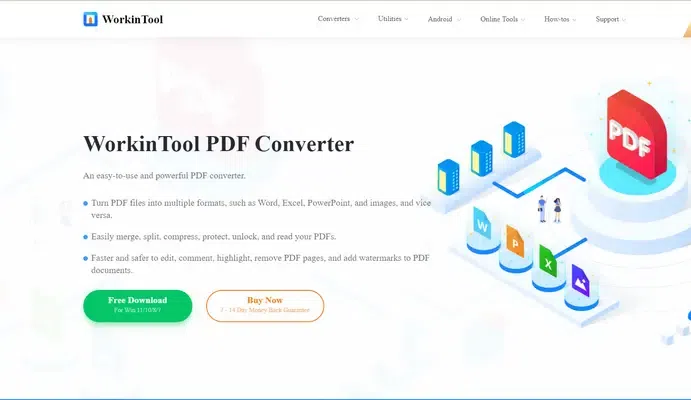
WorkinTool PDF Converter is one of the most popular PDF to Word converter apps you can access on a browser. It can combine, split, merge, and edit PDF files. This web app is compatible with Mac OS and Windows.
👁 WorkinTool PDF ConverterFeatures:
- Convert PDF files to many other formats
- Remove, edit, and combine pages to form a new PDF file
- No installation required
- Quality is preserved while compressing
- The free version supports file sizes up to 0.5 MB
Pricing: It is free to use on Windows 7/8/10/11. The Lifetime pack costs $31.96. The annual pack costs $29.95/year. The monthly pack costs $10.95/month.
Operating Systems: Windows
Reasons to Buy:
- Batch conversion for multiple files
- Accurate OCR for scanned documents
- Simple interface
Reasons to Avoid:
- Windows-only
- Limited editing features
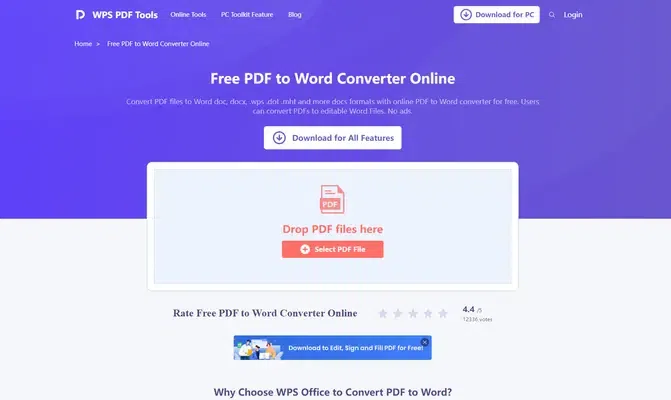
WPS's free PDF to Word Converter Apps is a prominent option on this list. It is popular for converting PDF files to Word docs in batches without distorting the layouts and images. The features of documents are preserved well. It is available in Windows and Android app versions.
👁 WPS PDF to Word ConverterFeatures:
- Easy splitting and merging PDF files
- A batch conversion option is available
- Preservation of the original layout
- Available in browser and mobile app version
Pricing: The desktop version is free for Windows OS (XP to 10). The annual plan costs $19.99/year.
Operating Systems: Windows, macOS, Linux, iOS, Android
Reasons to Buy:
- Part of the comprehensive WPS Office suite
- Fast and accurate conversions
- Easy integration with other WPS tools
Reasons to Avoid:
- Requires installation of WPS Office
- Limited features outside of the office suite
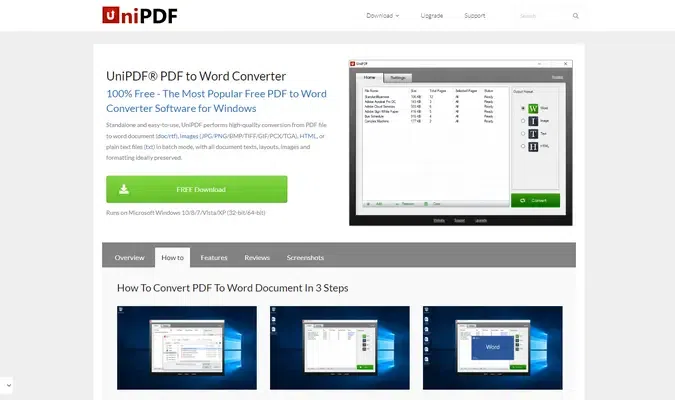
UniPDF is one of the most recommended free PDF to Word converters for faster conversion. The UI is clean and highly assistive to the new users. It keeps the text and image formatting of PDF files intact during conversion. The free version offers only three conversions daily.
👁 UniPDF free pdf to wordFeatures:
- Easy UI to work on
- Fast and simple PDF conversion to Doc
- Can convert images into conventional formats
- Works on Windows XP to 11 versions
Pricing: It has a free version. The Pro Expert version costs $29.97 for three PCs for lifetime use. Its Business version costs $99.97 for unlimited PCs and lifetime use.
Operating Systems: Windows
Reasons to Buy:
- Retains formatting well during conversion
- Offers advanced options like password protection
- Clean and straightforward interface
Reasons to Avoid:
- Windows-only
- No online version
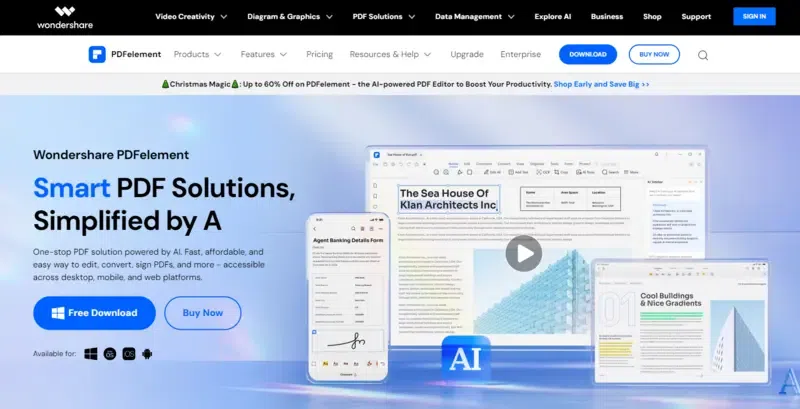
Wondershare PDFelement is one of the best free PDF to Word converter apps for Windows users. It offers Android and iOS app versions too. You can convert PDF files and even protect them. Users can also provide permissions for conversions.
Features:
- AI-powered UI
- Ideal for image-rich PDF conversion
- Available in desktop and mobile app versions
- Inbuilt tools for image, text, and content editing
Pricing: it offers a free Windows version. Its Perpetual Plan costs US159 for a lifetime subscription. Its yearly plan costs $129/year. Its 2-year plan costs $149.
Operating Systems: Windows, macOS
Reasons to Buy:
- Extensive editing and conversion features
- User-friendly interface
- Advanced OCR and security options
Reasons to Avoid:
- Free trial has limited features
- Paid plans can be pricey
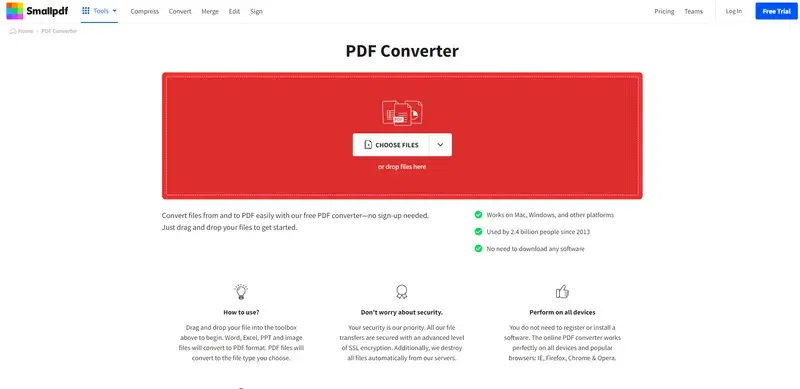
Smallpdf is one of the best free PDF to Word converters to use online. No installation or account creation is required. Simply upload your PDF files and get them converted to DOC files for free. You can also drag and drop files from devices or cloud storage.
👁 SmallPDF PDF to word converter appFeatures:
- No installation required
- No sign-up required
- Supports Windows, Mac OS and other operating systems
- Can convert PDF files to other conventional formats
Pricing: It is free to use.
Operating Systems: Web-based
Reasons to Buy:
- No software installation needed
- Variety of PDF tools beyond conversion
- Simple and intuitive interface
Reasons to Avoid:
- Free version has conversion limits
- Requires internet connection
Canva offers a free PDF to Word converter as a web app. Drag and drop or upload PDF files to convert them into Doc files hassle-free. You can also choose your design and other features online to complete editing the file.
Features:
- Easy conversion into Doc and other file formats
- Easy UI to understand
- Extract images and embed elements in PDF editing
- Easy sharing and viewing of files
Pricing: It is free to use
Operating Systems: Web-based
Reasons to Buy:
- Add visual elements to PDFs
- Easy-to-use design tools
- Integrates with other Canva features
Reasons to Avoid:
- Not ideal
Don't get stuck with a locked-up PDF! Picking the right free converter is easy when you know your needs. Here's what to consider:
What do you need to convert?
Who's using the converter?
Remember: Free converters often have limits on how much you can do. If you convert PDFs a lot, consider a paid version for more features.
Here's how to convert a PDF to Word for free in simple steps:
Step 1. Choose your conversion method:
Step 2. Prepare your PDF:
Step 3. Convert your PDF:
Step 4. Edit your Word document (optional):
Step 5. Download and Save (if applicable):
Bonus Tip:
Some free converters have limitations like daily quotas or watermarks on converted files. Upgrading to a paid version often removes these restrictions and unlocks additional features.
1. Time efficiency: Streamlines the process of converting PDFs to Word.
2. Preservation of original content: Retains the integrity of the original document and minimizes the risk of data loss or alteration.
3. Ease of collaboration: Facilitates collaboration by converting PDFs to a widely used and editable format.
4. Cost-Effective: Provides a cost-effective solution for businesses and individuals who need to convert PDFs to Word without investing in specialized software.
5. Simple and easy UI: Typically features an intuitive interface, making it easy for users with varying technical expertise to navigate and use.
6. Versatility: Offers versatility in handling various types of PDF documents with complex formatting, tables, and images.
7. Security features: Allows users to implement security measures on the converted Word document ensuring control.

.png)