VOOZH about

URL: https://www.geeksforgeeks.org/web-templates/design-a-subscription-page-using-html-and-css/

⇱ Design a Subscription Page using HTML and CSS - GeeksforGeeks


  • Courses
  • Tutorials
  • Interview Prep

Design a Subscription Page using HTML and CSS

Last Updated : 28 Apr, 2025

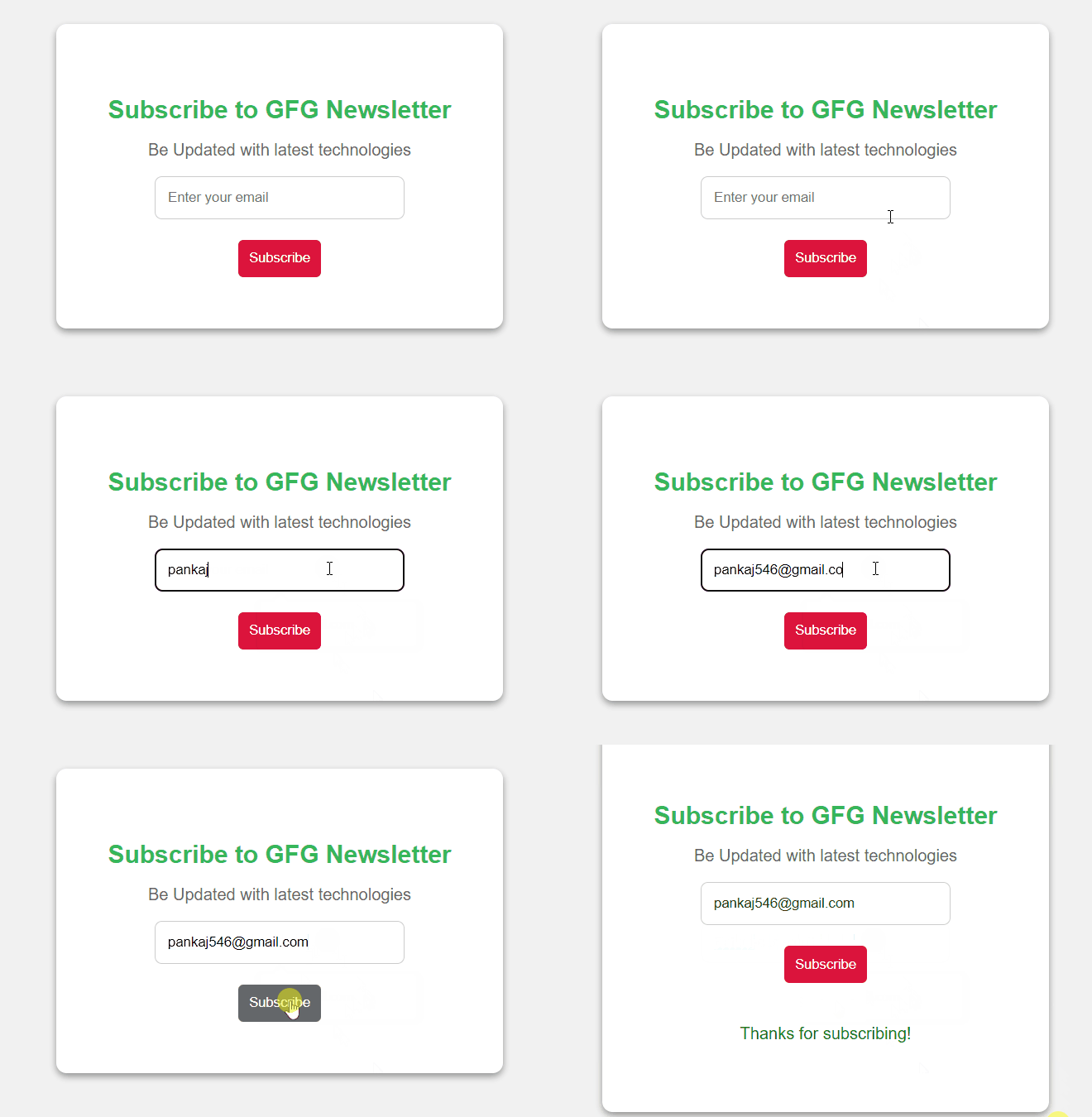
In this article, we will see how to design a Subscription Page using HTML and CSS. The subscription page is a popup that has an input field for email ID and a button to subscribe the newsletter. We create a card that have an input box and a submit button, enabling users to subscribe to any newsletter using their email address. Once subscribed, the user will receive a message thanking them for subscribing to the newsletter.

👁 Image

Approach

  • First create an HTML card and center in the window, including an input box for email, and a submit button.
  • Create a CSS file to style your card. Style the input box, paragraphs, and button to make it visually appealing.
  • Add JavaScript to listen for the form submission and prevent the default form submission action.
  • Use JavaScript to display a "Thanks for subscribing" message after submitting the form by changing its display property to "block".

Example: This example describes the basic implementation of a Subscription page using HTML, CSS, and JavaScript.


Output:

👁 gif
Output
Comment